helpline 01905 345891 email support@greytechnology.co.uk web www.gtechonline.co.uk
10
Using your trimmer
Fully charge the battery as described in the section Battery Charging and Recharging.
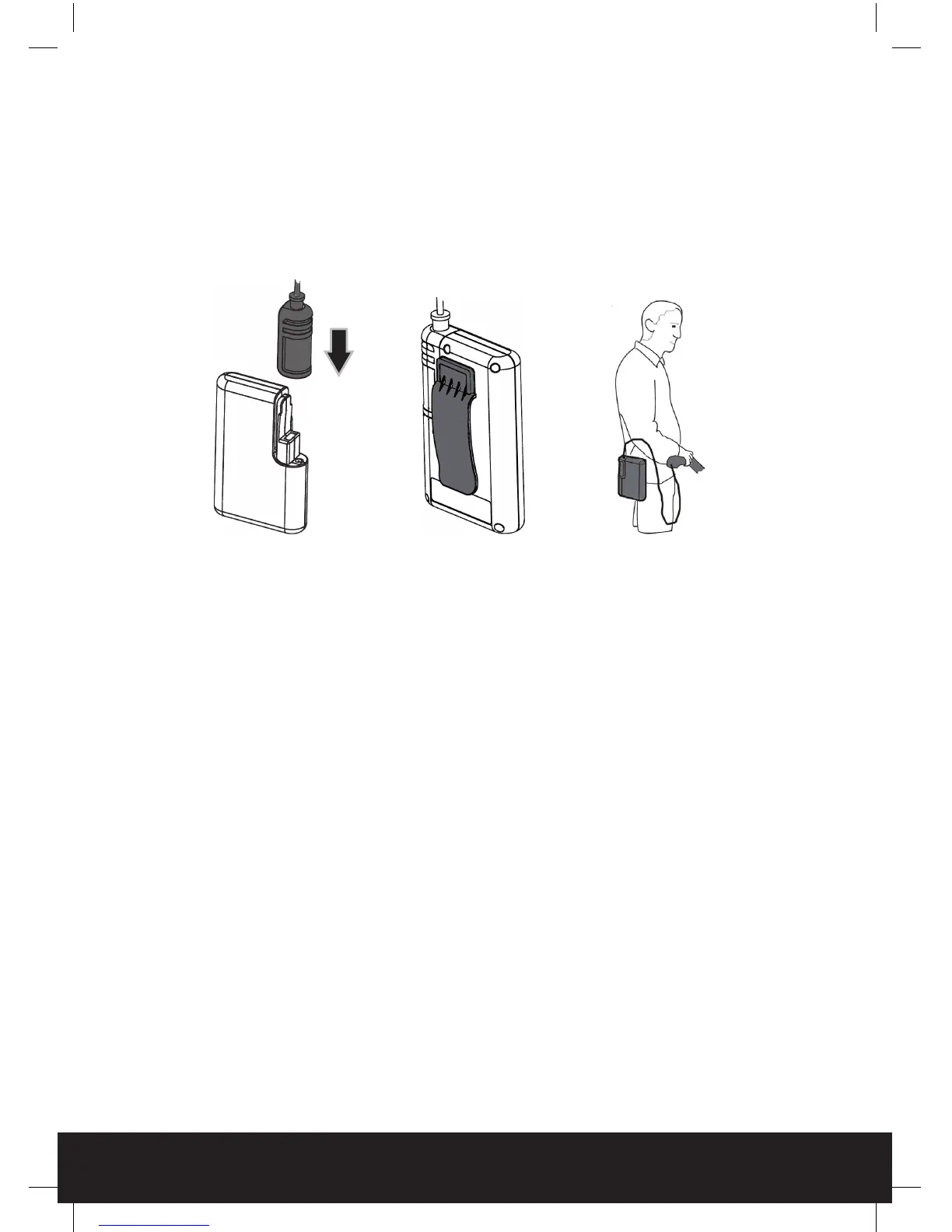
Push the battery connector onto the battery pack until it securely locates into place.
The battery pack can be carried in a pocket, or the clip fitted onto a waistband or belt.
Hold the trimmer with both hands. Stand in a secure and stable position.
Before cutting, check the hedge for any objects such as wire fences that could damage or jam
the trimmer blade.
WARNING: do not overload the hedge trimmer:
Attempting to force the trimmer to cut may damage the motor. To prevent overloading check
to see if the hedge is very thick or dense. Cut thick or dense foliage in stages with several lights
cuts as this will help reduce the load on the motor.
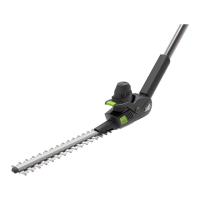
The maximum thickness of a branch that the HT01 will cut is 8.0mm. This may be reduced with
certain bush and shrub types.
HT01_UKManual2010v3.indd 10 25/03/2010 10:02


 To Next Page