15
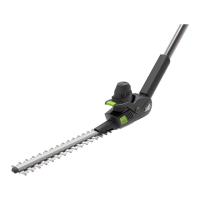
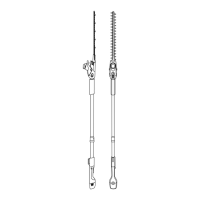
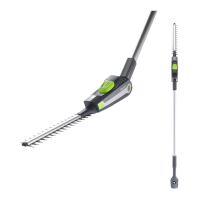
Reconnecting battery to hedge trimmer
For reconnecting the battery to your hedge trimmer, please refer to the instructions on
page 7 of this manual.
Charging the battery
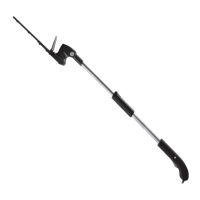
While charging the LEDs will progressively
pulse until all four are lit.
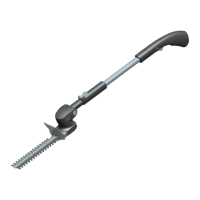
When the battery is fully charged the LEDs
will stop pulsing and remain green in colour.
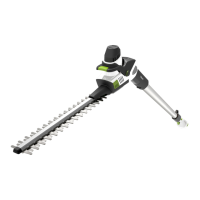
Connect the charger to the battery where
indicated.
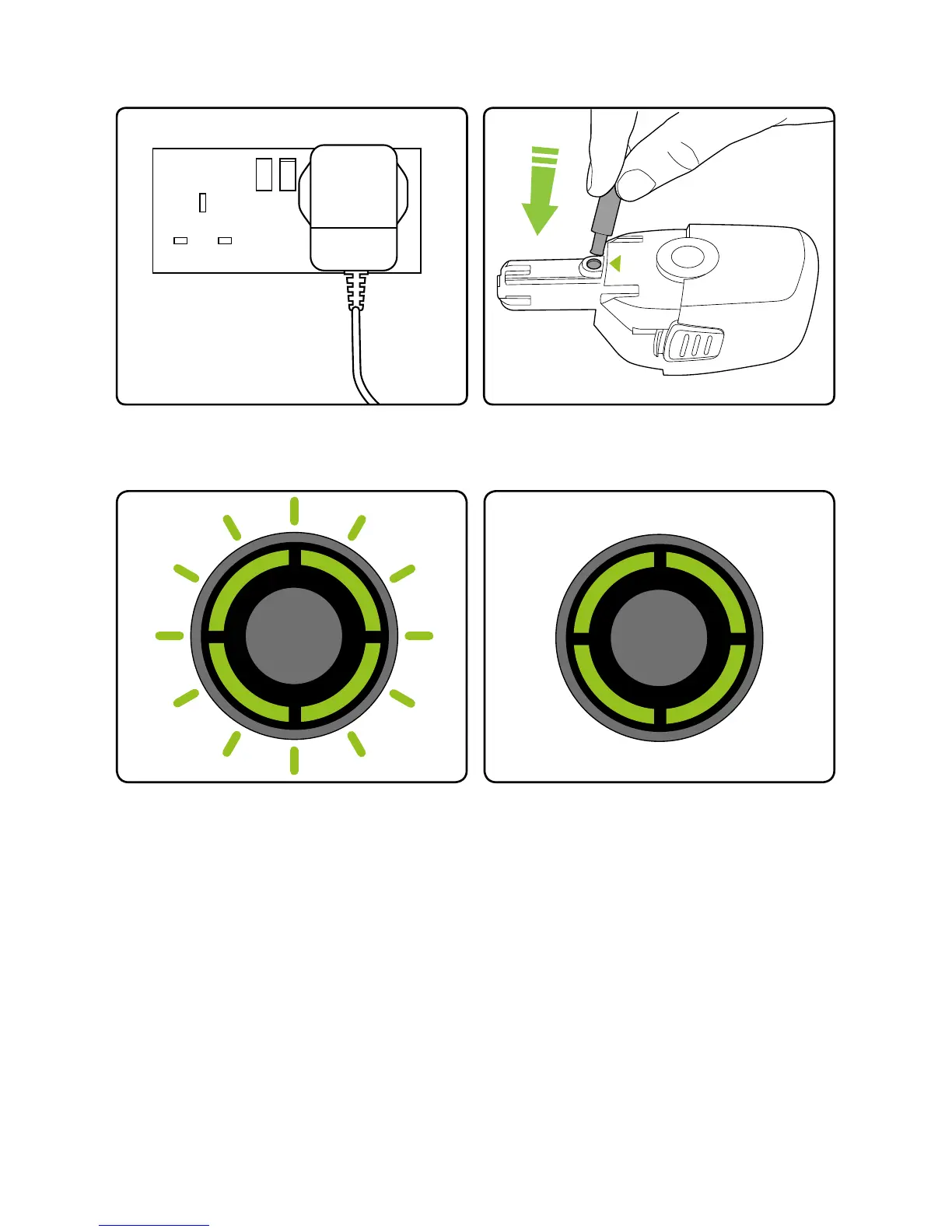
Plug the charger into an ordinary plug
socket.


 To Next Page