18
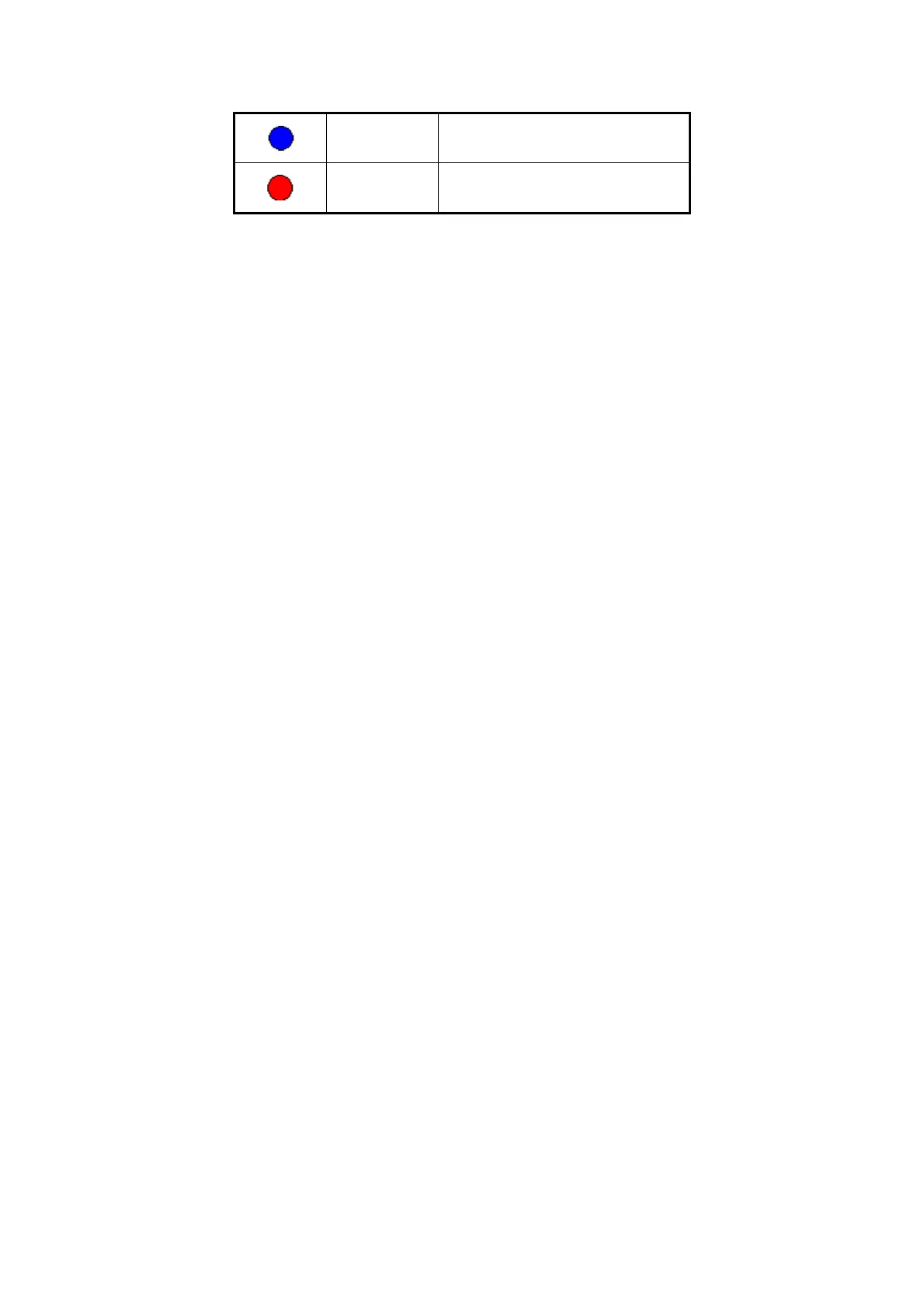
Blue Motion alarm
Red External alarm
Press numeric keys to switch individual camera preview in SHIFT mode. For
example, you can press [2] key to preview 2
nd
camera.
Press [EDIT] key to manual cycle preview. You can set the auto preview mode in
“Preview” menu, referring to 5.11.
Press [PREV] key to switch multi-screens preview.



 To Next Page