13
3.3.2 Menu Operation
How to enter the menu mode
Press [MENU] key to enter the DVR main menu.
Press [PLAY] short key to enter the playback menu.
Press [REC] short key to enter the manual record menu.
Press [PTZ] short key to enter the PTZ control interface.
Note: You must input user name and password. The default user name is
“admin” and password is “12345”.
Main Menu Description
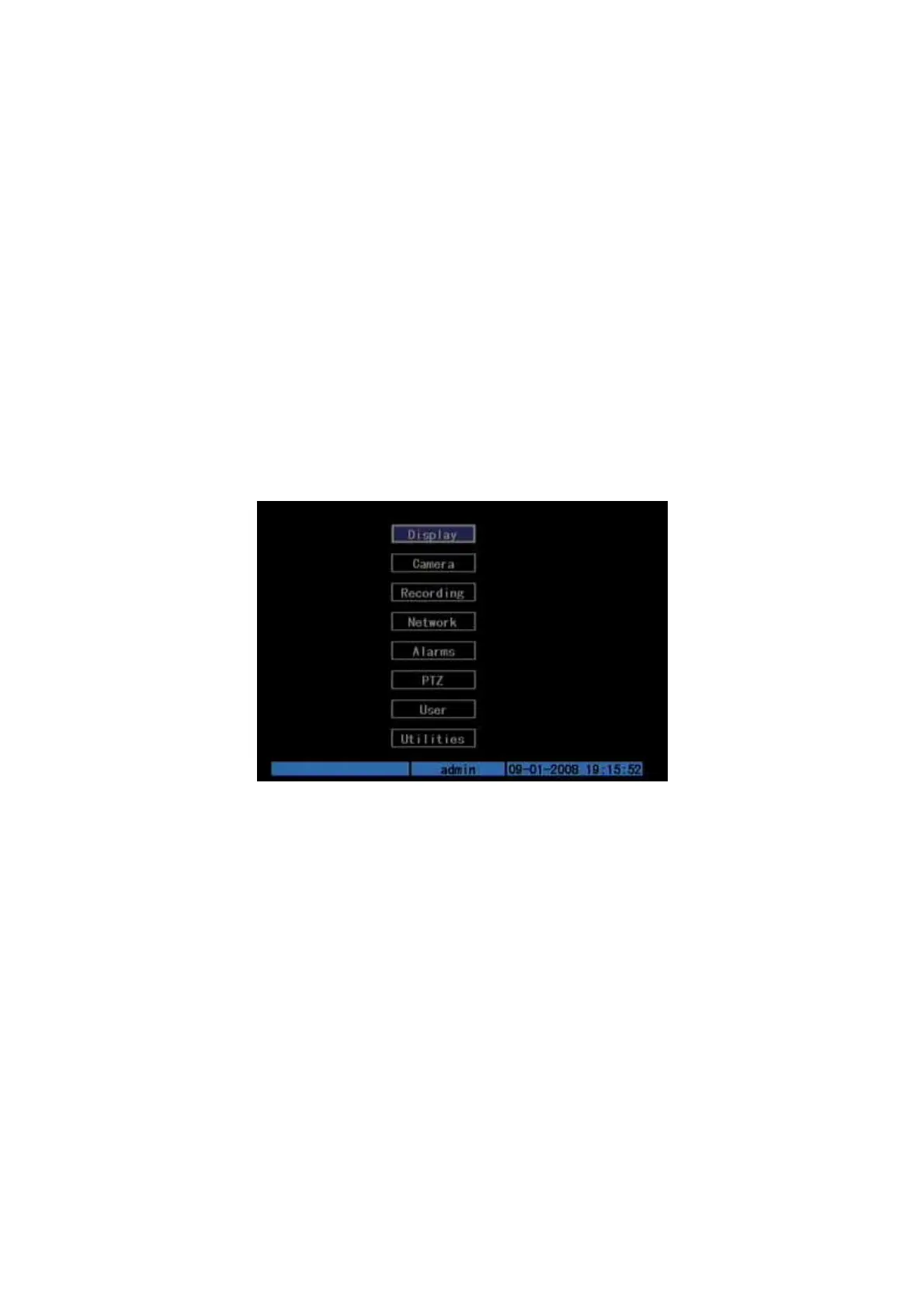
The main menu interface is shown as Fig.3.3 below:
Fig. 3.3 Main menu
There is one small frame named “Active Frame”. It can be moved from one item to
another by using direction keys ([↑][↓]). When the “Active Frame” is located on one
icon, you can press [ENTER] key to enter the sub menu. For example, move the
“Active Frame” to “Camera” icon, press [ENTER] to enter the sub menu as follows
Fig.3.4 below:



 To Next Page