33
5.2 Add and Delete User
Enter “User Management” interface.
Add user
The steps are following:
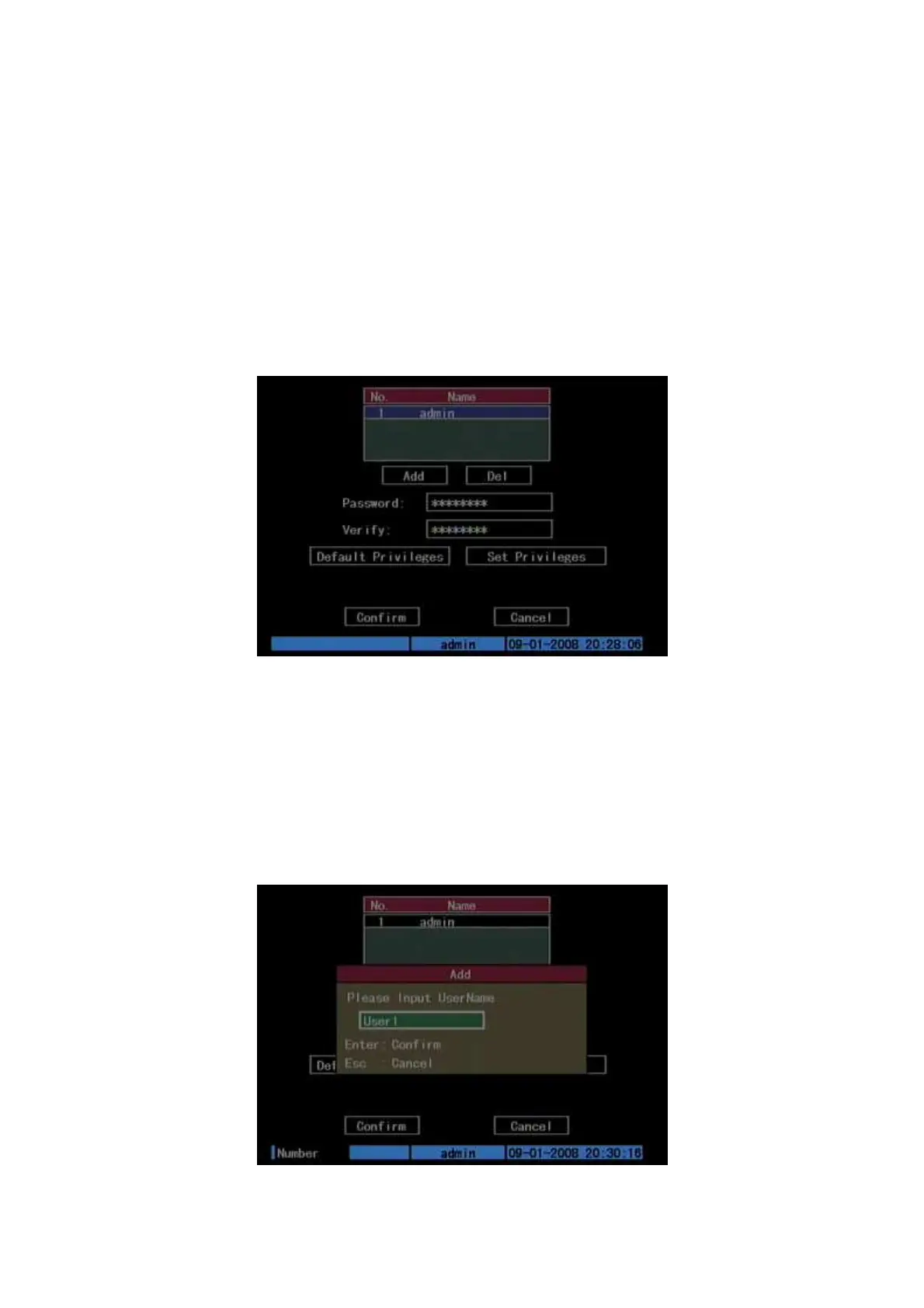
Step 1: Enter “User Management” menu as Fig.5.4 below
Please refer to chapter 5.1
Fig. 5.4 user management
Step 2: Add new user name
In the “User Management” menu, move “Active Frame” to “Add” button and
press [ENTER], in the pop-up dialog, input the new user name (refer to chapter 3.4),
press [ENTER]and return “User Management” menu. Totally 15 users can be added.
Shown as Fig.5.5 below
Fig. 5.5 Input user name



 To Next Page