36
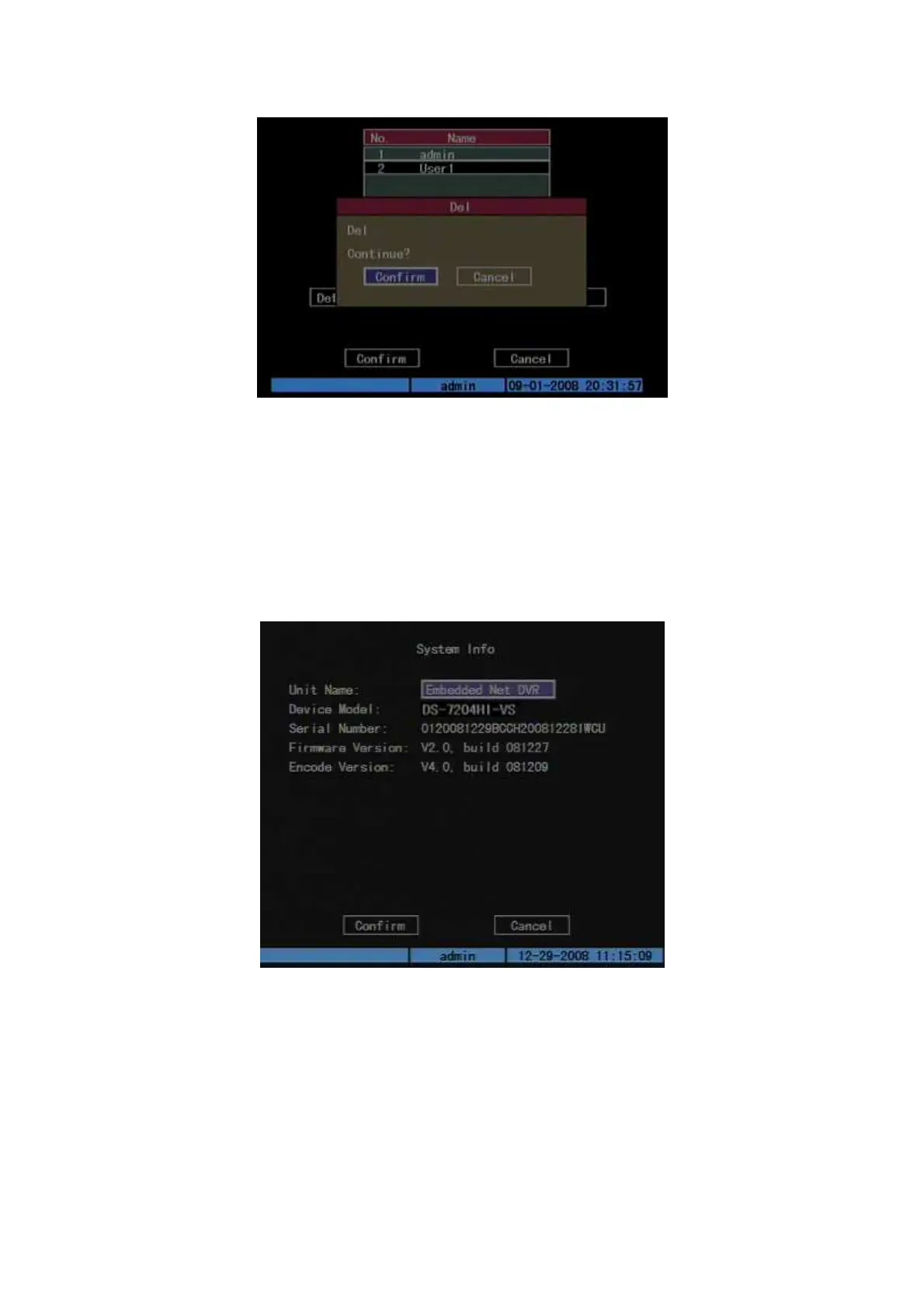
Fig. 5.7 Delete user
5.3 Unit Name and Device ID
Unit name
Enter “Utilities” “System Info” and “Unit Name” will be seen as Fig.5.8
below:
Fig. 5.8 System Info
There is an item named “Unit Name”. The default unit name is “Embedded Net
DVR”. Move “Active Frame” to unit name edit box, press [EDIT] key to enter edit
status, you can modify the unit name. Please refer to chapter 3.4 about how to input
characters. You can press [ENTER] key to finish modification. Select “Confirm”
button and press [ENTER]; you can save the new unit name and make it into effect.
Press “Cancel” button or [ESC] key to abort modification.



 To Next Page