Chapter3 Operating Instructions
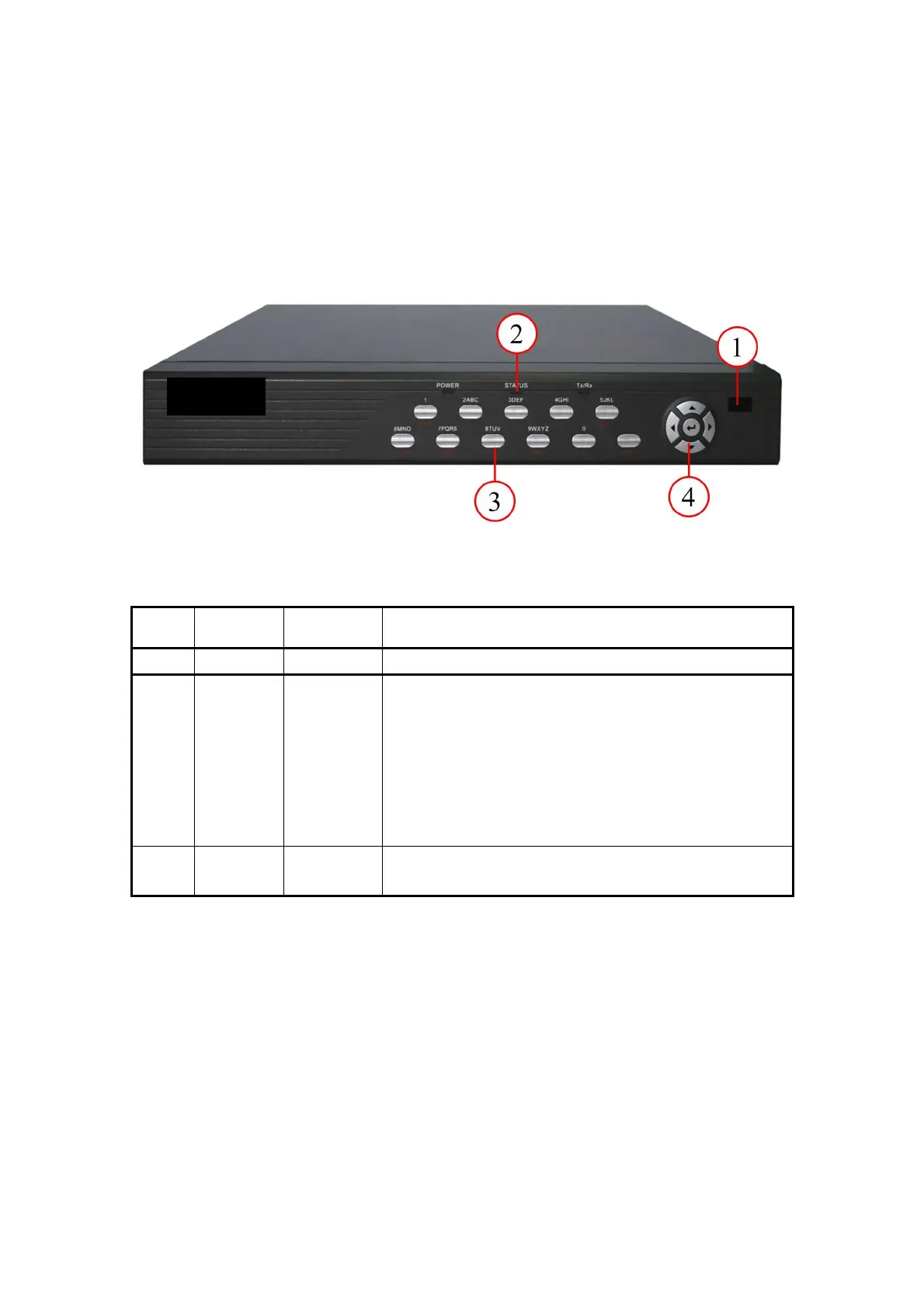
3.1 Front Panel Introduction
Fig. 3.1 Front panel introduction
Table 3.1 Items on front panel
Index Type Name Description
1 Lamp IR receiver.
2 State
Lamps
Power
STATUS
Tx/Rx
Green means DVR is working; Extinguish means DVR is
powered off;
Green means in SHIFT mode.
Bright means DVR is accessed by IE or Client Software;
Twinkle means DVR is operating through IE or Client
Software.
Numeric
Keys
Input number, lower case, upper case, character and
symbols.



 To Next Page