32
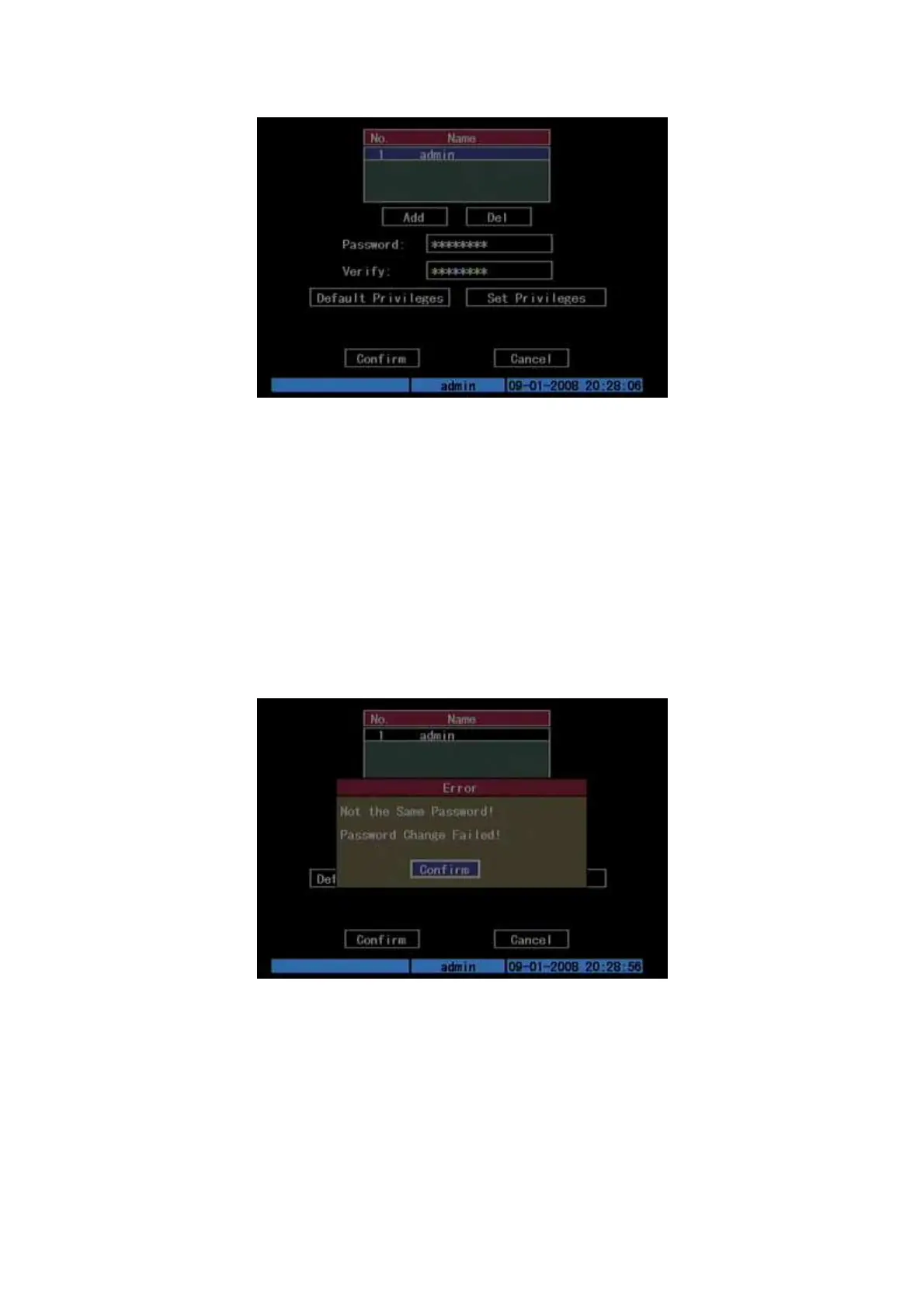
Fig. 5.2 User management
In the user name list box, only “admin” is existed. You can use [→] key,
move “Active Frame” to password edit box, and press [EDIT] key to enter edit status.
Press numeric keys to input the new password. The password is only combined by 16
numerals at most. After finishing inputting password, you can press [ENTER] key to
exit. Move “Active Frame” to “Verify password” edit box, input the verify password.
Move “Active Frame” to “Confirm” button, and press [ENTER], if password and
verify password are the same, the password will be saved and taken into effective.
If password and verify password are not same, a warning message box will be
appeared. Shown as Fig.5.3 below
Fig. 5.3 Error
In this case, press [ENTER] to return password edit box, and input new password
again.



 To Next Page