66
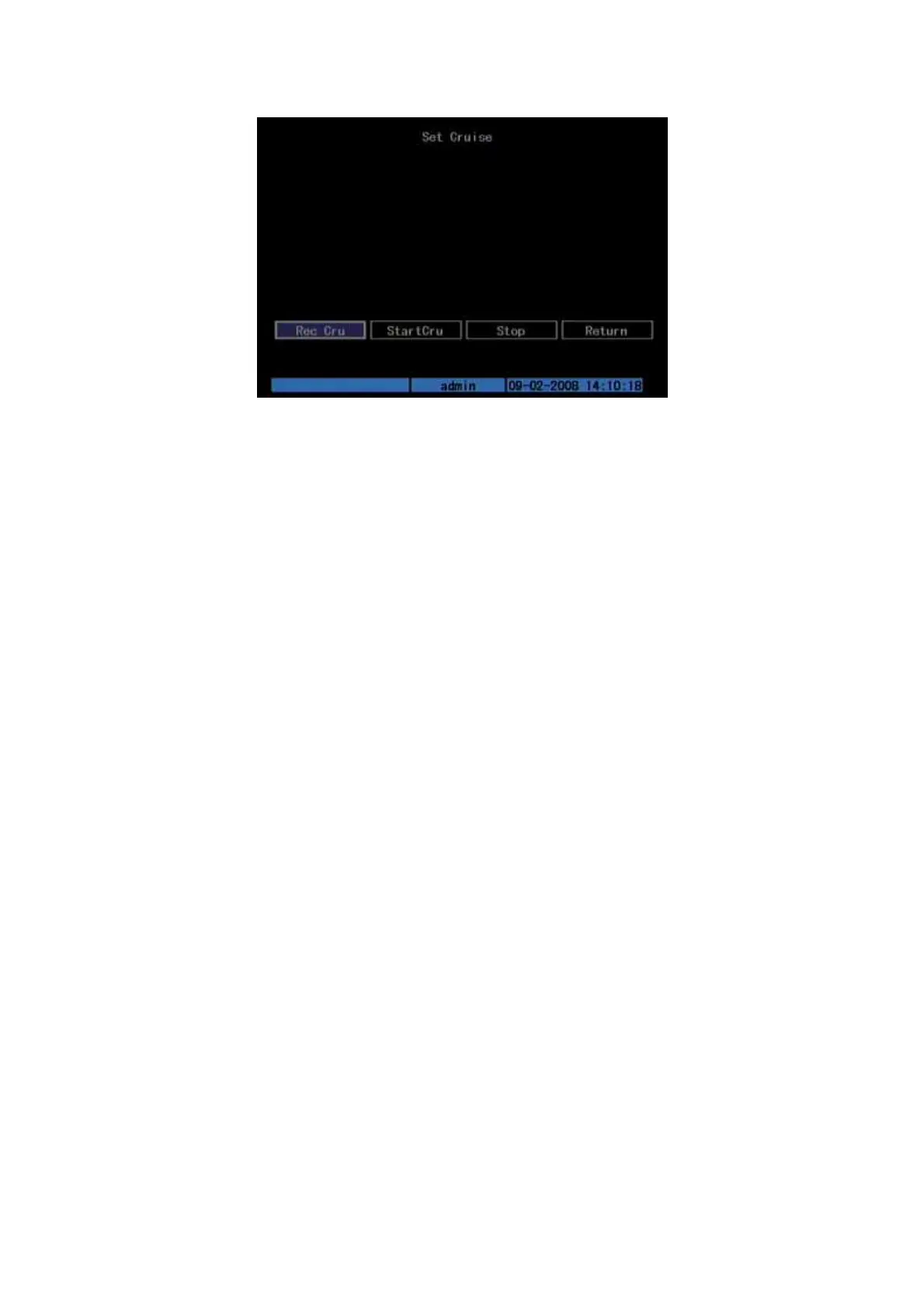
Fig. 5.34 Cruise setup
Press “Rec Cru” button, you will enter “PTZ control” interface. You can start
controlling PTZ with direction keys, press [ENTER] to save the operation track and
return “Cruise” setup menu. Press “StartCru” button to repeat the PTZ track until you
press “Stop” button.
Press “Return” button back to “PTZ” menu. In “PTZ” menu, press “Confirm”
button to save this cruise.
Please make sure the PTZ you are using can support cruise function.



 To Next Page