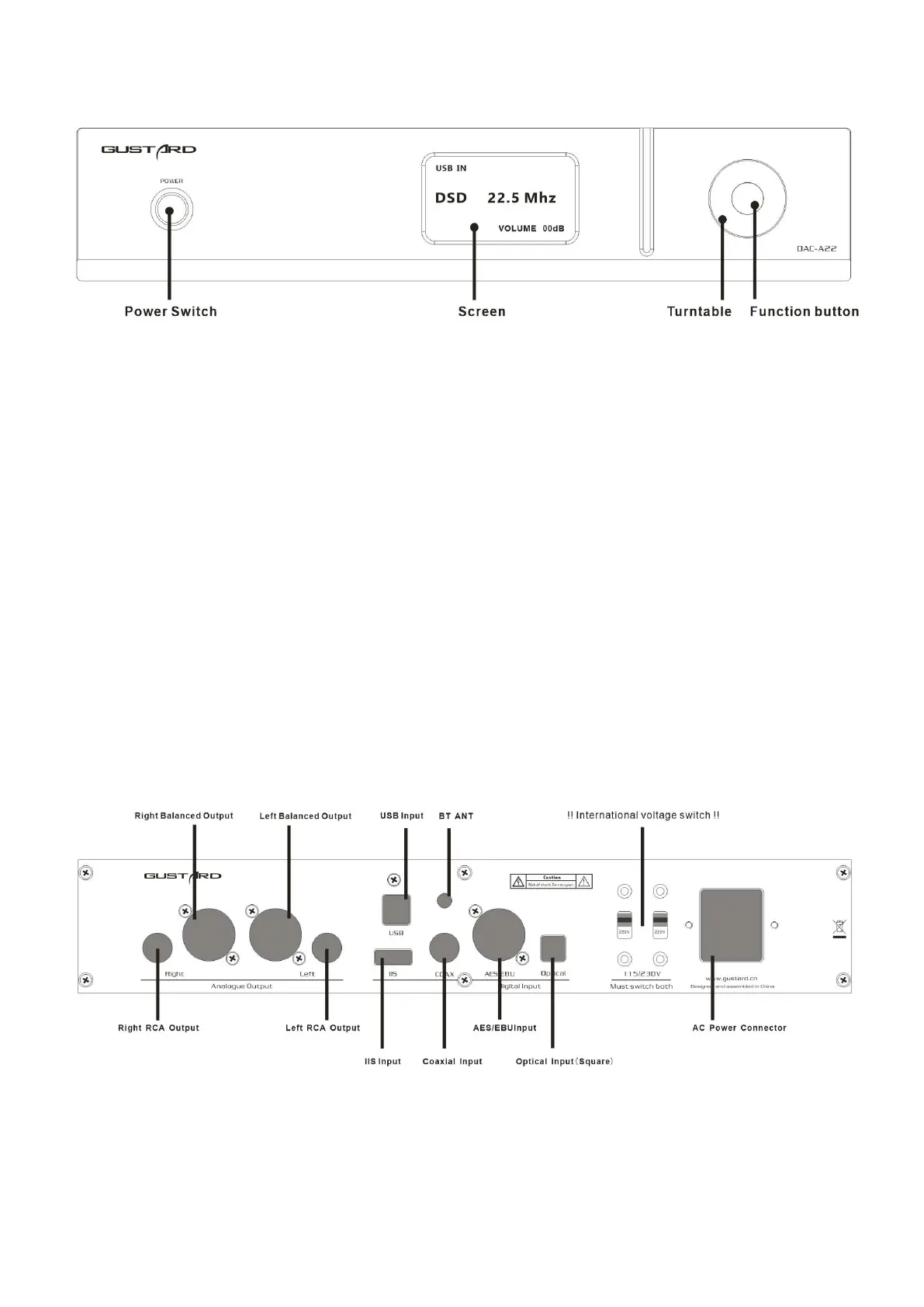
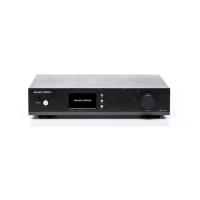
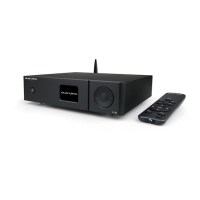
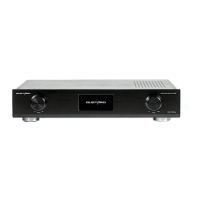
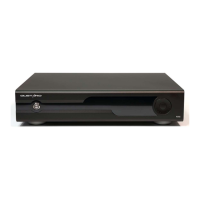
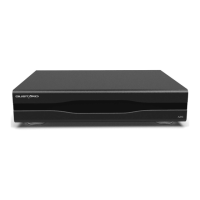
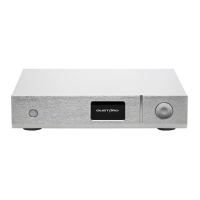
Front panel
1. The power switch is a button. When the power is off, press the power switch to turn
it on. Press again to power off.
2. The screen will display the current input channel, encoding format and sample rate,
volume and other status.
3. Turntable can adjust digital volume attenuation; or adjust each menu option in the
menu state.
4. Function button, short press to cycle through digital input channels, switch items
in the menu; long press to enter or exit the menu.
Rear panel
* When operating the international voltage switch, please be sure to set both switches to the
same voltage at the same time, otherwise the power transformers of the DAC-A22 will be damaged
after power-on.


 To Next Page