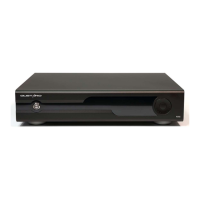
Display and menu
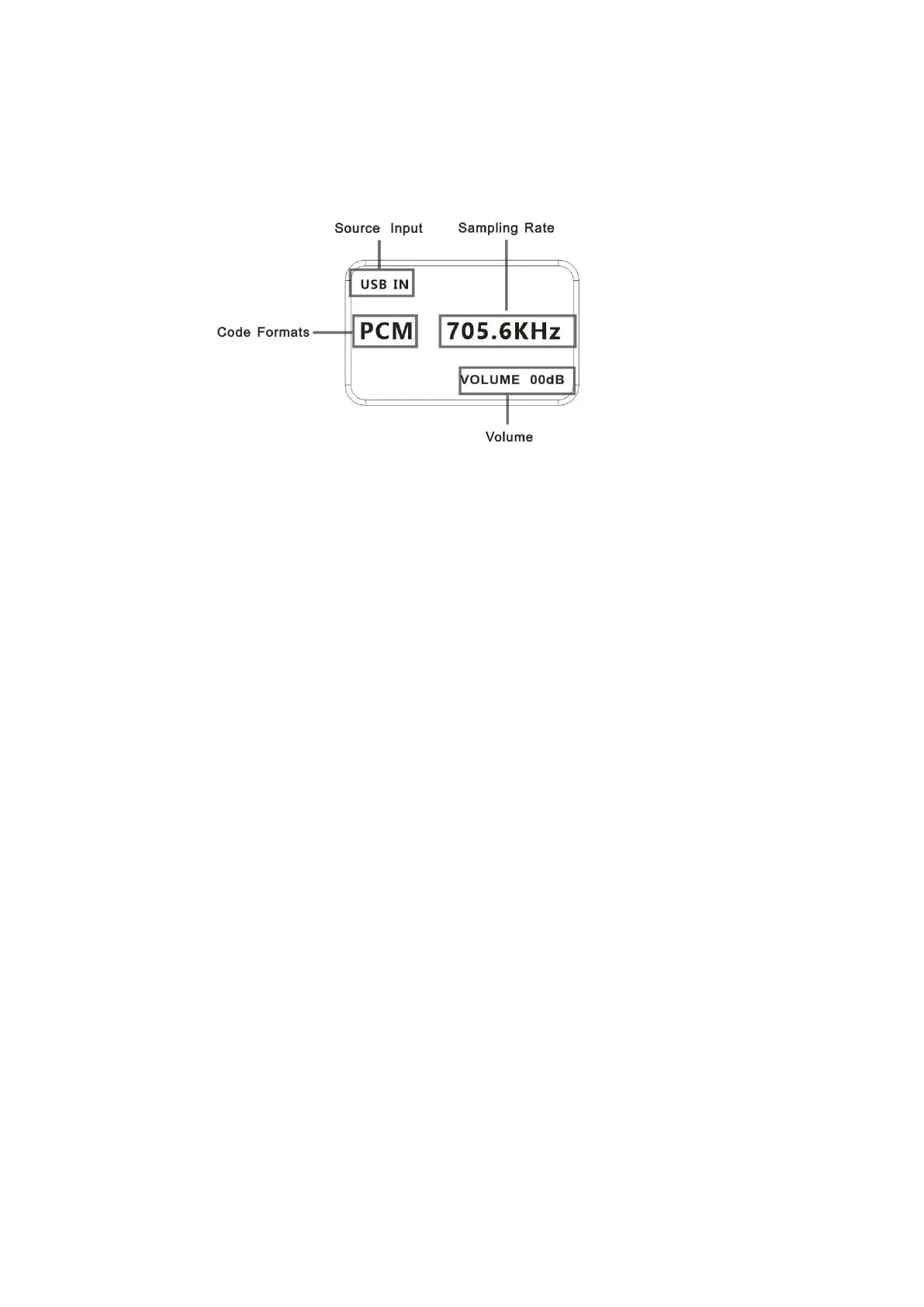
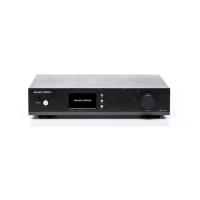
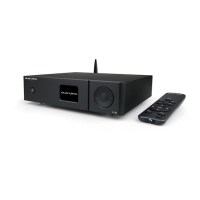
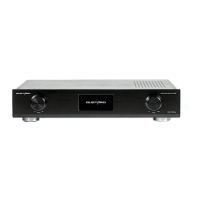
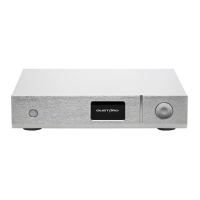
1. The DAC-A22 uses an OLED screen for real-time status display and functional
operation. The following graphic shows the status of the main page of the screen.
2. Digital input channel selection:
The DAC-A22 has a total of 6 input channels. In the display state of the main page,
short press the function button, you can select the current input channel in the
order of COAX——AES——USB——IIS——OPT——BT. Bluetooth device name: GUSTARD BT
3. VOLUME:
When the screen is the main page, you can directly adjust the digital volume
attenuation function of the DAC-A22 by operating Turntable. Rotate counterclockwise
to attenuate the volume and clockwise to increase the volume. The volume can be
attenuated from 00dB to -90dB for a total of 90 digital volume positions.
4. Settings menu:
In the home screen state, press and hold the function button to enter the setting
menu. In this state, short-press the function button to cycle through the menu
items to be modified. Turntable is used to adjust the currently selected menu
option. When the screen is in the setting menu, long-press the menu key again to
return to the main page. The menu is switched by the movement of the arrow, in
order:
—PCM Filter
—DSD Filter
—JITTER ATTEN MODE
—DIR Digital receive bandwidth
—USB INTERFACE MODE
—Phase invert
—Brightness


 To Next Page