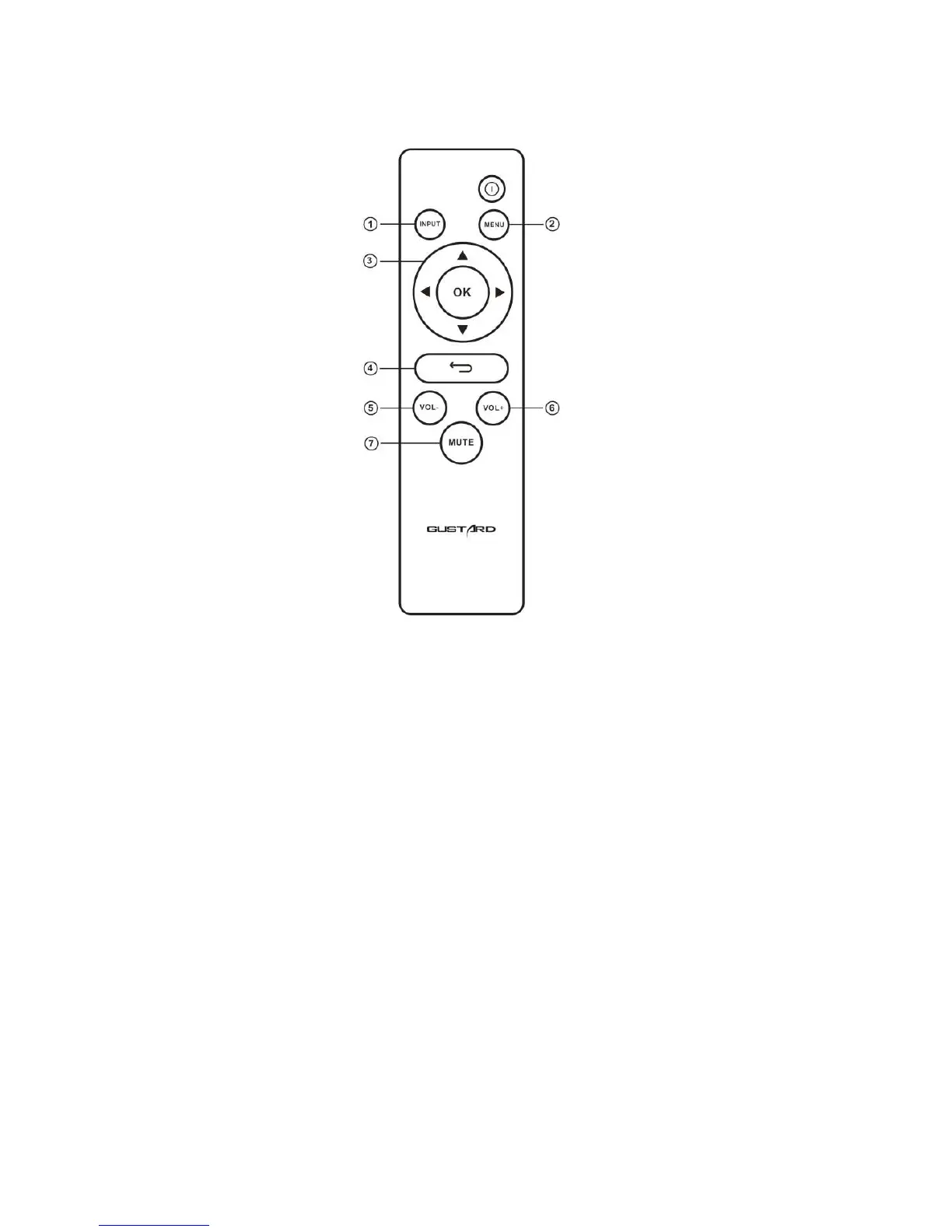
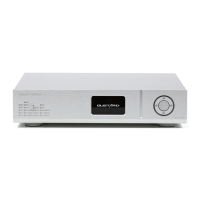
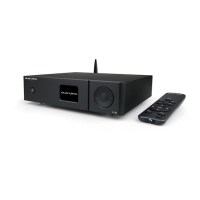
Remote Controller
1.Input Button.
Source will be switch to the next after pressing this button by the following
cycle sequence: COAX——AES——USB——IIS——OPT
2.Menu Button.
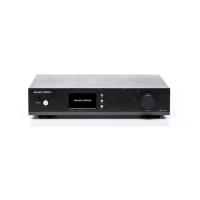
DAC-X22A main menu is shown by pressing this button.
3.Four Directions Button.
In DAC-X22 main menu,different item can be explored by UP and DOWN buttons, and
different options in an item can be selected by LEFT and RIGHT buttons.
4.Return Button.
Return back to the main menu display.
5and6.Volume adjustment Button.
It can adjust volume only when DAC-X22 shows the main menu on the screen.
7.Mute Button.
DAC-X22 will be muted when this button is pressed, and mute will be released after
another pressing.


 To Next Page