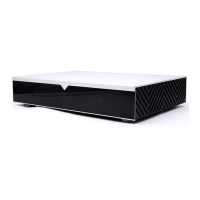
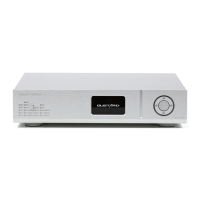
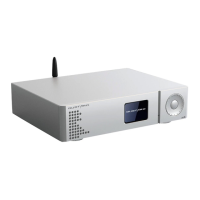
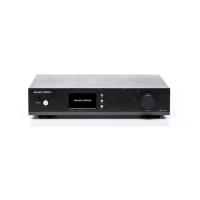
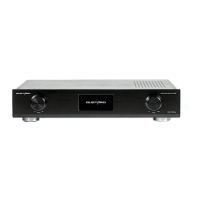
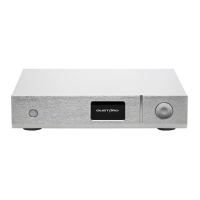
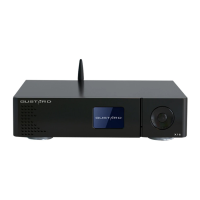
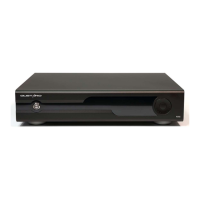
** Front Panel: **
1. Power Button: Switches between standby and working states. The X30 can remain in standby mode when
the power switch on the rear is turned on.
2. Displays the current input channel, encoding format and sampling rate.
*Display items when entering the menu
3. Displays volume, -90~00dB represents volume, FIXED is volume pass-through.
*Displays options when entering the menu
4. The"-" Button is usually used to attenuate the volume.
*Used to switch options in the menu interface
5. The small gear button is used for input selection switching when short pressed; long press
to enter or exit menu; short press to switch items in the menu
6. The "+" button is usually used to increase the volume
*Used to switch options in the menu interface.
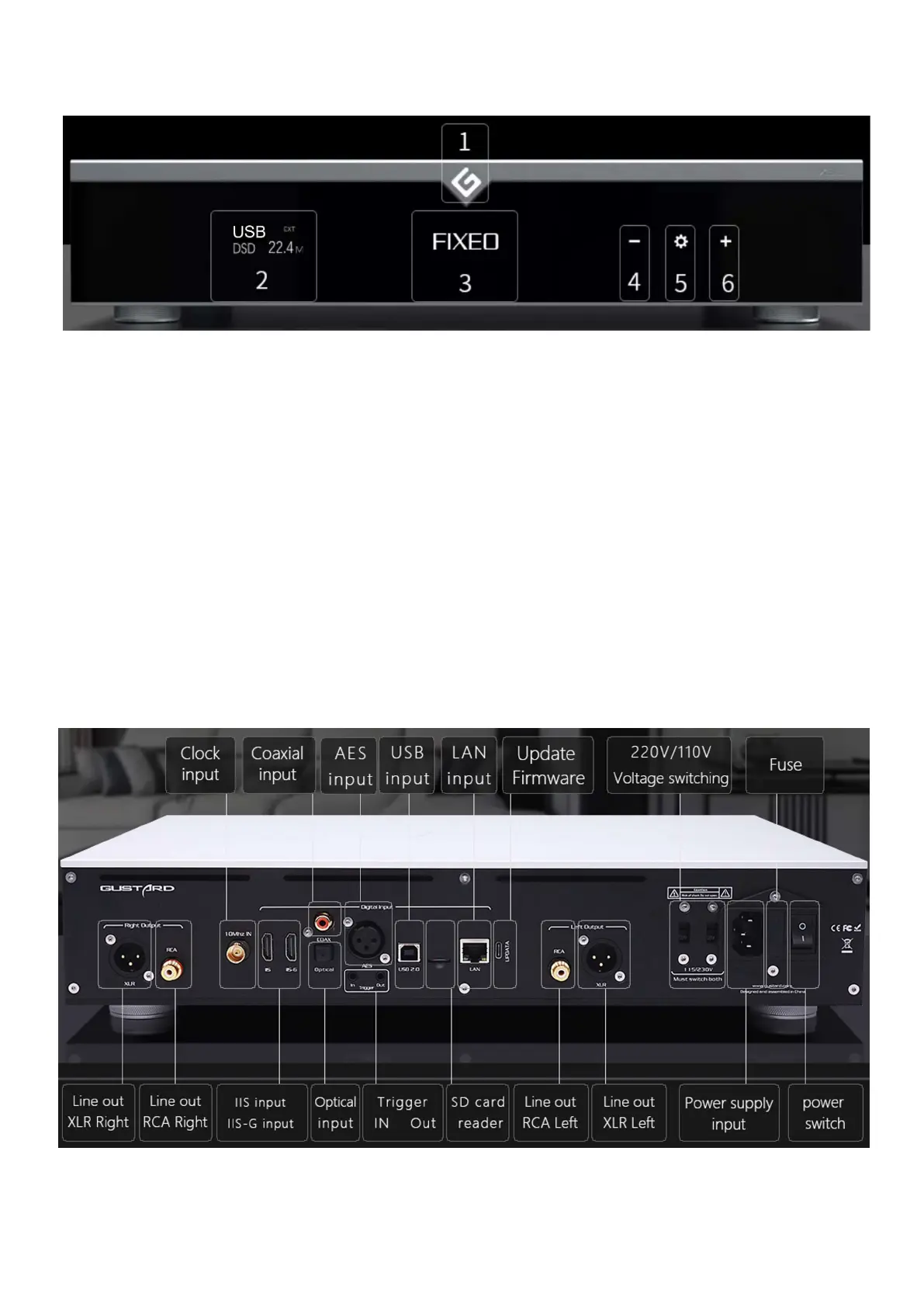
** Rear Panel: **
*Ensure both voltage switches are set to the same voltage when operating the 220V/110V voltage switch,
otherwise, it may damage the internal transformer upon powering on.*


 To Next Page
 Loading...