** Display and Panel Operations **
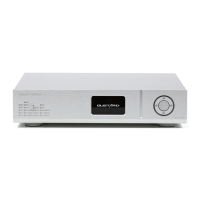
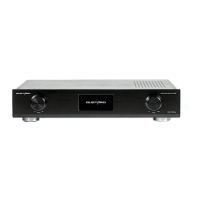
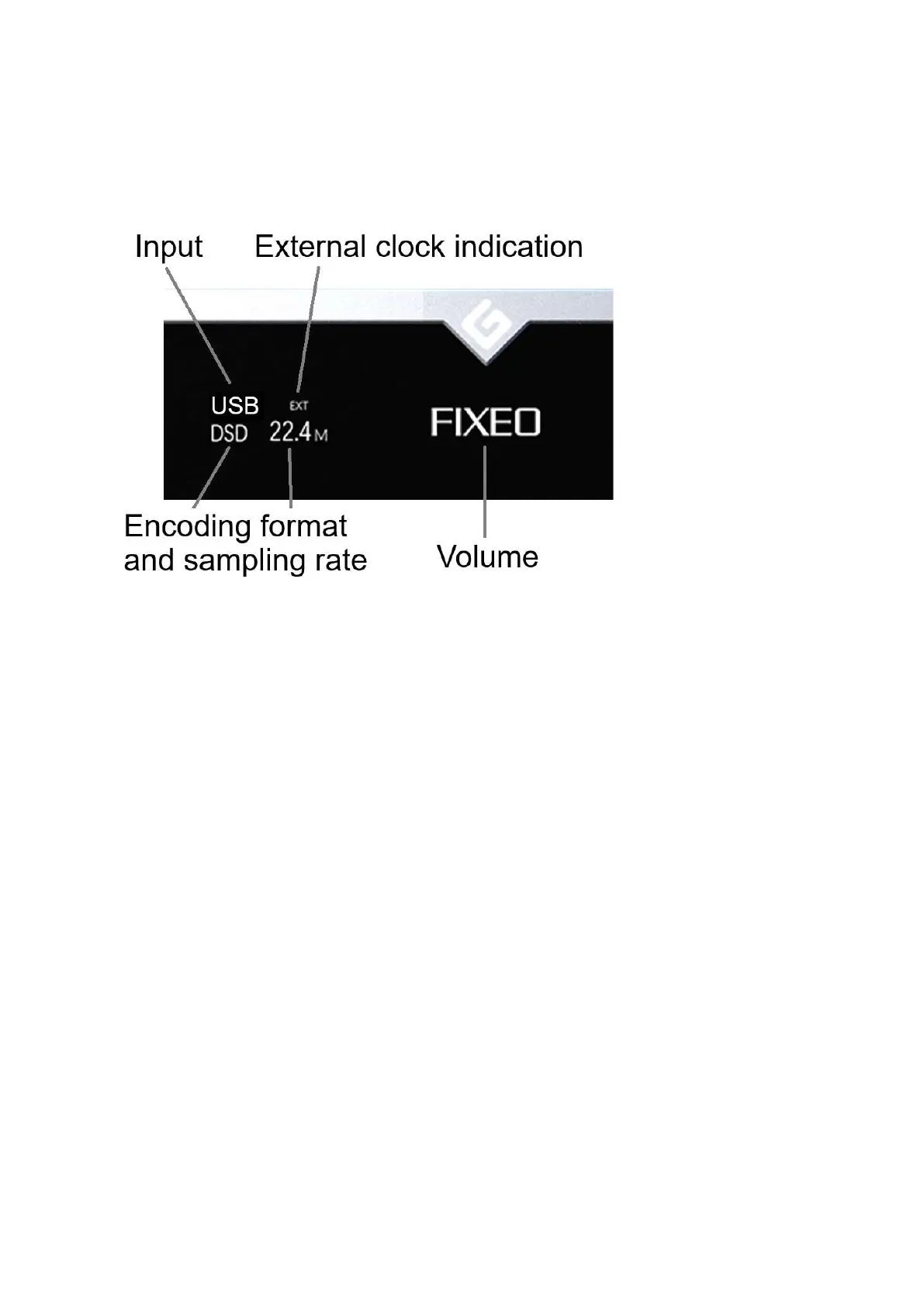
1. X30 uses a large OLED display for real-time status and function operations. The
following figure shows the status of the main screen.
2. Input Channel Selection:
X30 has a total of 7 input channels. In the main screen state, every time the
small gear key is pressed, the current input channel can be selected in the order
of COAX——AES——OPT——USB——STREAMER——IIS(G) ——IIS(M*).
*** Note: The IIS(G) is GUSTARD format and can not adjust;
The IIS(M*) is an adjustable IIS port.
3. Volume Adjustment :
When the screen is in main screen state, the "+" and "-" buttons can directly adjust the
analog volume attenuation function of the passive preamplifier of the X30. The volume can
be attenuated from 00dB to -90dB, with a total of -90dB attenuation.
When the volume is at 00dB, press the "+" button again to enter the fixed output mode (pass-
through, bypassing the volume part), and the volume position displays FIXED.
When the volume displays FIXED, press the "-" button reduces the volume to exit FIXED first,
and then adjust the volume.


 To Next Page
 Loading...