16
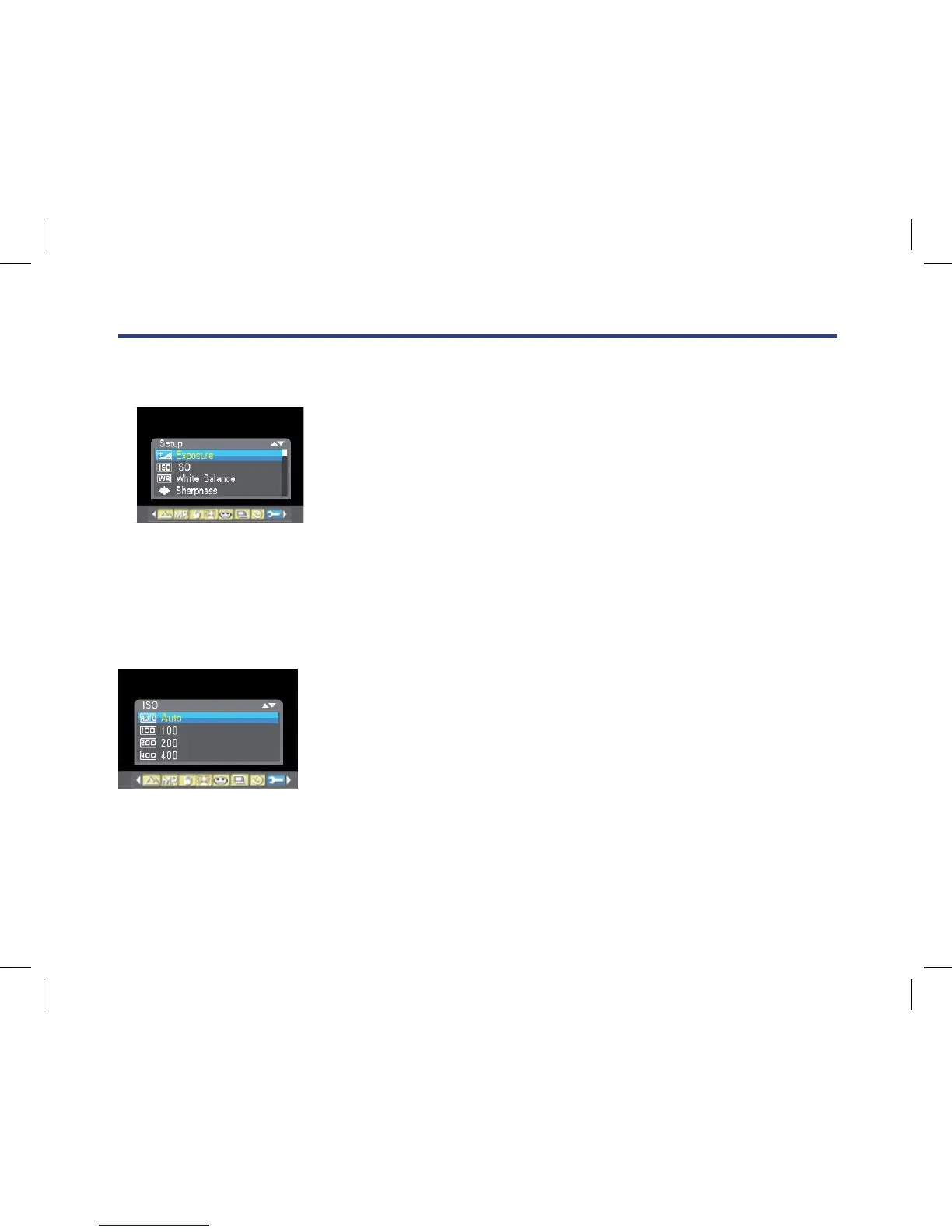
Exposure
This setting allows you to control the brightness of your images.
1. Press Up/Down button repeatedly to select Exposure in Set up menu.
2. Press Menu button.
3. Press Up/Down button to select exposure value (from+3 to -3).
4. Press Menu button. The corresponding icon of exposure
will appear on the LCD screen.
ISO
This is an special function that allow you to compensate the light conditions when the light source is not
good and also you are not admit to use ash light or tripod. And you will know the ash light or a tripod
is best to compensate the light conditions for your primal choice, and then ISO. When you want to use
ISO sensitization, please choose the low value ISO to forbid mottles appears on your photo.
1. Press Up/Down button repeatedly to select ISO in Set up menu.
2. Press Menu button.
3. Press Up/Down button to select an ISO value.
4. Press Menu button to conrm. The corresponding icon of
ISO will appear on the LCD screen
3. Press Up/Down button to select 2, 5 or 10 seconds countdown shooting or you can select ‘Off’ to turn off.
4. Press Menu button to confirm.
Press Shutter button to take a photo, the self timer LED indicator will flash 2, 5 or 10 seconds (per you
selection) until the photo is taken.
Setup Menu
You can set Exposure, ISO, White Balance, Sharpness, Image Quality, Effect, Date, Auto Power off, Sound
Effect, Language, Frequency, Format, Default Setting.
To operate it as below:
1. Press Menu button.
2. Press Right/Left button to select icon , the function menu as below:
Exposure
This setting allows you to control the brightness of your images.
1. Press Up/Down button repeatedly to select Exposure in Set up menu.
2. Press Menu button.
3. Press Up/Down button to select exposure value (from+3 to -3).
4. Press Menu button. The corresponding icon of exposure will appear on the LCD screen.
ISO
This is an special function that allow you to compensate the light conditions when the light source is not good
and also you are not admit to use flash light or tripod. And you will know the flash light or a tripod is best to
compensate the light conditions for your primal choice, and then ISO. When you want to use ISO sensitization,
please choose the low value ISO to forbid mottles appears on your photo.
1. Press Up/Down button repeatedly to select ISO in Set up menu.
2. Press Menu button.
3. Press Up/Down button to select an ISO value.
4. Press Menu button to confirm. The corresponding icon of ISO will appear on the LCD screen.



 To Next Page