34
Everything you need to get the most from your Photos
1. Select photos
Select the photos that you download from your camera. And edit it in
the software.
2. Edit photos
Click the “Enhance photos”, “Add captions” from the main window
to edit your ideal photos.
3. Share photos
Share your photos via “E-mail”, “Printing”, and “Create HTML web” to
uploading online.
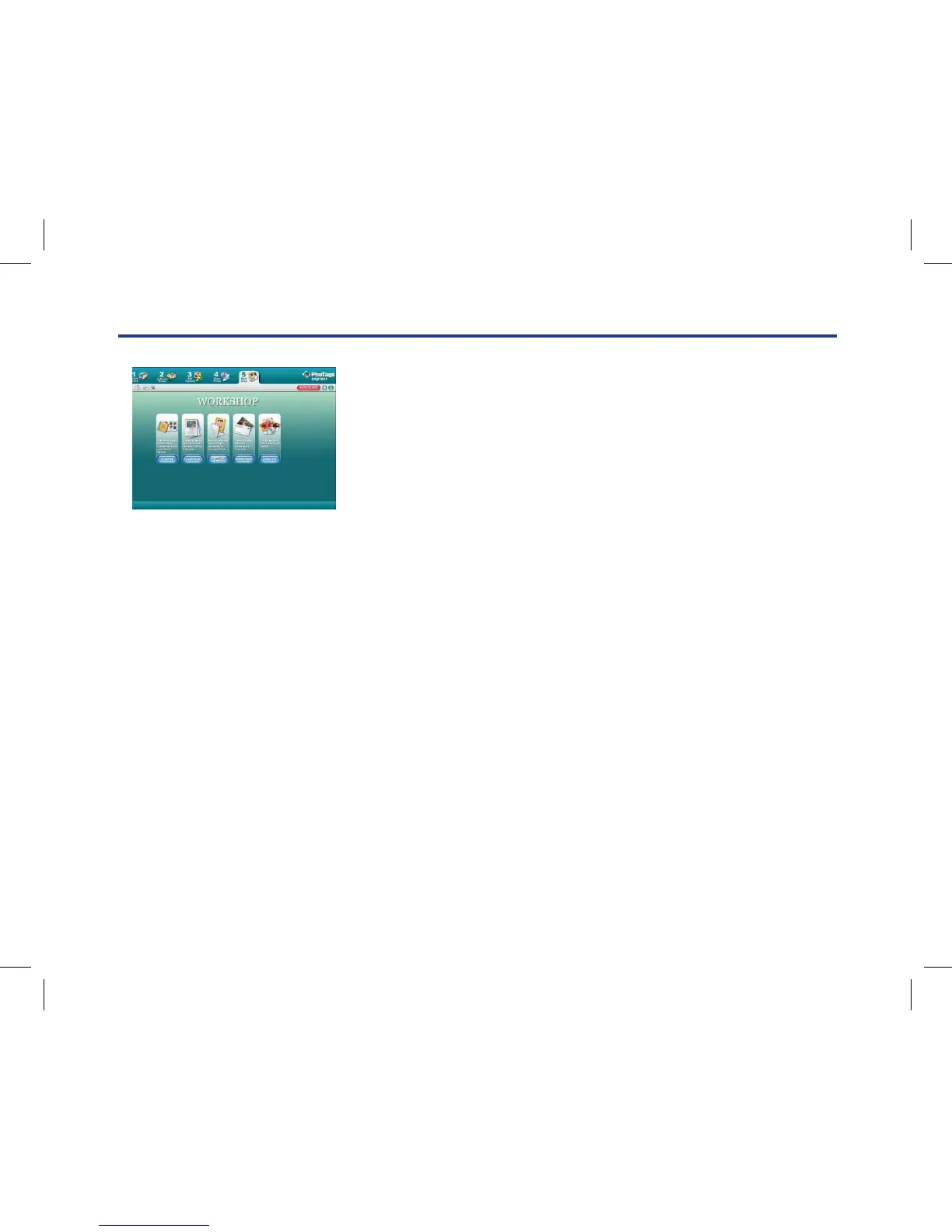
4. Workshop
Create “Calendars”, two sides “Greeting cards” and “Postcards” on standard photo paper. You can purchase
“Album” and “Video CD”. Two additional workshop project online at any time and create Photo Album
and slide shows on CD that can be viewed on your PC and VCD for viewing on your TV using your DVD
player.
Everything you need to get the most from your photos
1. Select photos
Select the photos that you download from your camera. And edit it in the software.
2. Edit photos
Click the “Enhance photos”, “Add captions” from the main window
to edit your ideal photos.
3. Share photos
Share your photos via “E-mail”, “Printing”, and “Create HTML web”
to uploading online.
4. Workshop
Create “Calendars”, two sides “Greeting cards” and “Postcards” on standard photo paper. You can purchase
“Album” and “Video CD”. Two additional workshop project online at any time and create Photo Album and
slide shows on CD that can be viewed on your PC and VCD for viewing on your TV using your DVD player.
Download photos to your PC



 To Next Page