20
Language
You can select your language per your request.
1. Press Up/Down button repeatedly to select Language in Set up menu.
2. Press Menu button.
3. Press Up/Down button to select a language you want to use.
4. Press Menu button to conrm.
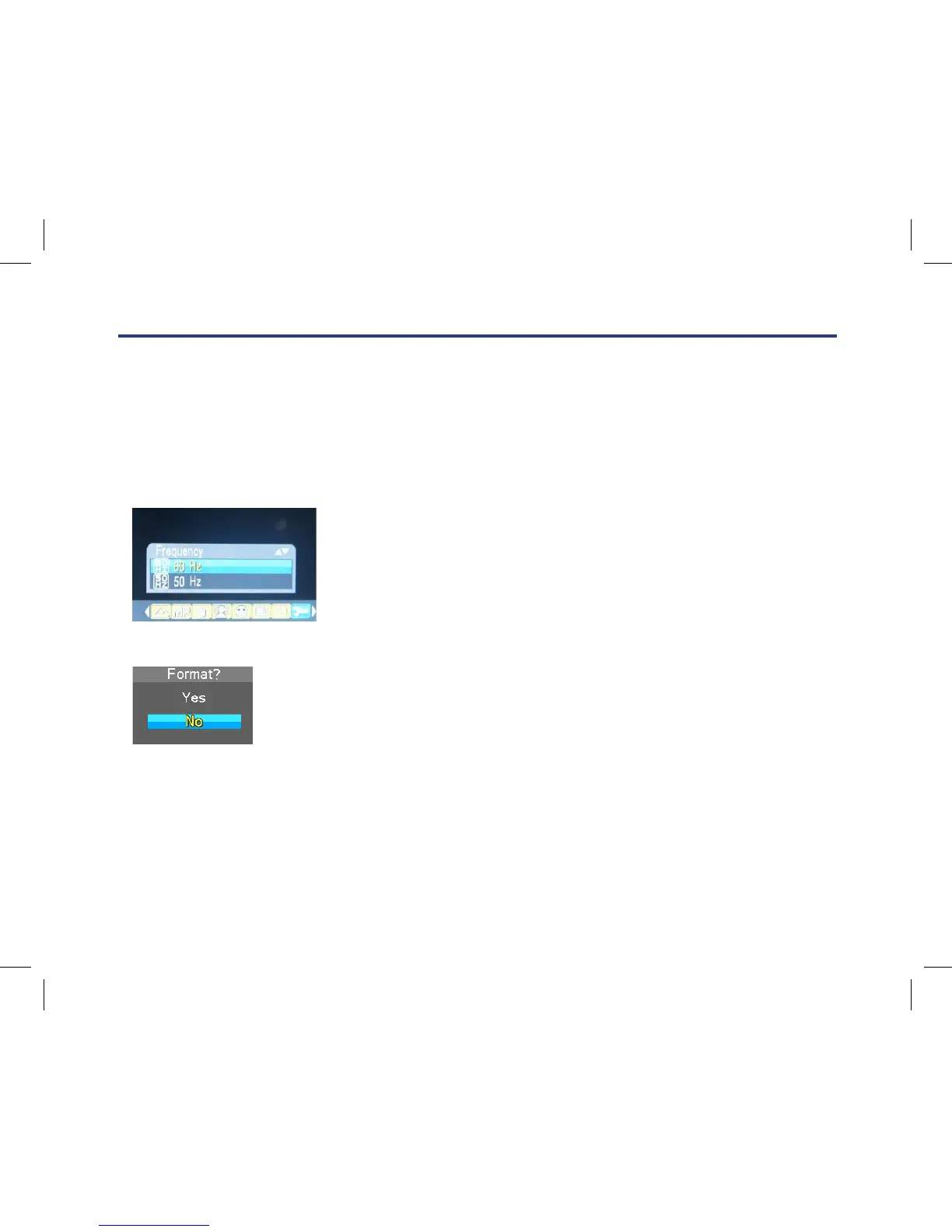
Frequency
1. Press Up/Down button to select Frequency.
2. Press Menu button.
3. Press Up/Down button to select 50Hz/60Hz.
4. Press Menu button to conrm.
Format
This function reformats the memory card and will erase all les in memory
including protected les, please operate it cautiously.
1. Press Up/Down button repeatedly to select Format.
2. Press Menu button.
3. Press Up/Down button to select OK.
4. Press Menu button to conrm.
5. Press Up/Down button to select “Yes” to format, “No” to exit.
6. Press Menu button to conrm.
Language
You can select your language per your request.
1. Press Up/Down button repeatedly to select Language in Set up menu.
2. Press Menu button.
3. Press Up/Down button to select a language you want to use.
4. Press Menu button to confirm.
Frequency
1. Press Up/Down button to select Frequency.
2. Press Menu button.
3. Press Up/Down button to select 50Hz/60Hz.
4. Press Menu button to confirm.
Format
This function reformats the memory card and will erase all files in memory including protected files, please
operate it cautiously.
1. Press Up/Down button repeatedly to select Format.
2. Press Menu button.
3. Press Up/Down button to select OK.
4. Press Menu button to confirm.
5. Press Up/Down button to select “Yes” to format, “No” to exit.
6. Press Menu button to confirm.
Default Setting
If your camera setting is in a confused status, you can execute this function to your camera original setting.
1. Press Up/Down button repeatedly to select Default Setting in setup menu.
2. Press Menu button.
3. Press Up/Down button to select ‘OK’: set to default setting, ‘Cancel’: to exit.
4. Press Menu button to confirm.



 To Next Page