10
◆
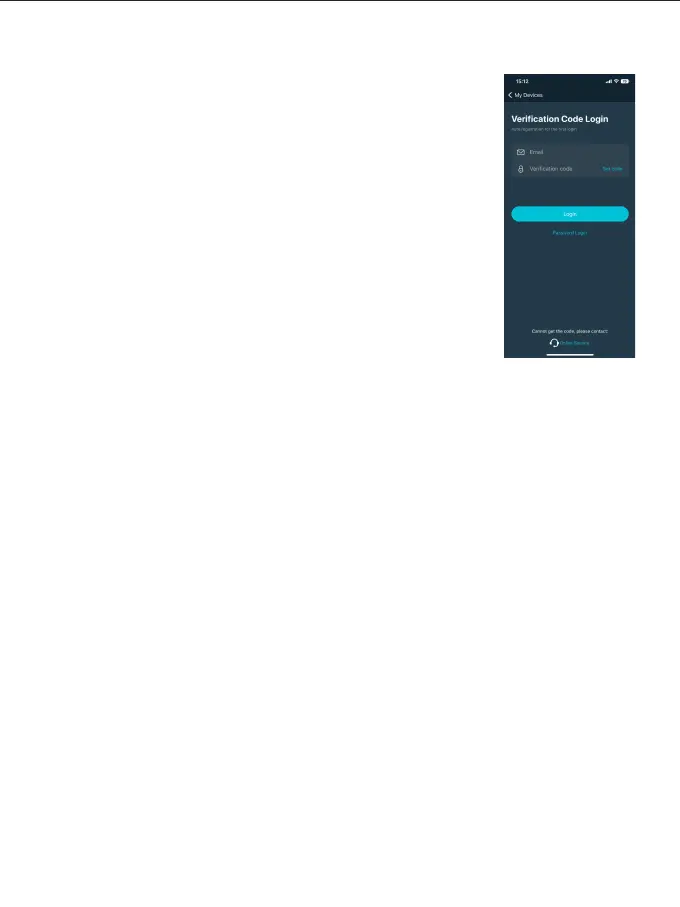
Use e-mail to get the verification code to log in (the first login
automatically registers the account). (Figure 5)
There may be a delay in sending the verification code, and
the speed of delivery depends on the e-mail server you are
using.
Some email servers may recognize our verification emails as
advertising promotions, please check your spam folder/inbox.
After logging in, you can synchronize the Mesh Bluetooth
devices bound to the current account to other smart devices.
Account Login
◆
◆
◆
Do not place the product in a high humidity, strong electromagnetic direct field,
sunlight, or high-temperature environment. If the product will not be used for a
long time, please disconnect power and remove the battery. its
Clean: Before cleaning, disconnect the power plug. And use a damp cloth instead of
any detergent or soluble liquids to avoid damaging the surface layer.
Power: Make sure the power is within the demanded range, not too high or too low.
Repairing: If there is a fault or performance degradation, do not unpack the shell by
yourself, avoiding damage to the machine and losing the right of maintenance.
When there is a fault, do not hesitate to contact us, and we will do our best to deal
with the problem.
Accessories: Please use the accessories provided by the manufacturer and approved
ones, to maximize the performance.
Warranty: Do not modify the product, or you will lose the right to maintenance.
USE AND PRESERVATION
Figure 5



 To Next Page