1
2
3
4
8
MO DE
B R G
C C T
OF F
ON
DC
IN
2
1
3
4
5
5
CARA PENGGUNAAN TOMBOL
PADA PRODUK
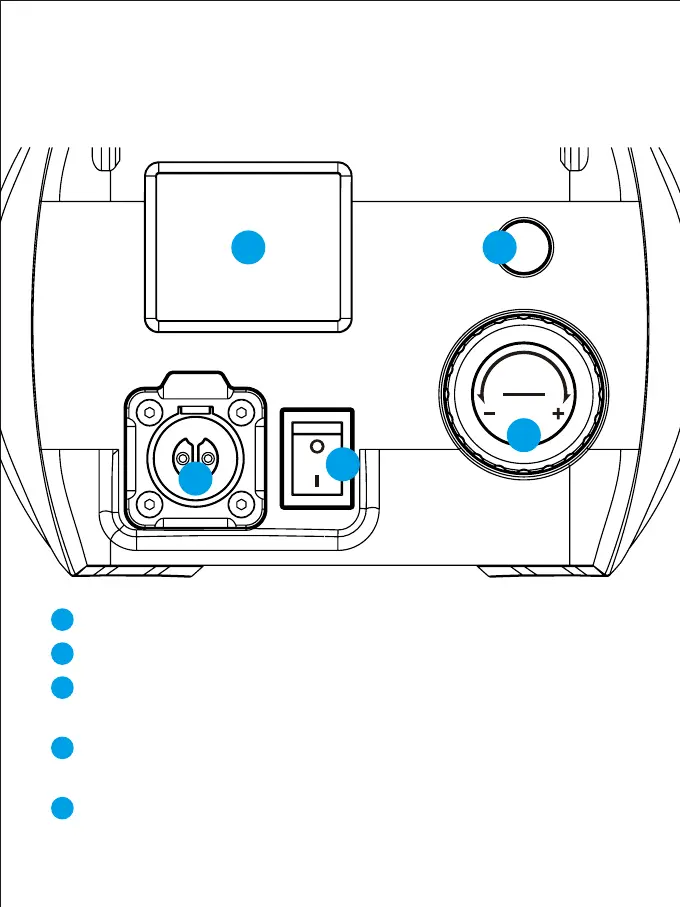
Power input interface
Switch ON/OFF
LCD display: Can display data such as mode, brightness,
channel value, etc.
Compound knob: Press the knob button to switch the mode, rotate
the knob to adjust the lighting parameters
Mode button: switch the control mode.The modes include:
rotate, slave, master, APP



 To Next Page