12
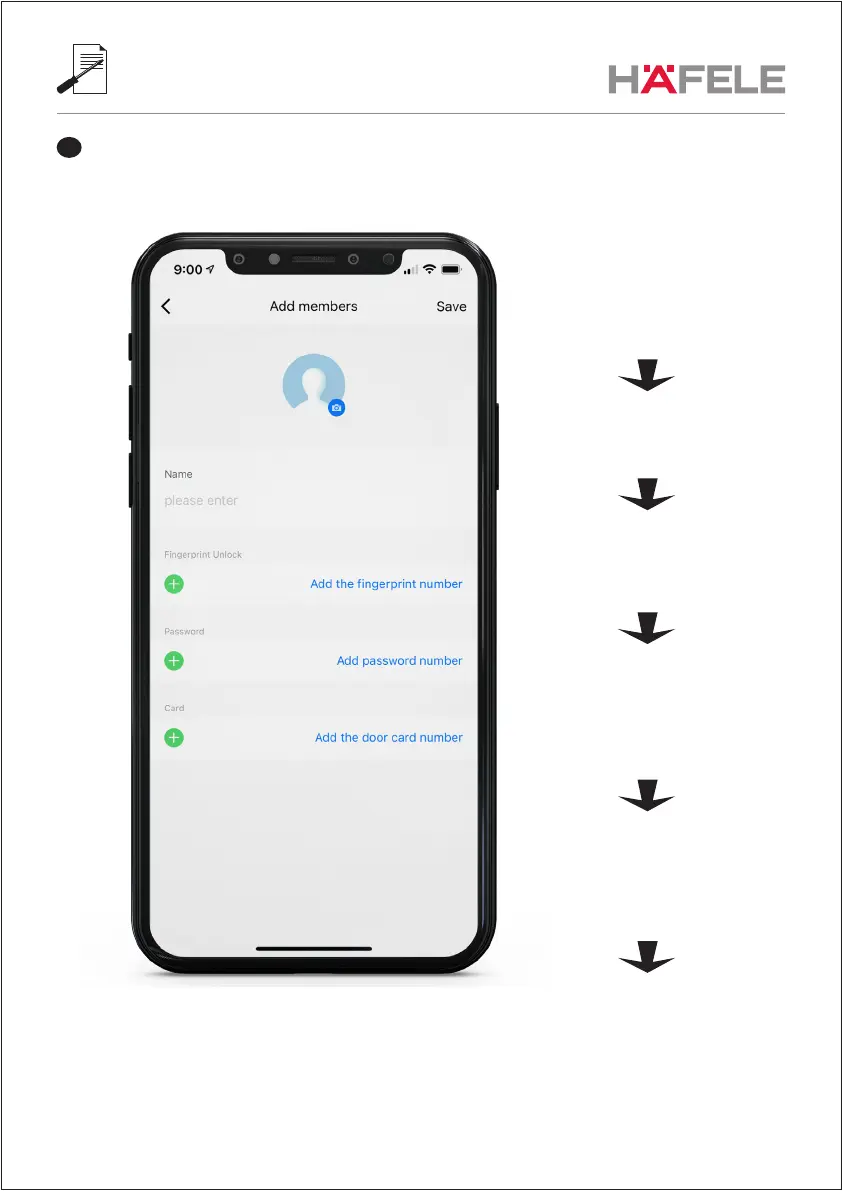
Enter non-family user data. These members are only added to display their name in the unlock “Records”.
This is very useful, but needs some setup.
5
5.1 Add user PIN Code, fingerprint
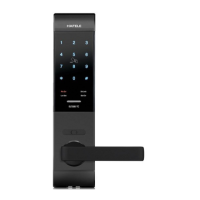
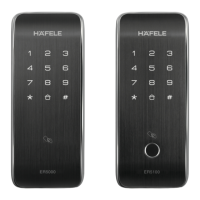
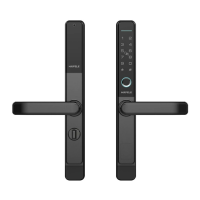
or card using the locks own menu
(not in the app)
5.2 Test your PIN Code, fingerprint
or card to open the lock
5.3 Open the App and check
the unlock “Records”
5.4 You can see the Number
assigned to your PIN Code,
fingerprint or card in the logfile
5.5 Go back to “Users”, select
the user and click “Edit”
5.6 Now you can assign the
correct PIN Code, fingerprint
or card “number” to the
correct user name


 To Next Page