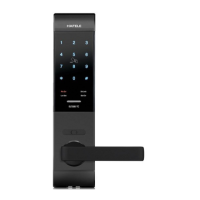
Basic function
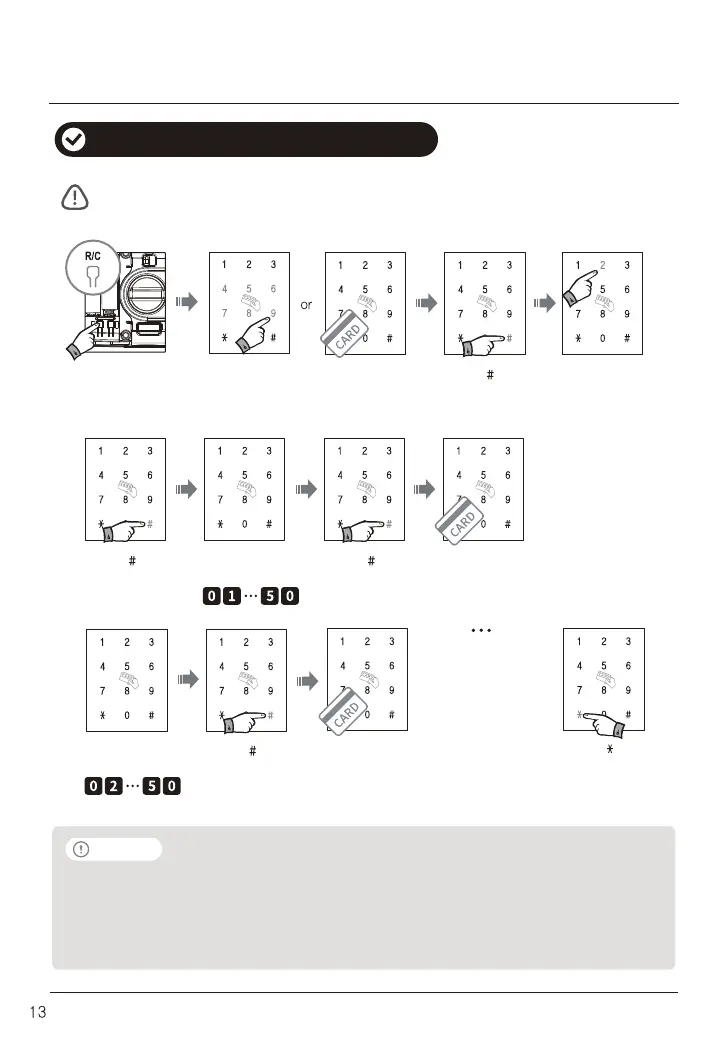
Press [ ]
Complete with
sound
(BirikBirik)
Even though new card is registered, previous card data is not deleted.
If same registration number is applied, hold registration mode with warning sound.
Manager code (Ex : 456789)
or manager card
How to register card key in safety mode
Open the battery
cover and press
[R/C] button shortly.
(Bik)
Press [ 2 ]Press [ ]
Press [ ] Press [ ]
(Birik)
Touch the card key.
(BirikBirik)
Press [ ]
Touch the card key.
(BirikBirik)
Card registration
number (2 digits)
Card registration
number (2 digits)
Note
˙
To register multiple card, repeat to input new registration number and touch the another card key
successively.
˙
To finish registration, please press [*] one more time.
˙
Registration number shall be two digits. (01 ~ 50)
(Ex : 1 => 01, 2 => 02, etc.)
To register
more user card key
(Max.50EA of
User card key
can be registerd)


 To Next Page