6
Lock operation
Add/Change access data
(6 –12 digits)
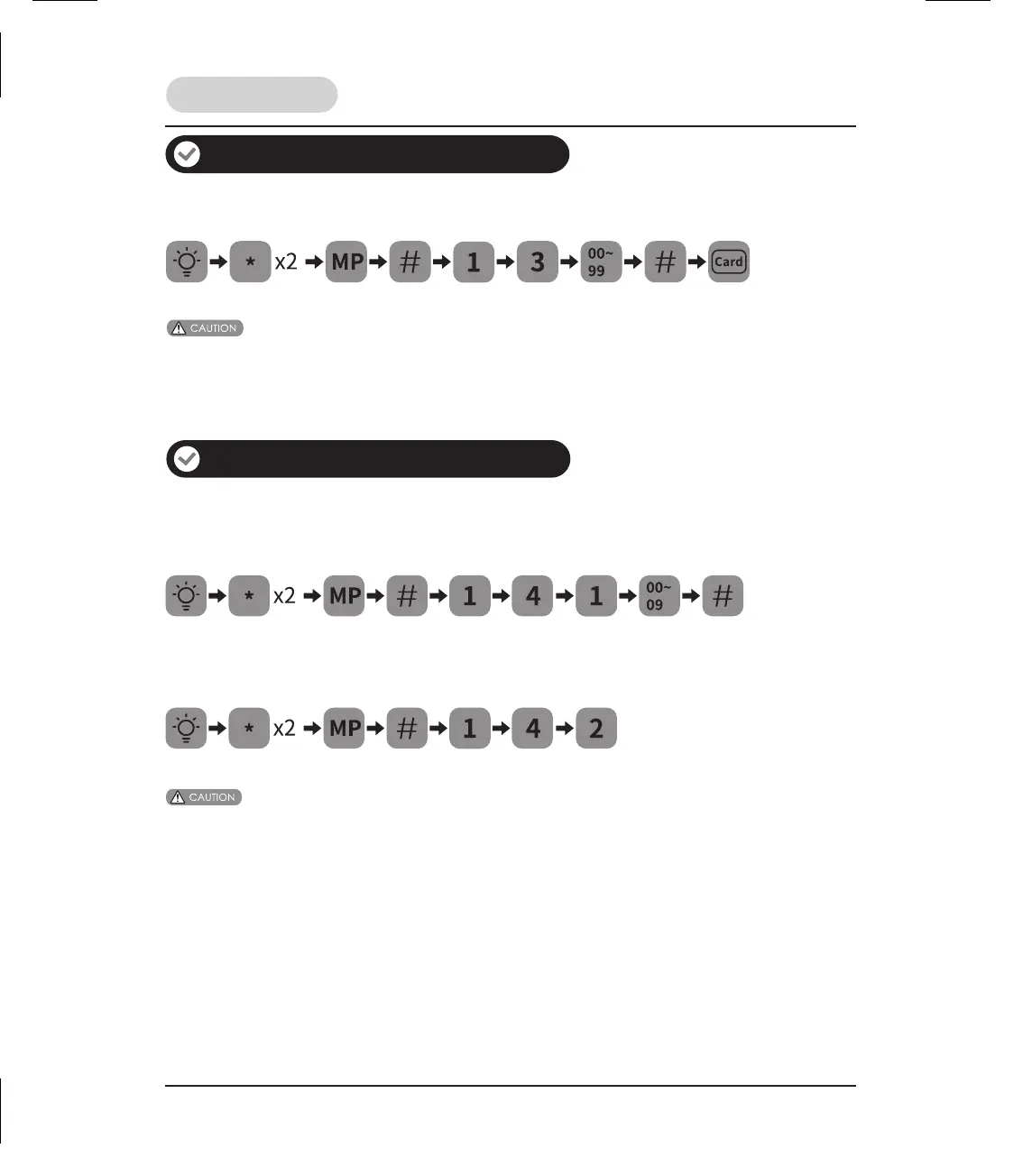
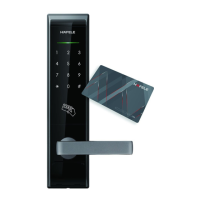
How to add key cards
1. When registering user card, the card must be entered within 10 seconds.
2. At any time you can return to the previous menu by pressing the “
*
” key.
Delete access data
How to delete user PIN code
Delete one user PIN code
(6 –12 digits)
Delete all user PIN code (Unusable in safe mode)
(6 –12 digits)
1. When deleting user PIN codes, the user number must be entered within 10 seconds.
2. At any time you can return to the previous menu by pressing the “
*
” key.


 To Next Page