MENU
CH+
CH-
VOL- VOL+
MENU
CH+
CH-
VOL- VOL+
Tuning(coutinued)
Manual search
Manual search
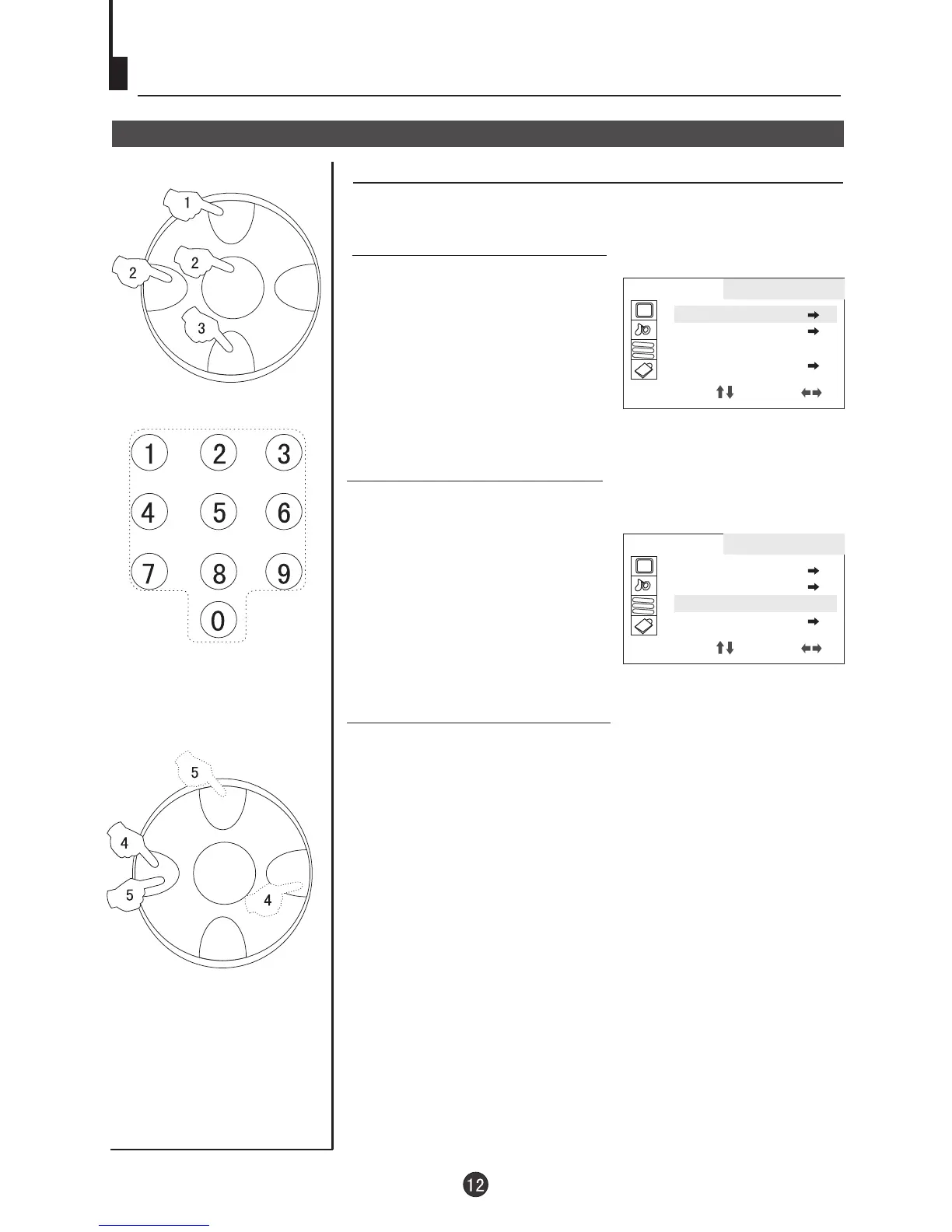
1. Press CH+/- button or the Direct-digit Choosing button to
select a channel directly(take channel 1 for example).
3. Press CH+/- button and move
the indicator to SEARCH.
4. Press VOL+/- button to start
searching.
VOL- button is used to search the
lower frquency channel.
VOL+ button is used to search the
higher frequency channel.
Repeat the steps until you find
the channel you need.
Direct-digit Choosing
Button
2. Press MENU button
continuously, until select
TUNING menu.
AA
BB
CC
TUNING
POS EDIT
POS EX.
SEARCH UP
AUTO MEMORY
SELECT ADJUST
AA
BB
CC
TUNING
POS EDIT
POS EX.
SEARCH UP
AUTO MEMORY
SELECT ADJUST



 To Next Page