Setting the Timer
Timer off
Using this function can turn the TV set automatically
into standby status at the preconcerted time.
MENU
CH+
CH-
VOL- VOL+
MENU
CH+
CH-
VOL- VOL+
This TV set provides you with three timer functions such as timer on, timer off
and sleep off.
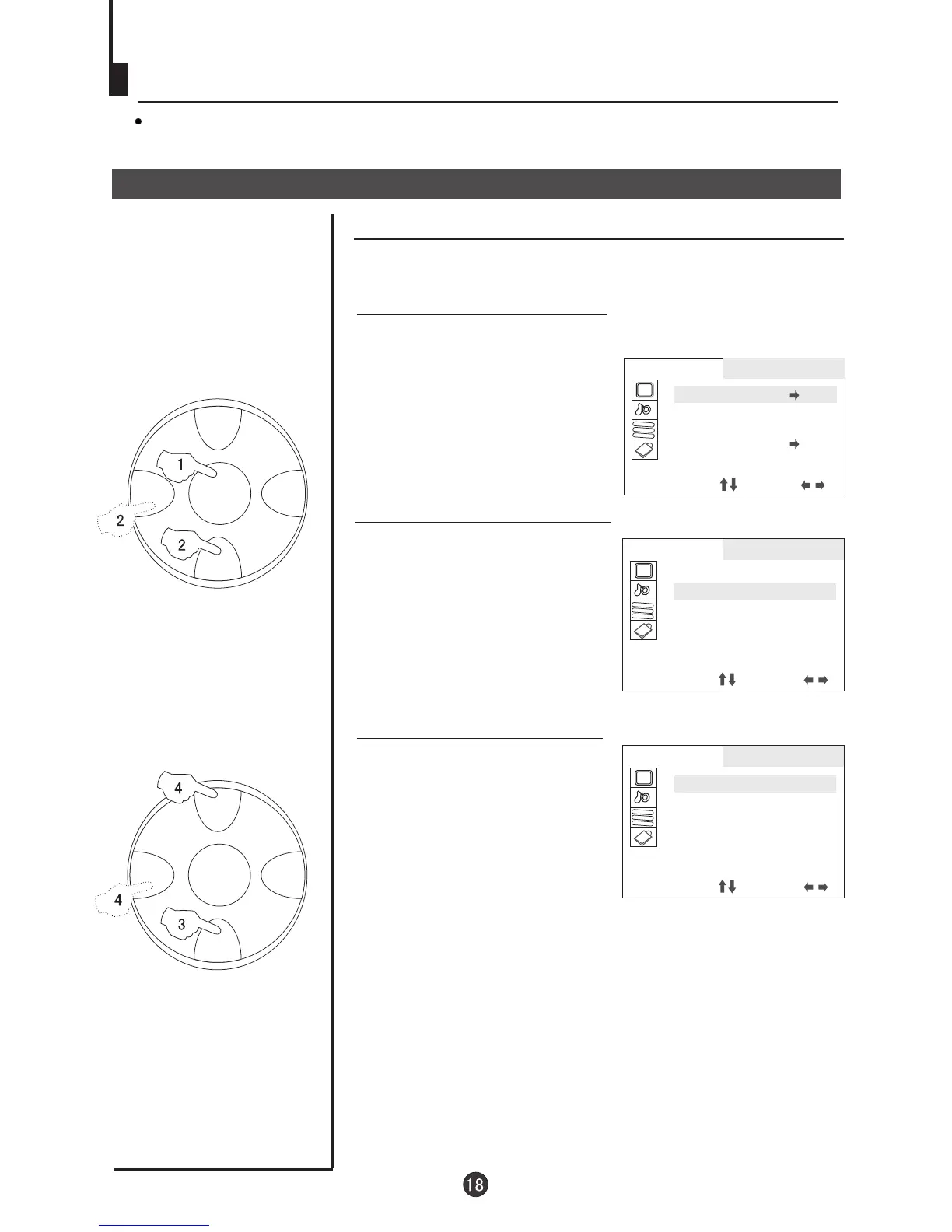
Timer off
2. Press CH+/- button, move
the indicator to OFF TIMER,
then press VOL+/- button to
set the time.
3. Press CH+/- button, move
the indicator to CLOCK,
press VOL+/- button, and you
can set the time(It will be the
standard of the clock of
timer on/off).
1. Press MENU button continuously
until select FUNCTION menu,
press CH+/- to select TIMER
and VOL+/- to enter.
AA
BB
CC
TIMER
CLOCK 00:00
OFF TIMER 00:00
ON TIMER OFF
ON POS 0
APP. TIME OFF
APP. POS 0
SELECT ADJUST
AA
BB
CC
FUNCTION
TIMER
AUTO OFF ON
S.C.C OFF
SPECIAL
SELECT ADJUST
AA
BB
CC
TIMER
CLOCK 00:00
OFF TIMER 00:00
ON TIMER OFF
ON POS 0
APP. TIME OFF
APP. POS 0
SELECT ADJUST



 To Next Page