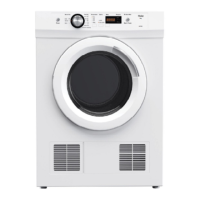
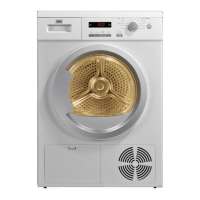
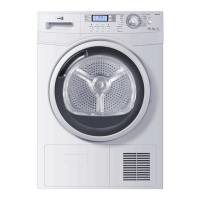
Control panel
EN
10
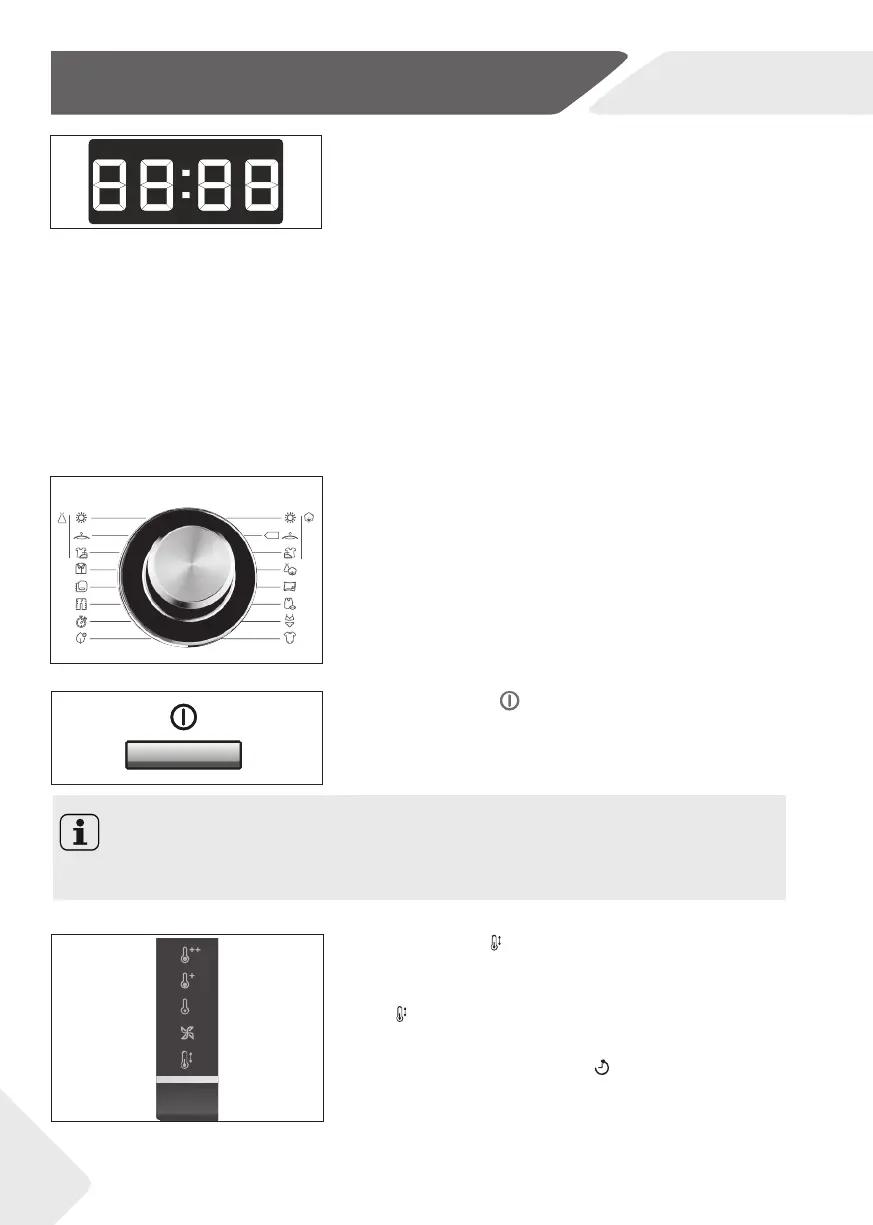
5-On/Off button
Press this button to switch on or switch off the appli-
ance (fi g. 8).
8
4-Programme selector
By turning the knob one of 16 programmes can be se-
lected (fi g. 7). The default settings will be displayed.
7
Notice
After each switch-on, the appliance suggests the economical programme “Cotton-
Ready to store“ for drying normal wet cotton laundry.
3-Display
During any selection the display (fi g.:6) shows related
information like
▶ Programme cycle time
▶ Programme start delay time
▶ Error codes (see TROUBLESSHOOTING)
After start of an operation it displays:
▶ Remaining time in hours of a delayed programme
starts, e.g.
:
▶ Remaining programme cycle time in hours + min-
utes, e.g.:
While running it may vary due to local conditions and
daily working load.
6
6-Temp. button
Touch this button (fi g.9) to select the drying tempera-
ture of the programme. Press sequentially the Temp.
button
until the desired symbol flashes on the display.
In conjunction with the “Delay”
button, the child lock
function can be switch on/off (see CHILD LOCK INDI-
CATOR).
9


 To Next Page