EasyManua.ls Logo

Haier SBC20 - User Manual

Haier SBC20
16 pages
Print Icon
To Next Page IconTo Next Page
Loading...
User Manual
Guide de l’Utilisateur
Manual del Usuario Modelo
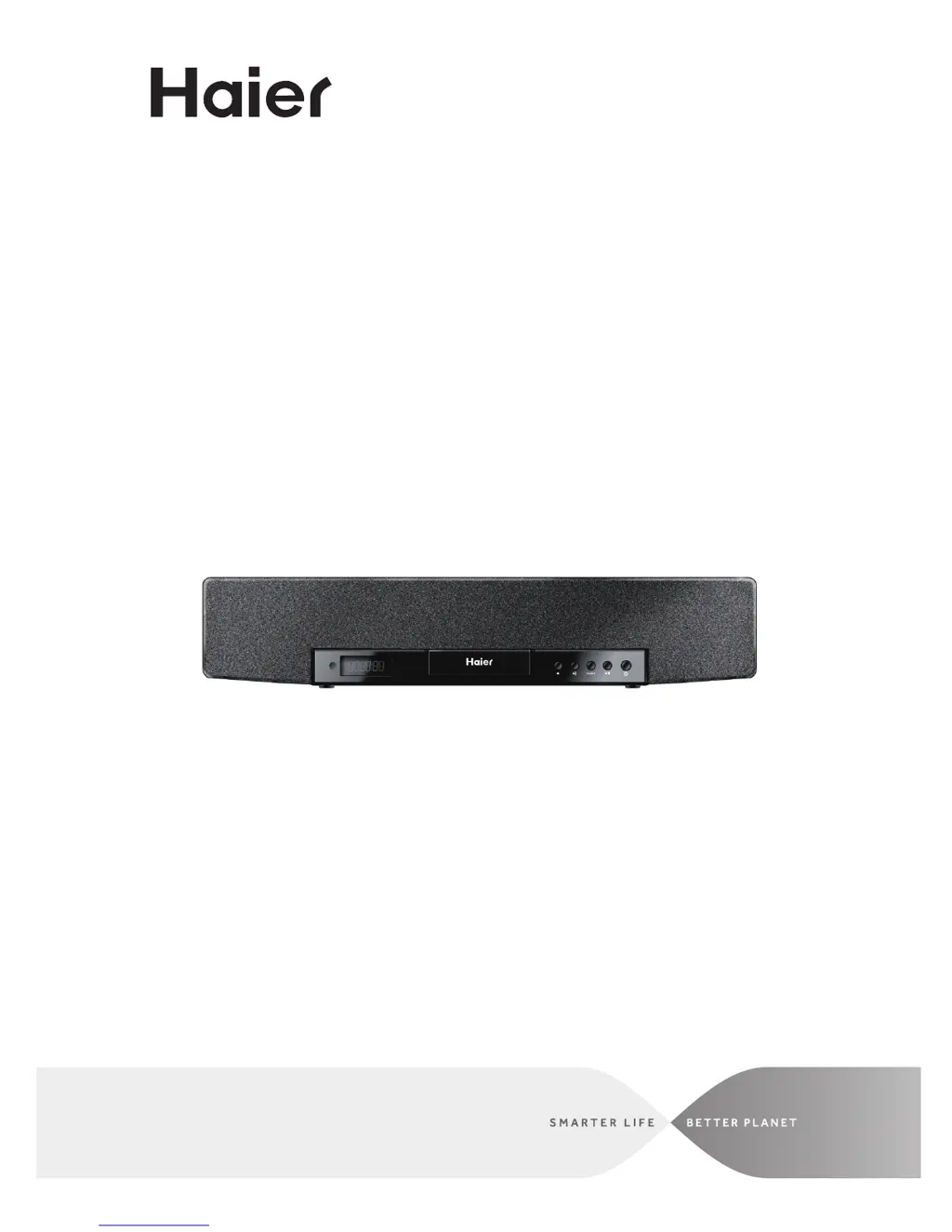
MODEL: SBC20
20" Core 2.0 Channel Soundbar
with iPod®, iPhone®, and iPad®
docking

Questions and Answers

  • J
    jellisJul 26, 2025
    What to do if there is no radio sound on Haier SBC20?
    • J
      Justin ScottJul 26, 2025
      If there is no radio sound on your Haier Speakers, ensure that the unit is in tuner mode by pressing the SOURCE button repeatedly until it switches to tuner. Also, check the volume level and ensure it is not muted or set to the minimum. Adjust the volume or press the MUTE button to resume audio.
  • M
    Michael RomeroAug 3, 2025
    What to do if iPod will not play on Haier SBC20?
    • H
      huangchristianAug 3, 2025
      If your iPod won't play on your Haier Speakers, make sure the unit is in iPod mode. Press the SOURCE button until it switches to iPod. If it still doesn't work, try reconnecting the iPod.
  • J
    John EllisAug 10, 2025
    How to fix distorted radio sound on Haier SBC20?
    • L
      Leslie CarrilloAug 10, 2025
      If you are experiencing distorted radio sound on your Haier Speakers, try fine-tuning the station. If the signal is poor, extend the FM pigtail antenna or change its direction.
  • H
    Heather LewisAug 17, 2025
    Why is there no iPod sound on my Haier SBC20 Speakers?
    • S
      Stephanie RossAug 17, 2025
      If there is no iPod sound from your Haier Speakers, first ensure that the unit is in iPod mode by pressing the SOURCE button until it switches to iPod. If the issue persists, check that the volume hasn't been muted or set to the minimum. Adjust the volume level or press the MUTE button to resume audio.

Summary

General Safety Warnings

Important Safety Instructions

Remote Control Functions

Remote Control Button Descriptions

Detailed descriptions of all functional buttons on the remote control.

Basic Operations

Playing iPod, iPhone, and iPad

Steps for docking and playing music from Apple devices.

Audio Source Operations

FM Radio Tuning

Instructions for tuning and scanning FM radio stations.

ClockRadio and App Features

Alarm Settings

Steps to set and manage alarms.

iPod;iPhone;iPad Music Playback

Navigating and playing music from docked Apple devices.

Connecting External Devices

AUX IN Connection

Connecting external audio devices via the AUX IN jacks.

A;V INPUT Connection

Connecting audio & video sources using AV cables.

Video Output Options

Troubleshooting Common Issues

Haier SBC20 Specifications

General IconGeneral
RMS rated power20 W
Audio output channels2.0 channels
Number of full-range drivers2
Full-range driver diameter (imperial)3 \
Subwoofer includedNo
Cables includedComponent, RCA
Receiver included-
Product colorBlack
Apple docking compatibilityiPad, iPhone, iPod
Soundbar dimensions (WxDxH)508 x 124.96 x 100 mm
HDMI ports quantity0
USB 2.0 ports quantityUSB 2.0 ports have a data transmission speed of 480 Mbps, and are backwards compatible with USB 1.1 ports. You can connect all kinds of peripheral devices to them.
Connectivity technologyWired
Component video (YPbPr/YCbCr) out1
Power sourceAC
AC input voltage100-240 V
AC input frequency50 - 60 Hz
Power consumption (typical)40 W

Related product manuals