9
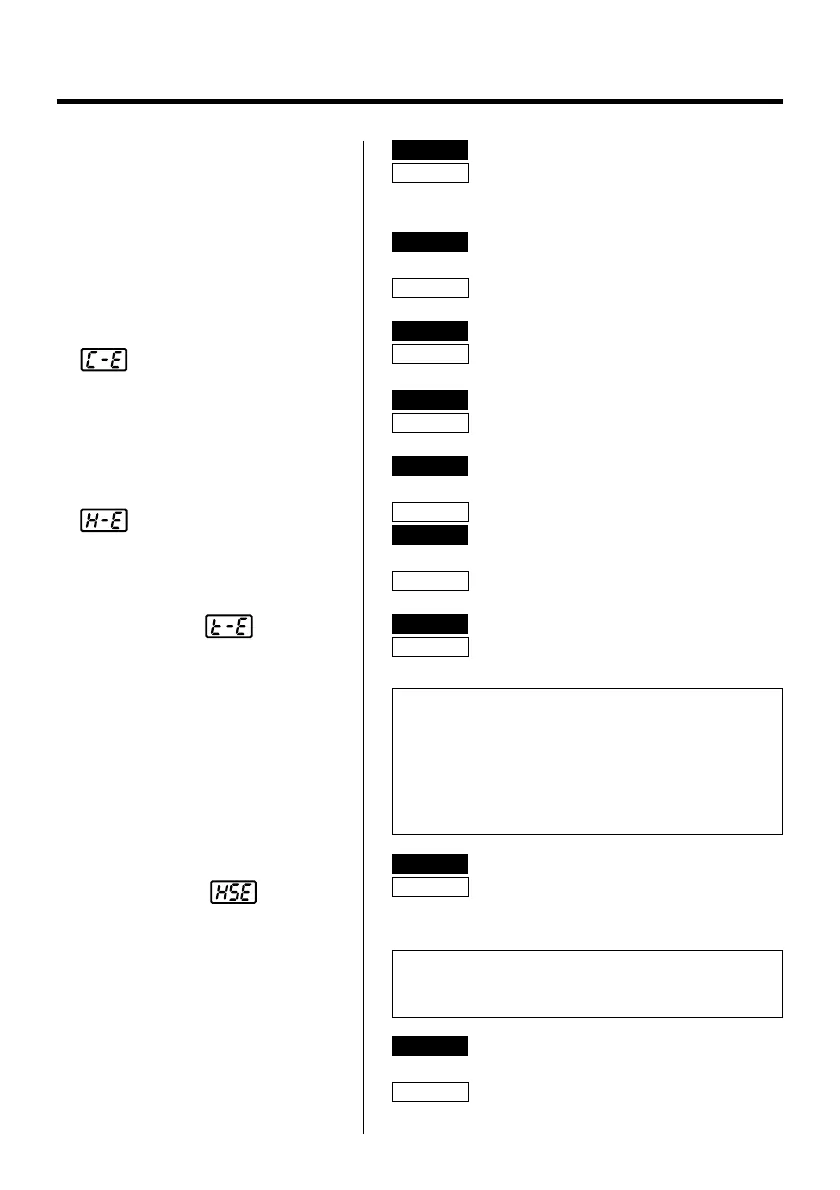
● The tip temperature is
too low.
CHECK : Is the tip contaminated with oxide?
ACTION
: Remove the oxide by cleaning the tip
on a damp sponge of Hakko 599B tip
cleaner.
CHECK : Is the entered tip identification
number correct?
ACTION
: Enter the correct value.
● The soldering iron error
is displayed.
CHECK : Is the connection cord broken?
ACTION
: See “Checking the connection cord
for breakage”.
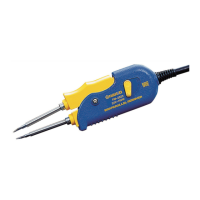
CHECK : Is the FM-2022 plug disconnected?
ACTION
: Connect the FM-2022.
● The low-temperature
alarm tolerance error
occurs frequently.
CHECK : Is the tip too small for the items to be
removed?
ACTION
: Use a tip with a large thermal capacity.
CHECK : Is the setting value for the low-
temperature alarm tolerance too low?
ACTION
: Increase the setting value.
● Tip ID error is
displayed.
CHECK : Does the tip come off during use?
ACTION
: Enter correctly. See section 6, Opera-
tion for instructions.
NOTE:
If the buzzer sounds three times when the tip is
inserted into the process gate, there has been a
reading error. Reinsert the tip. If the Tip ID has been
torn or damaged the process gate will not be able to
read it. See the FM-202 manual for instructions of
manually entering the Tip ID.
● Heater terminal short
circuit error
is
displayed.
CHECK : Is the tip for FM-2022?
ACTION
: Turn the power switch OFF and insert
the correct FM-2022 tip. Turn the
power switch ON.
NOTE:
This error does not display when not entering the Tip
ID.
● The tips cannot be
closed.
• The tips will not return to the
original position.
CHECK : Is there a foreign object between the
tips?
ACTION
: Remove it.


 To Next Page