3
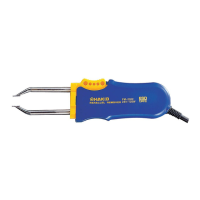
4. PART NAMES
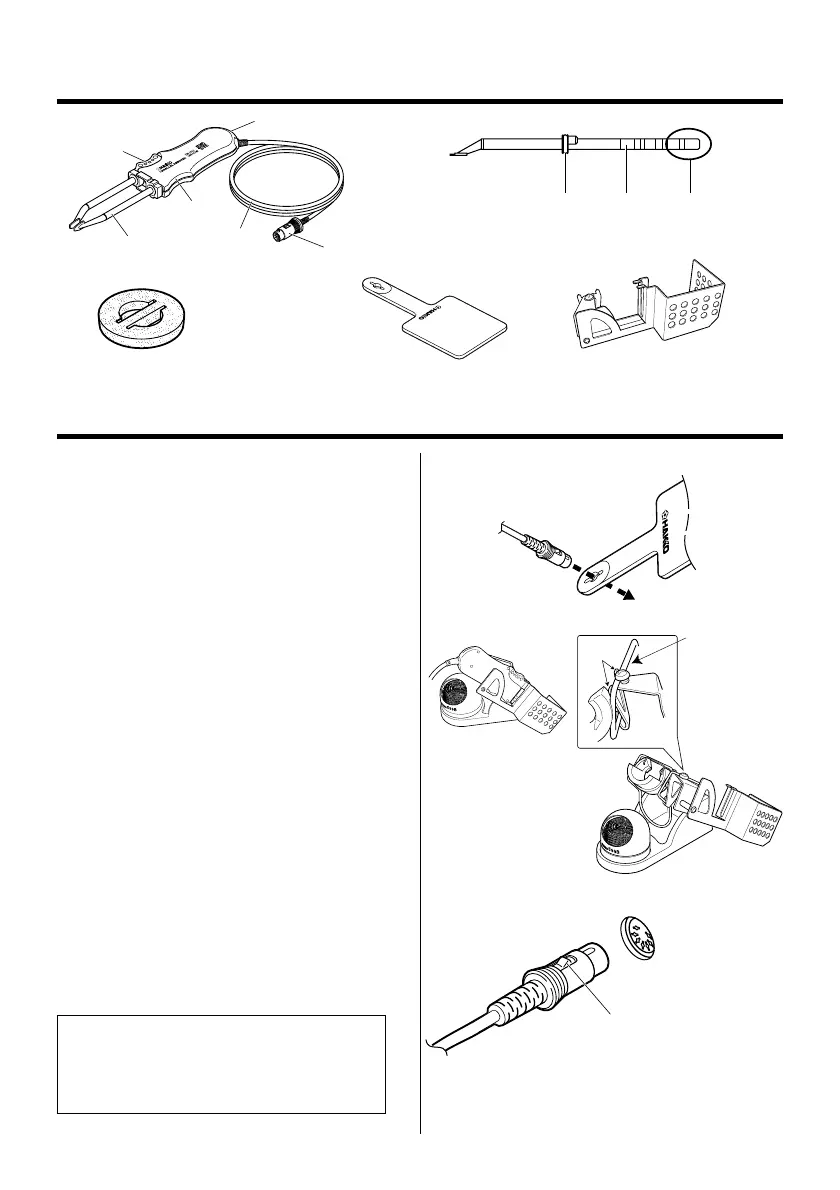
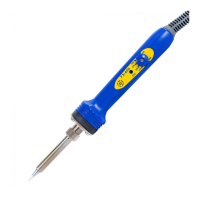
Heat resistant pad
Button
LED
Handle
Tip (not included)
Plug
Cord
PlugFixing flange Tip ID
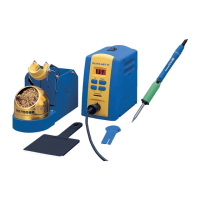
Cleaning sponge
Holder clip
5. SETTING UP THE FM-2022
1. Connector cord
Pass the connector cord through the hole
in the heat resistant pad.
2. Iron holder
(Optional, part no. 634-01 or 634- 02)
Attach the holder clip to the iron holder
no.634-01 or 634-02.
Before tightening the screw, make sure
that the two projections of the holder clip
are touching the upper wire of the iron
holder.
3. Connections
1. Connect the plug to the FM-202.
2. Place the FM-2022 in the iron holder.
3. Plug the power cord into the power
supply. Be sure to ground the unit.
Push the plug in as far as
it will go, and try to remove it
without pressing the release pin.
If it stays in the receptacle
it is properly seated.
Receptacle
When the plug ‘clicks’,
it is fully inserted.
NOTE:
This product is protected against electro-
static discharge and must be grounded for
full efficiency.
No.1
No.2
Upper wire
Two projections


 To Next Page