15
TC P
TC B
---
º
F
---
º
F
200
º
F
AUTO
ZONE1
prof2
P12345600
OPENED
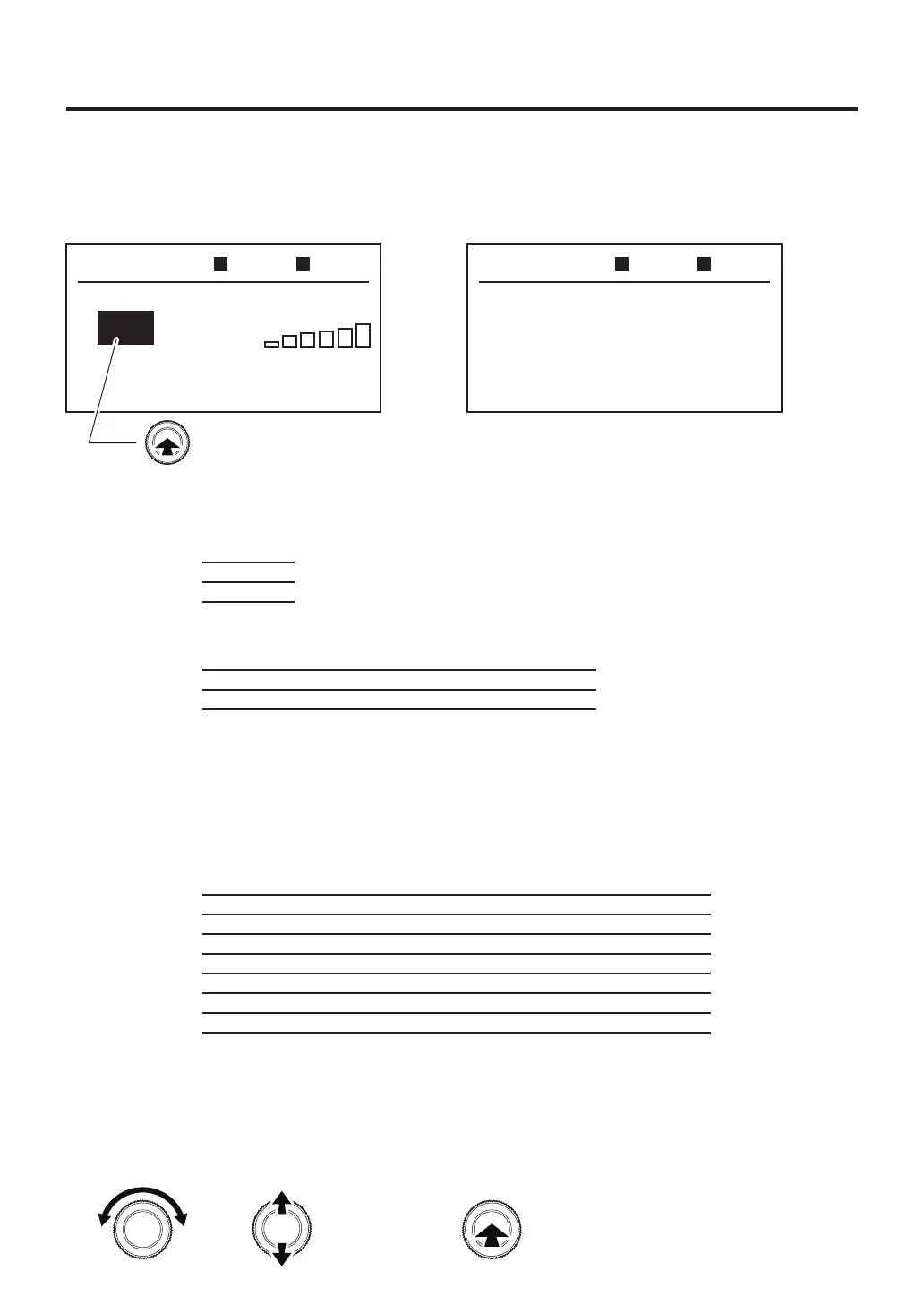
whilethetemperatureisselected.
Turning to setting screen will be displayed below.
The following settings can be changed from this screen:
①RENAME
②TIMER MODE
③COMMENT
④PRE ZONE SET
⑤ZONE 1 SET
⑥ZONE 2 SET
⑦ZONE 3 SET
⑧ZONE 4 SET
⑨ZONE 5 SET
⑩ZONE 6 SET
⑪DEMO MODE
⑫PROFILE COPY
<EXIT>
ー Input profile name.
ー Select opened timer or closed timer.
ー Input comment.
ー Bottom heater settings
ー Set Zone 1 settings.
ー Set Zone 2 settings.
ー Set Zone 3 settings.
ー Set Zone 4 settings.
ー Set Zone 5 settings.
ー Set Zone 6 settings.
ー Read sample data for demo mode.
ー Copy a desired profile to another profile.
ー To top screen.
AUTO
PROFILE SET
RENAME
TIMER MODE
COMMENT
PRE ZONE SET
ZONE1 SET
OPEN
TOP BTM
ON / OFF
ON
ON
ON
ON
ON
ON
ZONE1
ZONE2
ZONE3
ZONE4
ZONE5
ZONE6
Set Temp
200℉
400℉
600℉
800℉
950℉
1100℉
Air
50%
50%
50%
50%
50%
50%
Timer
10sec.
10sec.
10sec.
10sec.
10sec.
10sec.
RAMP
- -
- -
- -
- -
- -
- -
Vacuum
OFF
OFF
OFF
OFF
OFF
OFF
TOP BTM
ON / OFF
OFFPRE ZONE
Mode
POWER
Power
50%
Timer
150sec.
●InitialValue
●InitialValue
●InitialValue
Timer mode
Opened
2. Profile settings
Pressing the center of the operation knob while the temperature is selected will change to the profile
setting screen.
Set in the following operation
Changes the
selected item
or
Enter



 To Next Page