24
BOTTOM
PREZONE
POWERTCMode
--
Ramp Temp Power Timer
150 50 150
℃/s
%
s℃
PRE ZONE
ON/OFF setting
Timer setting
Power setting
RAMP RATE
setting
Mode selection
Temperature
setting
⑪
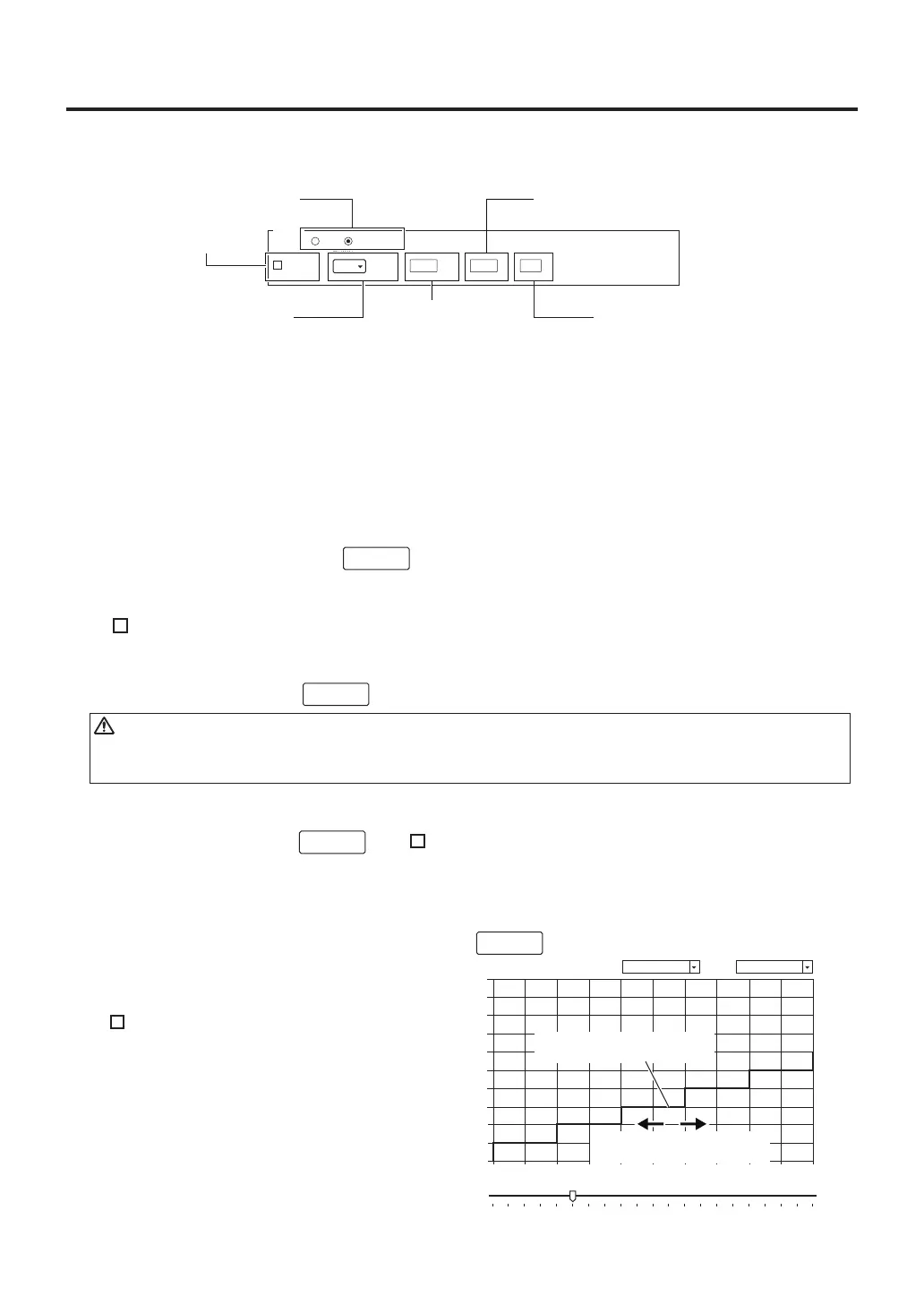
Zone settings (bottom heater)
⑫
Displaying graph
The following settings for the bottom heater can be set.
During operation, the actual temperature data will be shown on the graph.
⑬
Clearing graph
To clear the displayed graph, click .
⑭
Saving graph (CSV)
If “ ” is checked previously, the graph can be saved in CSV format.
In T/C mode, you can set the RAMP RATE and temperature; in POWER mode you can set the
Power and Timer. For conditions such as setting ranges, etc., please refer to page 16.
B. Operation
Refresh
⑮
Starting graph charting
To start graph charting, click .
csv capture
Start
⑯
Stopping graph charting
To stop graph charting, click . If “
” is checked, the software will ask whether
to save the data at this time in CSV format.
CAUTION
If the profile set in the PC is not uploaded to the HAKKO FR-811, the actual operation will not be shown.
Follow the instructions in ⑥ "Uploading PC profile to station" on page 23 to upload data to the station.
Stop
⑰
Saving graph image (BMP)
To save an image (bmp) of the displayed graph, click .
⑱
Showing guide line
If “
” is checked, the current setting
will be shown on the graph.
⑲Sliding guide line
To slide the Guide line to the set time,
move the slider.
Capture
csv capture
Guide
Span Time
0
0
100
200
300
400
500
600
700
800
900
1000
5 15 20 25 30 35 40 45 5010
[℃]
[sec]
0-1000℃ 5s/ div
⑱
Showing guide line
⑲
Sliding guide line



 To Next Page