1
G Operating Instructions
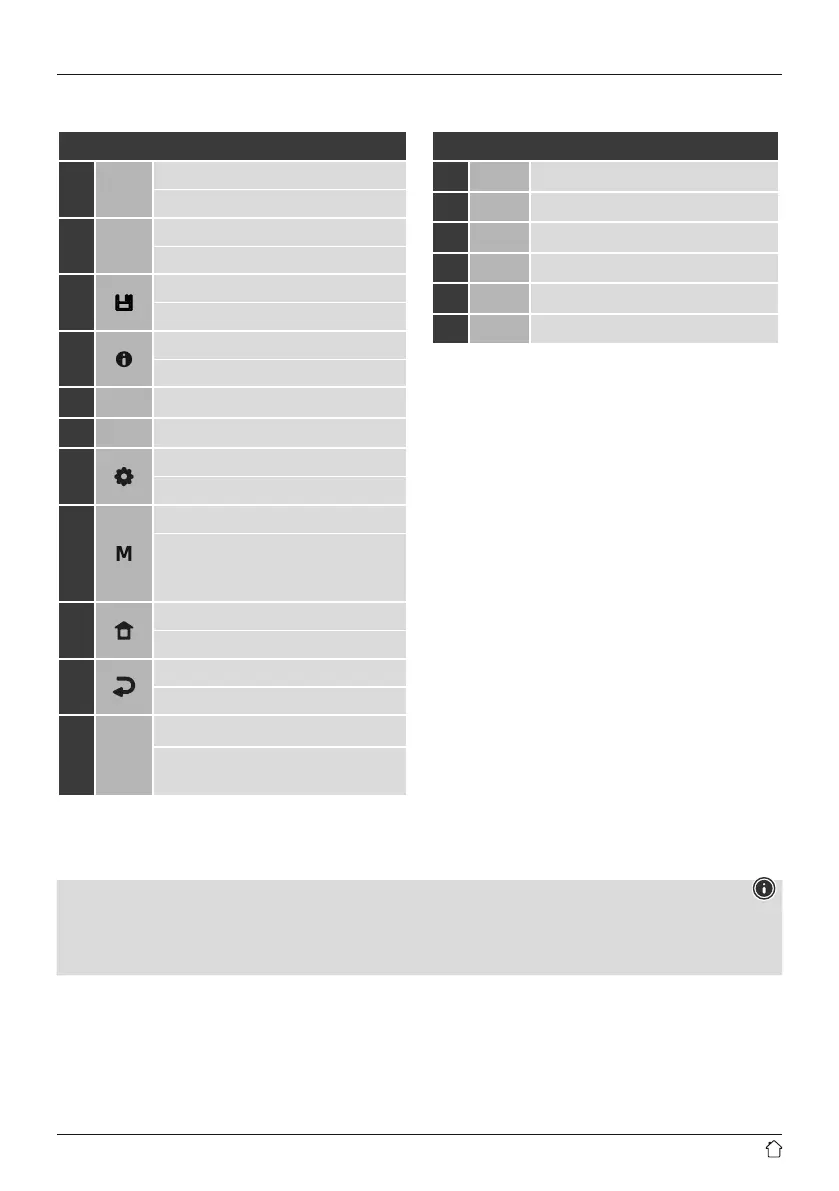
Controls and displays
A: Front
1
[PRESET 1] button
Memory slot 1
2
[PRESET 2] button
Memory slot 2
3
[PRESET] button
Save/access favourites
4
[INFO] button
Display additional information
5
Infra-red receiver
6
Display
7
[MENU/SETTINGS] button
Direct access to settings/menu
8
[MODE] button
Change operating mode (Internet radio,
podcasts, Spotify Connect, DAB+, FM,
Bluetooth, AUX In)
9
[HOME] button
Back to the main menu
10
[BACK] button
Back one menu level
11
[POWER/VOLUME/ENTER/NAVIGATE]
On/Off switch; Volume control;
Selection conrmation; Navigation
B: Rear
12
Mains power supply
13
Aux In
14
Headphone jack
15
Line Out
16
USB interface
17
Antenna*
Note
*
"DIR3300SBT" has a changeable antenna. You can use an active or passive antenna equipped with a coaxial connection.
** The rotary knob has a dual function. Turning the controller allows you to change the volume or navigate through
the menu structure. Pressing this rotary knob puts the device in standby mode or conrms a selection.



 To Next Page