13
•
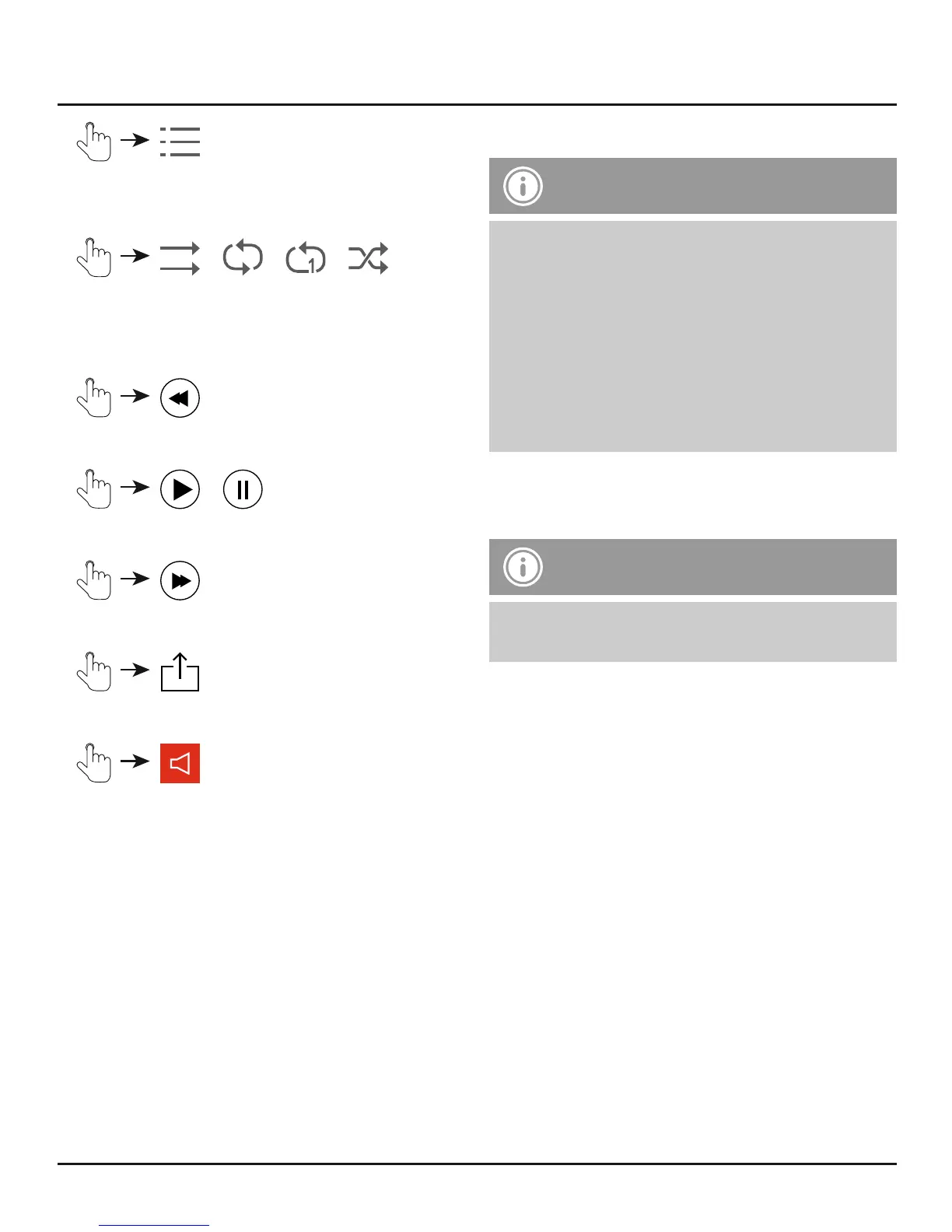
Opens a list of all tracks stored on the
Save2Data or terminal device.
•
/ / /
Play tracks in order / Repeat entire playlist /
Repeat single track / Play tracks in random
order (shue)
•
Play the previous track
•
/
Start/pause playback
•
Play the next track
•
Opens the context menu of the terminal device
•
Adjust volume
7.3.2 Transferring music
Note – Transferring music
• See section 7.1.2
• Procedure identical to transferring pictures
• Music can only be transferred from the
terminal device to the Save2Data, not the
other way.
• Alternatively, you may save music in the
app’s folder, called Save2Data. Music saved
in this folder may only be accessed using the
Save2Data app.
7.3.3 Additional options in the
context menu
Note – Additional options
• See section 7.1.3
• Options identical to context menu for pictures


 To Next Page