6
4. Technical Data
Warning
Never use both the USB type A and the Lightning plug at the same time.
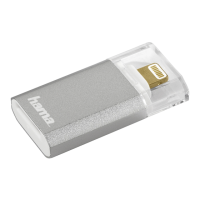
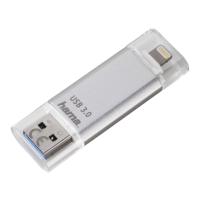
Lightning-USB 3.0 Stick “Save2Data”
Power supply
(USB 3.0)
32GB: max. 5V 230mA
64GB: max. 5V 245mA
128GB: max. 5V 270mA
Storage capacities and
le system
32GB – FAT32, 64GB – FAT32, 128GB – FAT32
Connections
USB 3.0 type A
Lightning (8-pin connector)
Operating systems
• Windows 10/8/7/Vista/XP
• Mac OS 10.4 or higher
• iOS 6.0 or higher
• Requires: Installation of the Hama Save2Data app
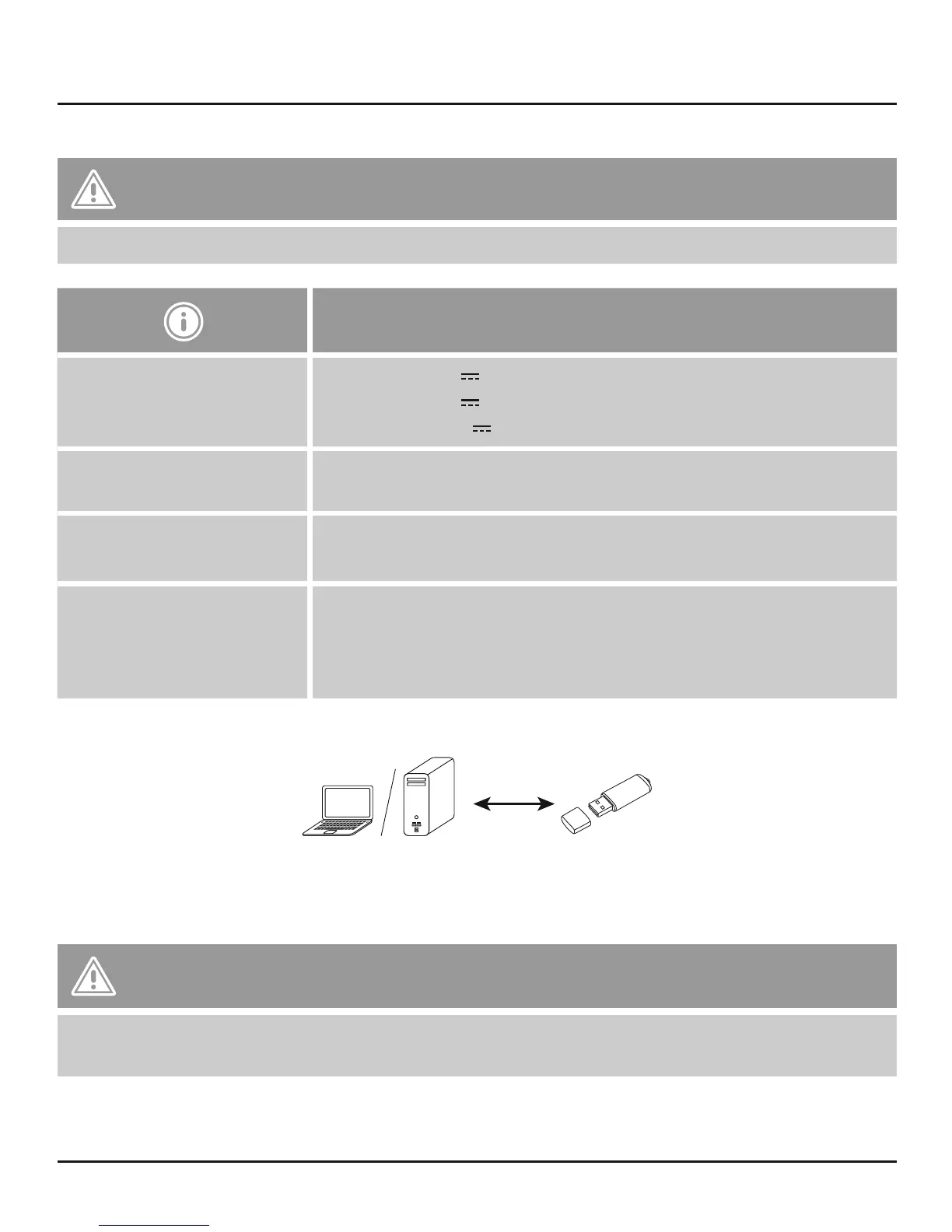
5. Use with a USB connection
• Use the USB plug to connect the Save2Data ash drive to a free USB port on your computer.
• You can now use the Save2Data ash drive like any other USB mass storage device.
• For best results, use a USB 3.0 port.
Warning – Data Loss
• Always remove the removable storage medium using the eject function of your operating system.
• If you do not do this, data may be lost.


 To Next Page