EasyManua.ls Logo

Hamilton Beach HBH750 SERIES - User Manual

Hamilton Beach HBH750 SERIES
10 pages
Print Icon
To Next Page IconTo Next Page
Loading...
840227010
2/14
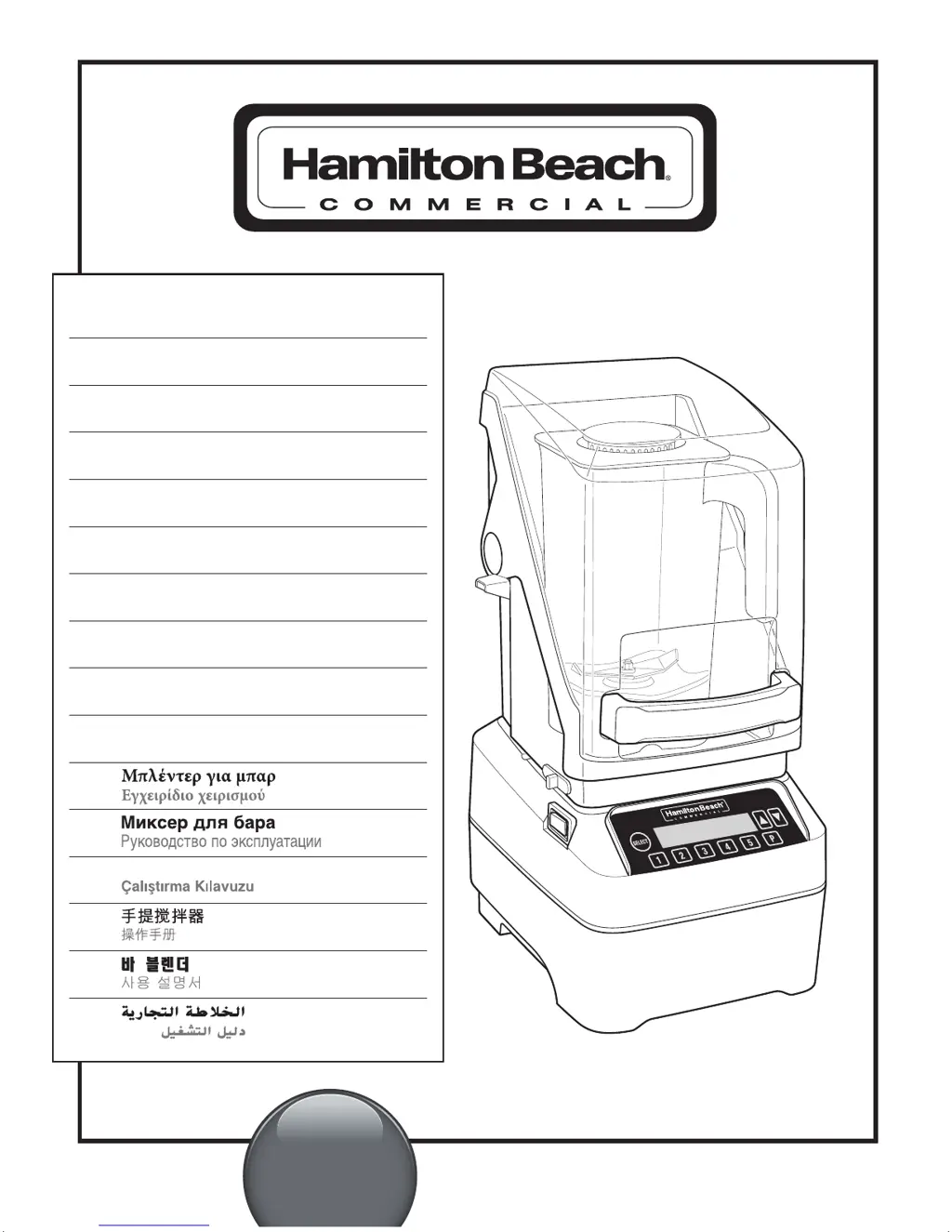
GB BAR BLENDER
Operation Manual – Original (2)
FR MÉLANGEUR DE BAR
Manuel d’utilisation (8)
ES LICUADORA PARA BAR
Manual de Operación (14)
PT LIQUIDIFICADOR
Manual do Utilizador (20)
IT FRULLATORE PER BAR
Manuale per il funzionamento (26)
DE STANDMIXER
Bedienungsanleitung (32)
NL BARMIXER
Gebruiksaanwijzing (38)
DK BAR–BLENDER
Betjeningsveijledning (44)
SE BARBLANDARE
Bruksanvisning (50)
NO HURTIGMIKSER
Brukerhåndbok (56)
GR
(62)
RU
(68)
TU
ÇUBUK BLENDER
(74)
CN
(80)
KR
(86)
SA
(97)
HBH750 Series
(TYPE) GB34
For more visit www.commercial.hamiltonbeach.com
Good Thinking
®
840227010 FR_v16.indd 1 2/26/14 10:10 AM

Questions and Answers

  • A
    Albert TuckerAug 15, 2025
    What to do if my Hamilton Beach HBH750 fails to start and the display is blank?
    • C
      Christopher DavisAug 15, 2025
      If your Hamilton Beach Blender fails to start, stops running, and the display is blank, there are several things to check. First, ensure the Power Switch is in the ON (Reset) position and illuminated red. Verify the blender is securely plugged into an electrical outlet with the correct voltage and frequency. Check if the outlet's fuse has blown or the Power Switch has tripped. Also, the blender has motor overload protection; if it overheats and stops, unplug it and let it cool for 15 minutes before plugging it back in.
  • S
    Sabrina DunnAug 18, 2025
    What to do if my Hamilton Beach HBH750 stops and shows an error message?
    • S
      smithkarenAug 18, 2025
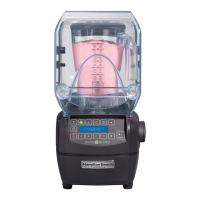
      If your Hamilton Beach Blender fails to start or stops while running and a message appears on the display, make sure the jar is properly seated on the base. The blender won't operate if the jar isn't correctly positioned. Also, ensure the Quiet Shield™ is down and in the correct position.
  • M
    Mario HolmesAug 21, 2025
    What to do if my Hamilton Beach Blender is not responding?
    • J
      josephlopezAug 22, 2025
      If your Hamilton Beach Blender isn't responding to button commands or an error message appears, try turning the power off and on using the power switch to reset the controls. If the error persists, the unit requires servicing.
  • S
    Sean MooreAug 25, 2025
    What to do if my Hamilton Beach HBH750 won't start and the display is blank?
    • V
      Virginia ClarkAug 26, 2025
      If your Hamilton Beach Blender fails to start, stops running, and the display is blank, there are several things to check: * Ensure the Power Switch is in the ON (Reset) position and illuminated red. * Verify the unit is securely plugged into an electrical outlet with the correct voltage and frequency. * Check if the outlet's fuse has blown or the Power Switch has tripped. * If the motor overheats, the blender has motor overload protection. Unplug it and let it cool for 15 minutes before plugging it back in.
  • R
    Robert Wong Jr.Aug 28, 2025
    What to do if my Hamilton Beach Blender stops and shows a message?
    • D
      Dalton ReedAug 28, 2025
      If your Hamilton Beach Blender fails to start or stops while running and a message appears on the display, ensure the jar is properly seated on the blender base. The blender won't operate if the jar isn't correctly positioned. Also, make sure the Quiet Shield™ is down and in the correct position.
  • K
    Kenneth GoodmanSep 1, 2025
    Why does my Hamilton Beach Blender stop while it is running?
    • Y
      ybradySep 1, 2025
      If your Hamilton Beach Blender fails to start or stops while running, it might be due to thermal overload protection. Try running the "cool down cycle" as instructed on the display. Also, the blender is equipped with motor overload protection. If it stops due to overheating, unplug it and allow it to cool down for 15 minutes before resuming normal operation.
  • J
    Joshua CowanSep 3, 2025
    Why are ingredients not mixing properly in my Hamilton Beach HBH750 Blender?
    • R
      Roy TaylorSep 4, 2025
      If ingredients aren't mixing well in your Hamilton Beach Blender, consider the following: * Ensure enough liquid is added to the ingredients to create a fluid mixture. * Reduce the size of solid pieces. * Avoid overfilling the container beyond the highest graduation marking. * Inspect the cutter assembly daily and replace it yearly (or sooner if worn/damaged). * Confirm the cutter assembly is correctly installed. * Select an appropriate speed to ensure a fluid blend.
  • S
    Scott PowellSep 7, 2025
    Why does my Hamilton Beach Blender stop while running?
    • N
      nicholas85Sep 7, 2025
      If your Hamilton Beach Blender fails to start or stops while it is running, it could be due to thermal overload protection being tripped. Try running the "cool down cycle" as instructed in the display. Also, the motor may have stopped due to overheating. Unplug the blender and allow it to cool down for 15 minutes before plugging it back in to resume normal operation.
  • J
    Jill MeyerSep 12, 2025
    How to fix a Hamilton Beach HBH750 that doesn't respond to buttons?
    • S
      Steven EvansSep 12, 2025
      If your Hamilton Beach Blender doesn't respond to button commands or shows an error message, try turning the power off and back on using the power switch to reset the controls. If the error message persists after resetting, the unit may require servicing.

Summary

Blender Safety

Important Safety Instructions

Crucial safety guidelines for blender operation and handling.

Sanitizing

Technical Services

Parts and Features

Optional: Loading Custom Programs

Instructions for programming custom cycles using a memory card.

Control Panel

Control Panel Overview

Explanation of the blender's control panel layout and buttons.

Blender Operation - Quick Start Guide

Using the Controls

Information and Settings Menu

Accessing and navigating through blender information and settings.

Troubleshooting Guide

Hamilton Beach HBH750 SERIES Specifications

General IconGeneral
BrandHamilton Beach
ModelHBH750 SERIES
CategoryBlender
LanguageEnglish

Related product manuals