EasyManua.ls Logo

Hamilton Beach HBH755 Series - User Manual

Hamilton Beach HBH755 Series
12 pages
Print Icon
To Next Page IconTo Next Page
Loading...
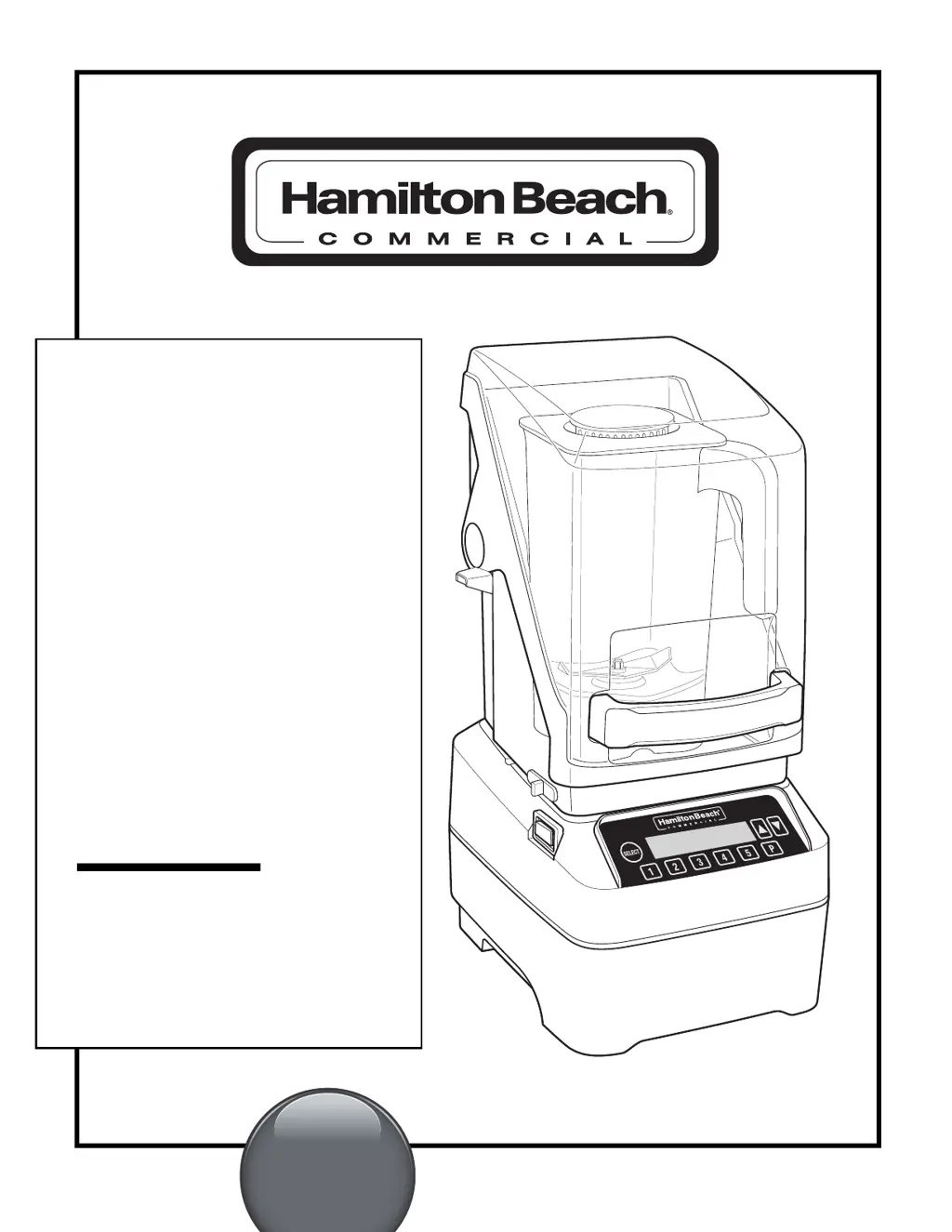
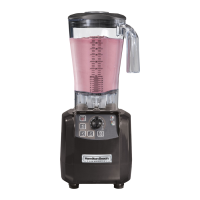
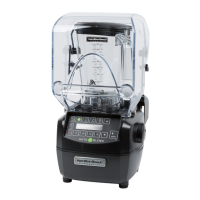
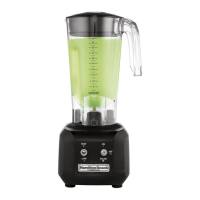
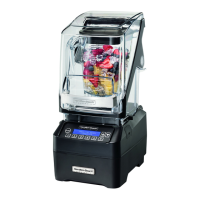
HBH750/HBH755 SERIES
BAR BLENDER
Operation Manual –
Page 2
HBH750/HBH755 SÉRIE
MÉLANGEUR
DE BAR
Manuel d’utilisation –
Page 8
HBH750/HBH755 SERIE
LICUADORA
PARA BAR
Manual de Operación –
Page 14
READ BEFORE USE.
LIRE AVANT D’UTILISER.
LEA ANTES DE USAR.
Le invitamos a leer cuidadosamente este
instructivo antes de usar su aparato.
For more visit www.hamiltonbeachcommercial.com
Good Thinking
®
840227001
9/15

Questions and Answers

  • J
    Jonathan WoodsJul 28, 2025
    What to do if my Hamilton Beach Blender fails to start or stops while it is running and display is blank?
    • D
      David LoveJul 28, 2025
      If your Hamilton Beach Blender fails to start or stops and the display is blank, check the following: * Ensure the Power Switch is in the ON (Reset) position and illuminated red. * Verify the unit is securely plugged into an electrical outlet with the correct voltage and frequency. * Check the fuse for the electrical outlet or if the Power Switch has tripped. * If the motor overheats, unplug the blender and let it cool for 15 minutes before plugging it back in.
  • M
    Michael HinesAug 4, 2025
    What to do if my Hamilton Beach HBH755 does not respond to button commands or an error message appears in the display?
    • M
      michael74Aug 4, 2025
      If your Hamilton Beach Blender does not respond to button commands or displays an error message, try turning the power off and then back on using the power switch. This will reset the controls. If the error message continues to appear, the unit may require servicing.
  • J
    Jeffrey PearsonAug 12, 2025
    What to do if my Hamilton Beach HBH755 fails to start or stops while it is running and a message appears in the display?
    • J
      James MoralesAug 12, 2025
      If your Hamilton Beach Blender fails to start or stops and a message appears on the display, ensure the jar is properly seated on the blender base. The blender will not operate unless the jar is correctly positioned. Also, make sure the Quiet Shield™ is down and in the correct position.
  • E
    Eric MorrisAug 19, 2025
    Why are ingredients not mixing properly in my Hamilton Beach HBH755 Blender?
    • M
      murraybrendaAug 20, 2025
      If ingredients are not mixing correctly in your Hamilton Beach Blender, consider the following: * Ensure enough liquid has been added, so the mixture is fluid. * Reduce the size of solid pieces. * Do not overfill the container past the highest graduation marking. * Check if the cutter assembly is installed correctly. * Select a speed that creates a fluid blend. Inspect the cutter assembly daily and replace it yearly or sooner if worn or damaged.

Summary

Blender Safety

Important Safety Instructions

Comprehensive safety guidelines for operating the blender to prevent injury and hazards.

Electrical Shock Hazard Warnings

Precautions to avoid electrical shock, including grounding and cord safety.

Cut Hazard Warnings

Safety advice regarding the sharp blades to prevent cuts and injuries.

Parts and Features

Blender Components and Diagrams

Identification of blender parts, features, and an illustrative diagram.

Technical Services and Replacement Parts

Contact information for support and details on available replacement parts.

Optional Memory Card Functionality

Instructions for loading custom programs using the memory card feature.

Control Panel and Operation

Control Panel Overview

Description of the display, buttons, and their functions on the control panel.

Blender Operation Quick Start Guide

Step-by-step guide for basic blender setup and initial operation.

Sanitizing the Blender

Procedure for cleaning and sanitizing the blender container and components.

Using the Controls

Changing Programs and Settings

Instructions for customizing preset cycles and accessing system settings.

Information and Settings Menu

Navigating menus for warranty, custom cycles, customer service, and diagnostics.

Troubleshooting and Maintenance

Troubleshooting Common Issues

Solutions for common problems like failure to start, errors, and mixing issues.

Daily and Weekly Maintenance

Routine checks and cleaning procedures for daily and weekly upkeep.

Hamilton Beach HBH755 Series Specifications

General IconGeneral
BrandHamilton Beach
ModelHBH755 Series
CategoryBlender
LanguageEnglish

Related product manuals