Wartung
Grundsätzlich bedarf das Gerät keiner Wartung
Kontrollieren Sie regelmäßig alle Geräteteile und den
festen Sitz aller Schrauben und Verbindungen
Tauschen Sie defekte Teile über unseren Kunden-
service sofort aus. Das Gerät darf dann bis zur
Instandsetzung nicht verwendet werden.
Pflege
Zur Reinigung verwenden Sie bitte nur ein feuchtes
Tuch ohne scharfe Reinigungsmittel. Achten Sie darauf,
dass keine Flüssigkeit in den Computer gelangt.
Bauteile, welche mit Schweiß in Kontakt kommen, brau-
chen nur mit einem feuchten Tuch gereinigt werden.
Maintenance
In principle, the equipment does not require
maintenance.
Regularly inspect all parts of the equipment and the
secure seating of all screws and connections.
Promptly replace any defective parts through our
customer service. Until it is repaired, the equipment
must not be used.
Care
When cleaning, use only a moist cloth and avoid harsh
cleaning agents. Ensure that no moisture penetrates
into the computer.
Components that come into contact with perspiration,
need cleaning only with a damp cloth.
4. Pflege und Wartung
4. Care and Maintenance
5. Computer (D)
14
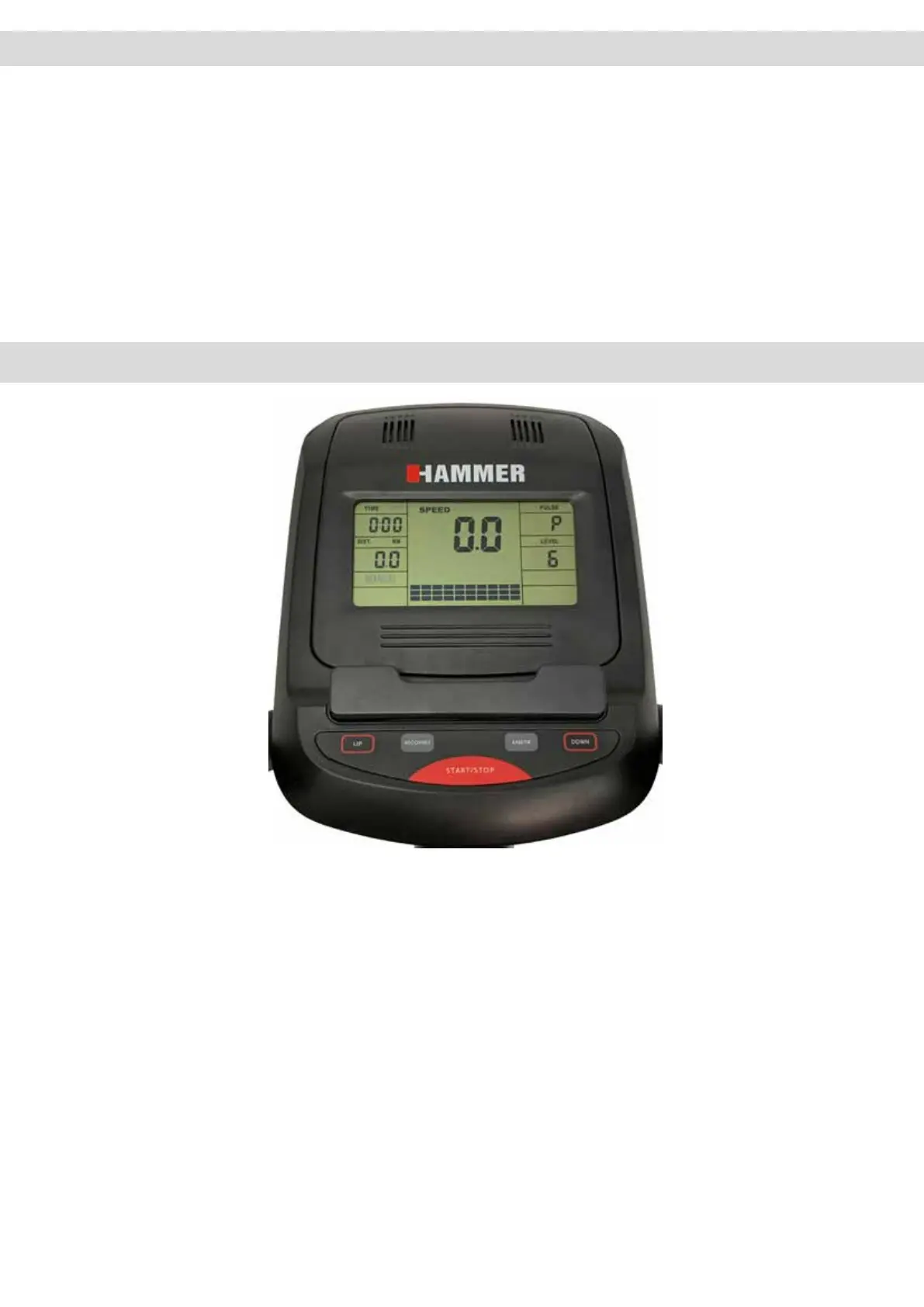
5.1 Computertasten
ENTER:
Durch Drücken kann eine Funktion bestätigt werden
RECOVERY:
Erholungspulsmessung mit Erteilung einer Fitnessnote 1-6
UP/ DOWN:
Erhöhung/ Verringerung von Funktionswerten. Ein längeres Drücken
aktiviert den Schnelldurchlauf.
START/ STOP:
Startet und stoppt die Computerfunktionen. Drücken der Taste für 2
Sekunden alle Funktionswerte werden gelöscht
5.2 Computerfunktionen / Anzeigen
RPM
Pedalumdrehungen pro Minute (Revolutions per minute, (15-200)
SPEED
5.2 Computerfunktionen
5.1 Computer keys
ENTER:
By pressing this key, a function can be conrmed.
RECOVERY:
Recovery pulse measurement with assignment of a tness score
1–6.
UP/ DOWN
Program selection or increase/decrease of values. A longer press
will start the automatic value nder.
START/ STOP
Start and nish the exercise. Pressing the button 2 seconds
will resets the activated value


 To Next Page