33
Appendix
TROUBLESHOOTING
TROUBLES
Entire instrument fails to play (General).
The [VOLUME] control is set at minimum. Adjust the
[VOLUME] knob.
Entire instrument fails to play (Type: Ens).
e Attack Rate is too slow. Push the [Attack] knob.
Entire instrument fails to play (Type: Syn).
e Cuto Frequency is too low. Draw the [Cuto ] knob.
e Attack Rate is too slow. Push the [Amp Attack] knob.
e Sustain Level is too low. Draw the [Amp Sustain] knob.
Entire instrument fails to play (Type: Vx).
e Mixer is too low. Draw the knobs “ ” or “ ”.
Malfunction of buttons, keys, etc.
Turn the power to the instrument “OFF,” then turn it “ON”
again. If this procedure is not successful, try the reset to the
Factory Setting. (P. 28)
Expression Pedal does not work.
e polarity of the Expression Pedal is not matched. Set the
[EXP. PEDAL POLARITY] switch.
Foot Switch e ect works when the Foot Switch is
released instead of depressed.
e Foot Switch Polarity was not detected. Connect the Foot
Switch with the power to the “OFF” and turn the power
“ON” without depressing the Foot Switch.
The direction of the Drawbar operation is reversed.
Set the Drawbar Direction to the desired direction (P. 29).
The pitch of the notes repeats at low or high range of
the keyboard (Type: TW, Vx, Farf, Ace).
is is replicating of the “Fold-Back” assignment of the origi-
nal instruments.
The pitch of the notes repeats at high range of the
keyboard (Type: Ens).
It repeats octave which out of the sounding range of the In-
strument Type.
The Overdrive does not distorted enough.
e e ect of the Overdrive is in uenced by the Drawbar Reg-
istration or Expression values.
The remained Delay/Reverb e ect sound is rotating
when the Patch is switched from unused Leslie e ect
to using it.
is comes from limitation of the function, and it is normal
operation.
The top panel is heating.
is instrument generates heat a bit during operation.
MESSAGES
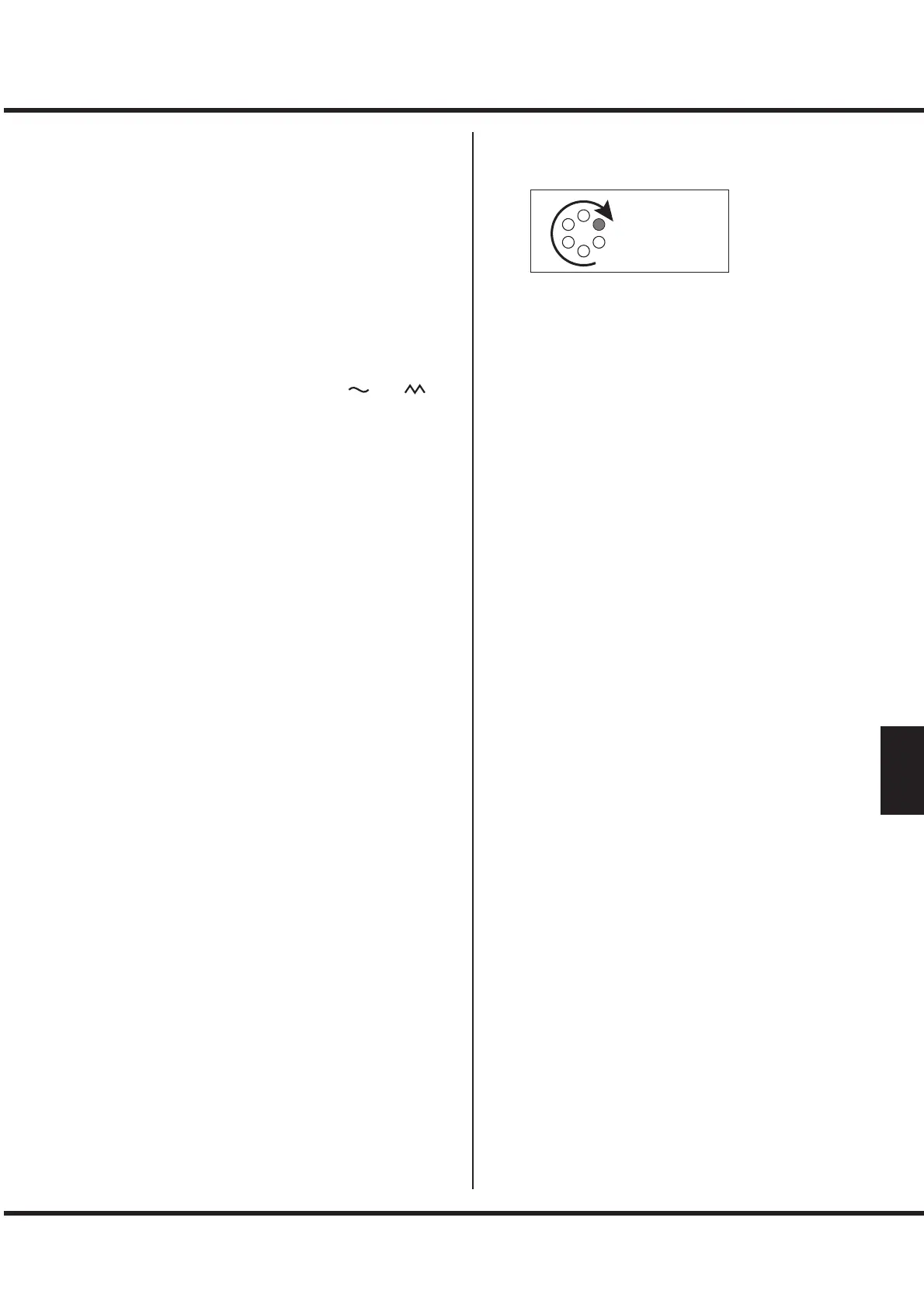
Vibrato & Chorus LEDs are rotating.
is instrument is work in progress. Please wait for while.
Many LEDs on the buttons are blinking at same time.
It is in System Con guration mode. Press the [SYSTEM/
RECORD] button to exit (P. 28).
[SYSTEM/RECORD] LED and VIBRATO & CHORUS [ON]
LED are blinking.
It is in Mass Storage mode. Turn o the power to exit (P.
34).
LESLIE [FAST] LED is blinking.
is indicates rotor mode by visually.


 To Next Page