EasyManua.ls Logo

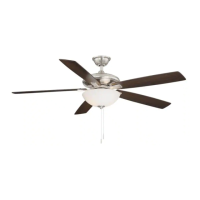
HAMPTON BAY AG524-BN - User Manual

HAMPTON BAY AG524-BN
20 pages
Print Icon
To Next Page IconTo Next Page
Loading...
USE AND CARE GUIDE
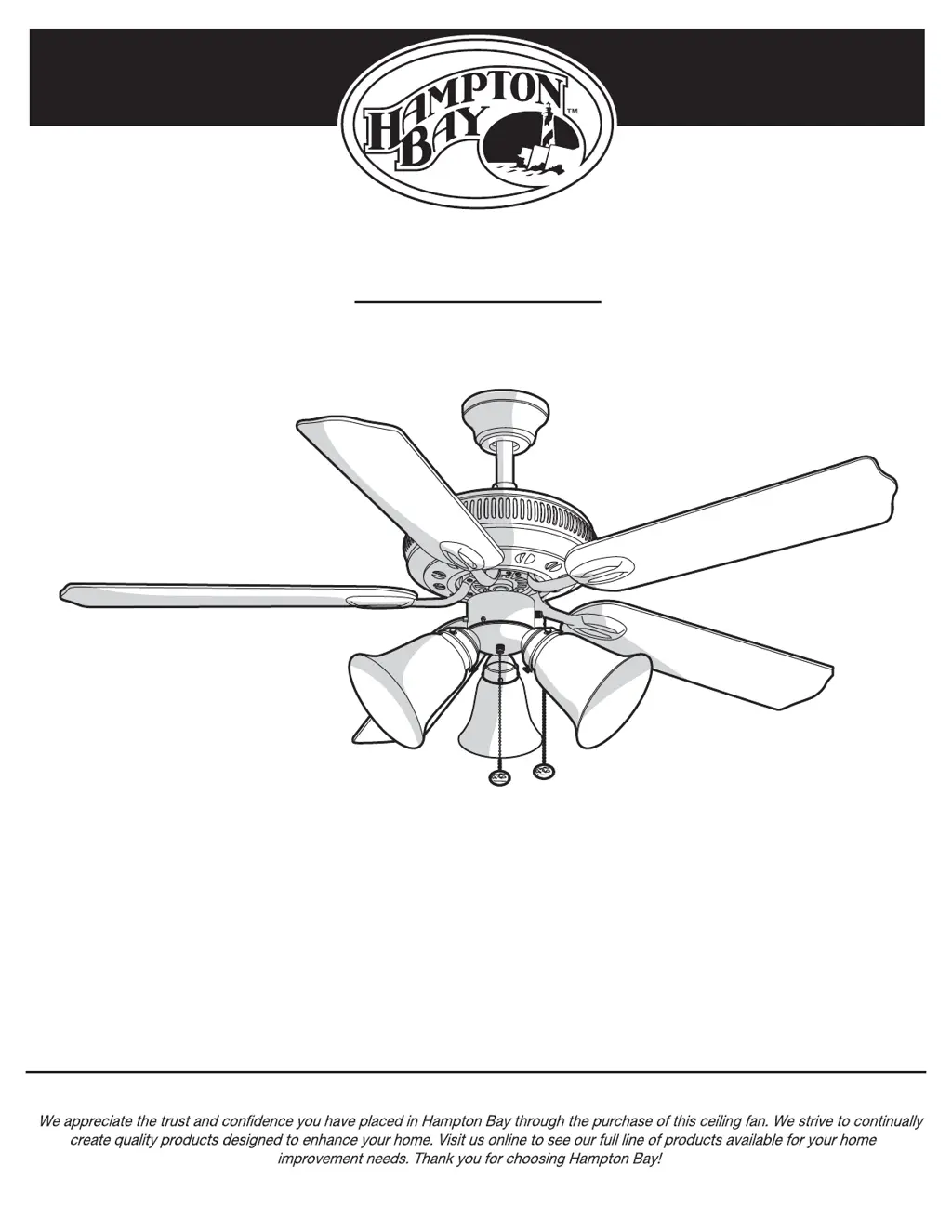
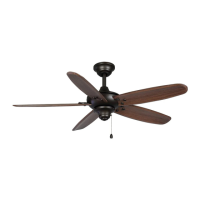
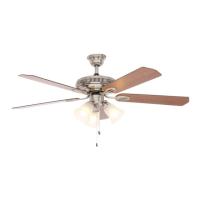
GLENDALE 52 IN. CEILING FAN
THANK YOU
THANK YOU
Item #165 474
Model #
AG524-BN
1-855-HD-HAMPTON
HAMPTONBAY.COM
Questions, problems, missing parts? Before returning to the store,
8 a.m. - 7 p.m., EST, Monday-Friday, 9 a.m. - 6 p.m., EST Saturday
call Hampton Bay Customer Service

Questions and Answers

  • L
    Lisa DrakeAug 7, 2025
    Why does my HAMPTON BAY Fan wobble?
    • Q
      qhancockAug 7, 2025
      Fan wobble is often due to loose parts. Make sure all blade and blade bracket screws are tightened securely. After proper installation, let the HAMPTON BAY Fan run for 10 minutes to self-adjust. If wobbling continues, check blade level: measure from each blade to the ceiling (deviations should be within 1/8 inch). If deviations are less than 1/8 inch, call Customer Service (1-855-HD-HAMPTON) for a Blade Balancing Kit. If any deviation exceeds 1/8 inch, contact Customer Service (1-855-HD-HAMPTON) to order replacement brackets.

HAMPTON BAY AG524-BN Specifications

General IconGeneral
BrandHampton Bay
ModelAG524-BN
TypeCeiling Fan
FinishBrushed Nickel
Blade Span52 inches
Number of Blades5
Light KitYes
Control TypePull Chain
Motor TypeAC
Indoor/OutdoorIndoor
Motor Speed3 speeds
Reversible MotorYes
Blade MaterialWood
WarrantyLimited Lifetime
Blade ColorWalnut
Fixture Color FamilySilver
Light TypeLED
Mounting TypeDownrod

Related product manuals