EasyManua.ls Logo

HAMPTON BAY AG524-ORB - User Manual

HAMPTON BAY AG524-ORB
40 pages
Print Icon
To Next Page IconTo Next Page
Loading...
USE AND CARE GUIDE
Questions, problems, missing parts? Before returning to the store call
Hampton Bay Customer Service
8 a.m. - 6 p.m., EST, Monday-Friday
1-877-527-0313
HAMPTONBAY.COM
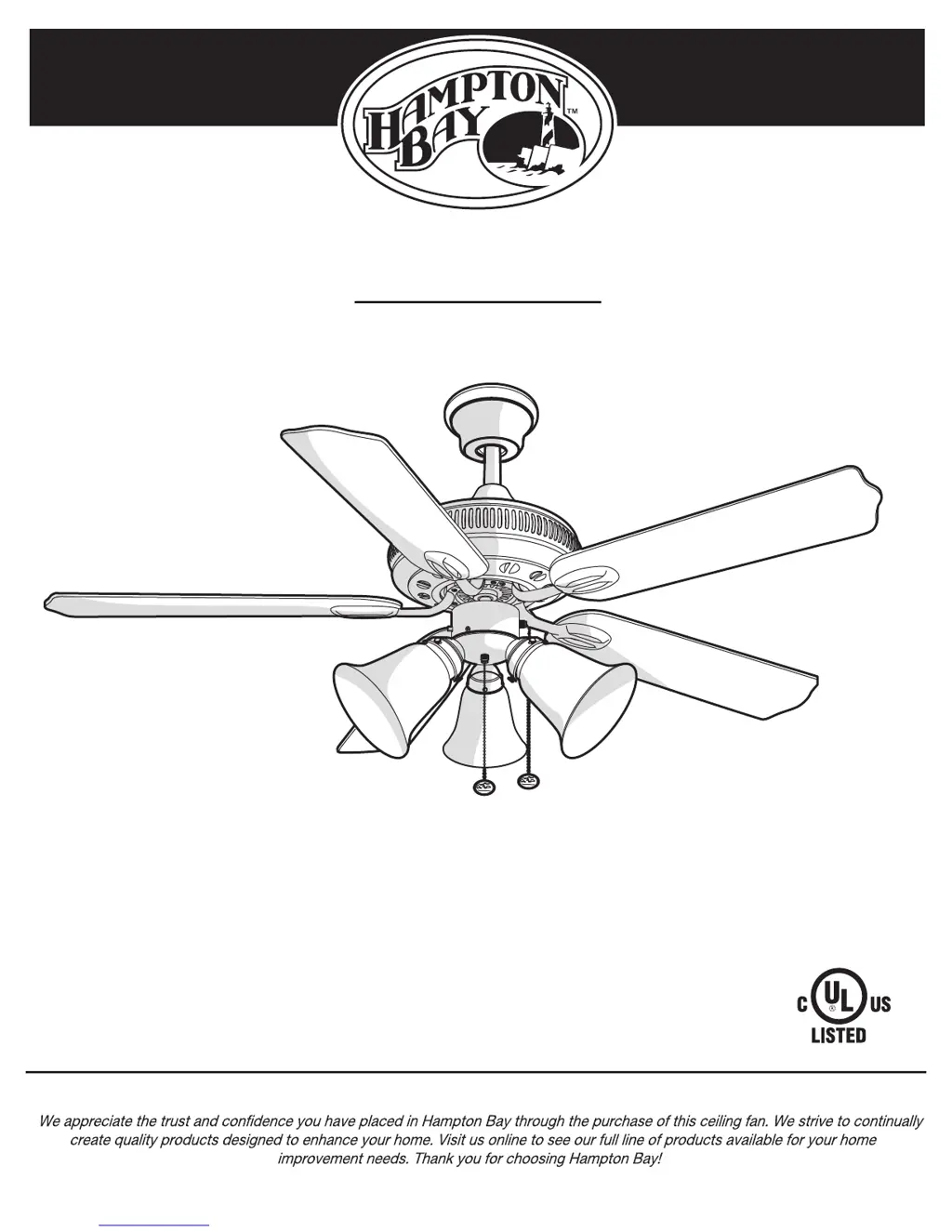
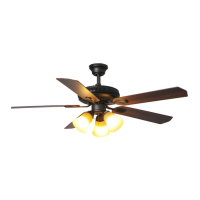
GLENDALE 52 INCH CEILING FAN
THANK YOU
THANK YOU
Item #xxx-xxx
Model #
AG524-ORB

Questions and Answers

  • J
    Jason HarringtonAug 10, 2025
    What to do if lights shut off and will not come back on HAMPTON BAY AG524-ORB Fan?
    • S
      Steven WiseAug 10, 2025
      If the lights on your HAMPTON BAY Fan shut off and won't come back on, it might be due to a wattage limiting device. To reset the light kit, turn off the power, replace the bulbs ensuring that the total wattage is under 190 watts, then restore power to the fan.
  • H
    Heather CollinsAug 26, 2025
    How to fix the fan wobbles HAMPTON BAY AG524-ORB Fan?
    • W
      wortegaAug 26, 2025
      To address a wobbling HAMPTON BAY Fan, start by ensuring all blade and blade arm screws are securely tightened. Uneven blade levels often cause wobble, so measure the distance from each blade tip to the ceiling, ensuring any deviation is within 1/8 inch. Run the fan for ten minutes. If the wobble persists, use the provided blade balancing kit.

HAMPTON BAY AG524-ORB Specifications

General IconGeneral
BrandHampton Bay
ModelAG524-ORB
TypeCeiling Fan
StyleTraditional
FinishOil Rubbed Bronze
Light KitYes
Control TypePull Chain
Fixture Color/FinishOil Rubbed Bronze
Indoor/OutdoorIndoor
Number of Speeds3
Remote ControlNo
Reversible MotorYes
Blade Span52 inches
Motor TypeAC Motor
Blade ColorWalnut
Blade MaterialWood

Related product manuals