EasyManua.ls Logo

HAMPTON BAY AVERLY AK18B-MWH - User Manual

HAMPTON BAY AVERLY AK18B-MWH
20 pages
Print Icon
To Next Page IconTo Next Page
Loading...
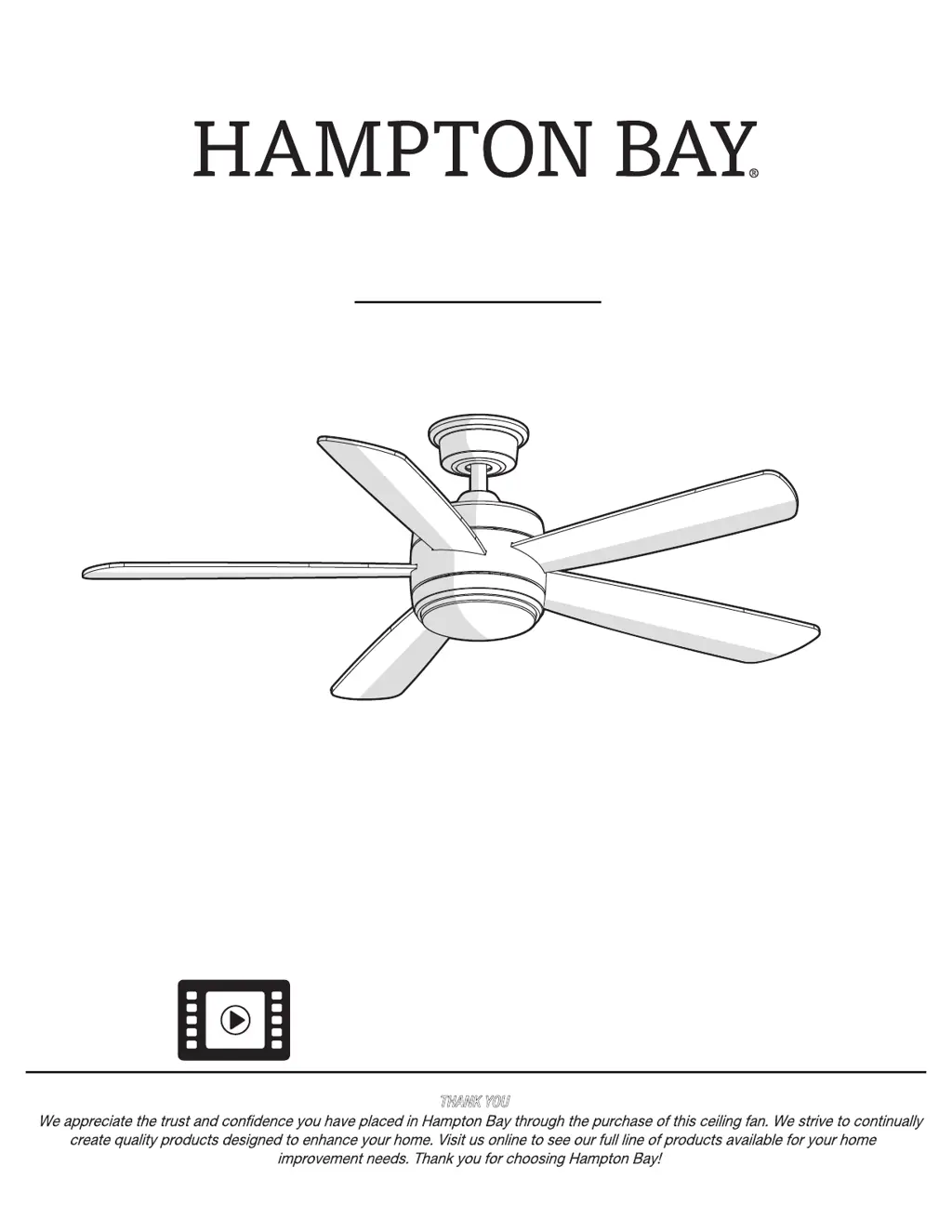
AVERLY 52 IN. CEILING FAN
USE AND CARE GUIDE
THANK YOU
1-855-HD-HAMPTON
HAMPTONBAY.COM
Questions, problems, missing parts? Before returning to the store,
8 a.m. - 7 p.m., EST, Monday-Friday, 9 a.m. - 6 p.m., EST Saturday
call Hampton Bay Customer Service
Item #1005 092 311
#1005 092 078
Model #
AK18B-BN
#
AK18B-MBK
Visual instruction of how to install this fan:
Visit www.homedepot.com and enter either the Item or Model number to nd
this fan and click the link of visual instruction in the product overview section.
#1005 462 891
#AK18B-MWH

Questions and Answers

  • A
    angela74Aug 10, 2025
    What to do if my HAMPTON BAY AVERLY AK18B-MWH remote control is not working?
    • J
      Jerry BookerAug 10, 2025
      If the remote control for your HAMPTON BAY Fan isn't working, ensure the fan is not connected to any wall-mounted variable speed controls. Also, verify that the frequency switches are correctly set.
  • J
    Jonathan SimonAug 17, 2025
    How to fix a HAMPTON BAY AVERLY AK18B-MWH Fan that will not start?
    • J
      Joseph HernandezAug 17, 2025
      If your HAMPTON BAY Fan is not starting, please check the main and branch circuit fuses or breakers. Also, check the line wire connections to the fan and switch wire connections in the switch housing. Finally, ensure that the frequency switches from the remote control and receiver are set to the same frequency.
  • J
    johnsoncurtisAug 25, 2025
    How to reduce noise from my HAMPTON BAY AVERLY AK18B-MWH Fan?
    • C
      Caleb EdwardsAug 25, 2025
      If your HAMPTON BAY Fan sounds noisy, ensure all motor housing screws are snug and the screws attaching the fan blade to the motor hub are tight. Also, make sure the wire nut connections are not rattling against each other or the interior wall of the switch housing. Allow a 24-hour "breaking-in" period, as most noises disappear during this time. If using a ceiling light kit, ensure the glassware is secured tightly. Confirm there's a short distance from the ceiling to the canopy, preventing it from touching the ceiling. Lastly, ensure your ceiling box is secure and rubber isolator pads are used between the mounting bracket and outlet box.
  • A
    aprilhayesSep 1, 2025
    Why does my HAMPTON BAY Fan wobble?
    • E
      Earl RosarioSep 1, 2025
      If your HAMPTON BAY Fan is wobbling, start by checking that all blades and blade bracket screws are properly tightened. Often, wobbly fans result from loose components.

Summary

Safety Information

Electrical Safety and Installation Warnings

Critical warnings regarding electrical shock, proper wiring, mounting, and fan operation.

Installation

Mounting Options

Details different methods for mounting the fan's electrical box.

Ceiling Support Requirements

Emphasizes the need for secure outlet box and bracing for fan support.

Assembly

Making Electrical Connections

Detailed steps for making wire connections for the fan and receiver.

Attaching the Fan Blades

Attaching Fan Blades

Procedure for attaching the fan blades to the motor assembly.

Installing the Light Kit

Operation

Remote Control Functions

Explains operation of power, fan speed, light, and CCT via remote.

Troubleshooting

Fan Not Starting Issues

Solutions for when the fan fails to start.

Fan Wobble Correction

How to correct fan wobble and when to seek assistance.

HAMPTON BAY AVERLY AK18B-MWH Specifications

General IconGeneral
BrandHampton Bay
ModelAverly AK18B-MWH
TypeCeiling Fan
Motor TypeAC Motor
Number of Blades5
Light KitYes
Control TypeRemote Control
FinishMatte White
Fan Blade Length (In.)18
ColorWhite
Light IncludedYes
Reversible MotorYes
Indoor/Outdoor UseIndoor

Related product manuals