1.
2.
3.
4.
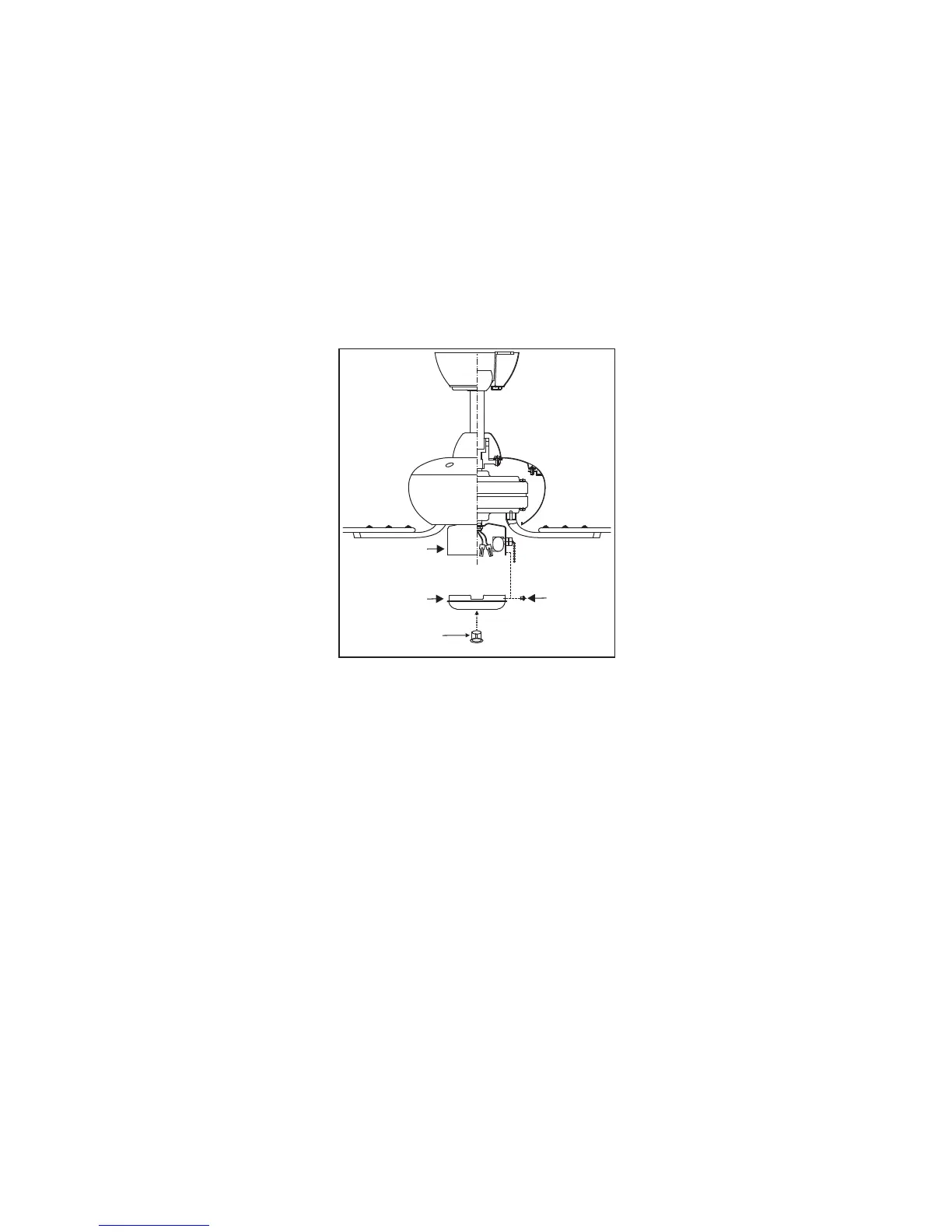
Disassemble the switch housing cover from the
light kit assembly, you can keep the light kit
for future use.
Attach the plastic plug to the switch housing
cover. (Fig. 17)
Holding the switch housing cover under your
fan, snap together the wire connection plugs.
(Fig. 17)
Install the switch housing cover to the switch
housing with screws provided. (Fig. 17)
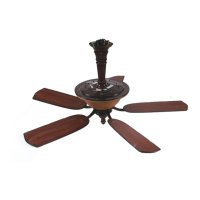
Fan without Light Kit
(Optional)
Figure 17
10
Screws
Plastic Plug
Switch Housing
cover
Switch Housing



 To Next Page