Operating Your Fan 9.
Speed settings for warm or cool weather
depend on factors such as room size, ceil-
ing height, number of fans, and so on.
The fan shipped from the factory with the
reversing switch positioned to circulate air
downward. If airow is desired in the op-
posite direction, turn your fan off and wait
for the blades to stop turning, then slide the
reversing switch (located at the top of the
motor housing, refer to gure 7 on page 5)
to opposite position, and turn fan on again.
The fan blades will turn in the opposite di-
rection and reverse airow.
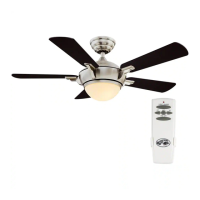
Speed - The remote features Low, Med, Hi
and Off buttons to select the desired speed
of operation and to turn the fan On or Off.
Lights - To control the light kit, the remote
features an on/off button.
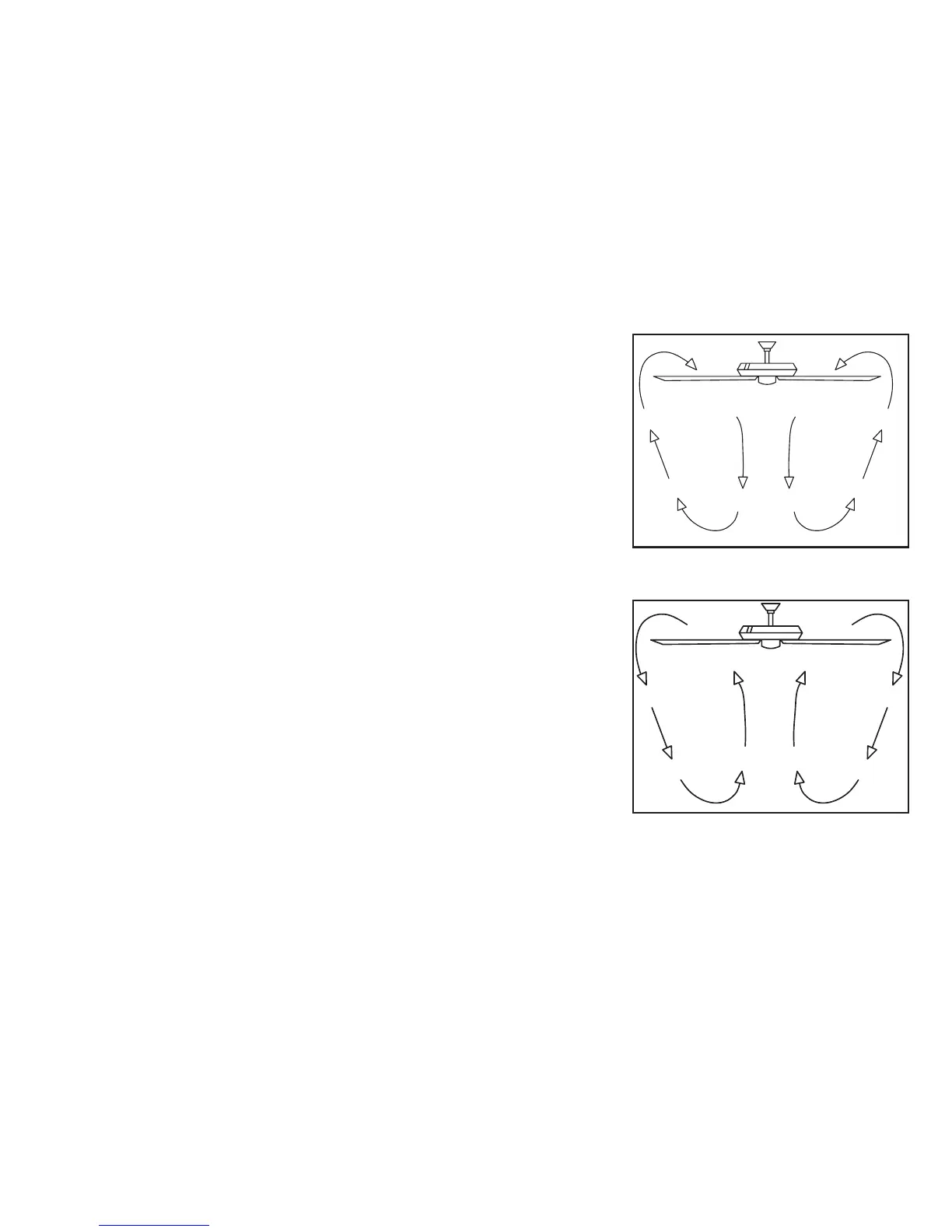
Figure 14
Figure 15
Warm weather - (Forward) A downward
air ow creates a cooling effect as shown
in Figure 14. This allows you to set your
air conditioner on a higher setting without
affecting your comfort.
Cool weather - (Reverse) An upward air
ow moves warm air off the ceiling are as
shown in Figure 15. This allows you to set
your heating unit on a lower setting with-
out affecting your comfort.



 To Next Page