Hanshow ESL Controller HS_C09978 Product Manual
11 Hanshow Copyright Reserved ©
Hanshow Technology Co., Ltd.
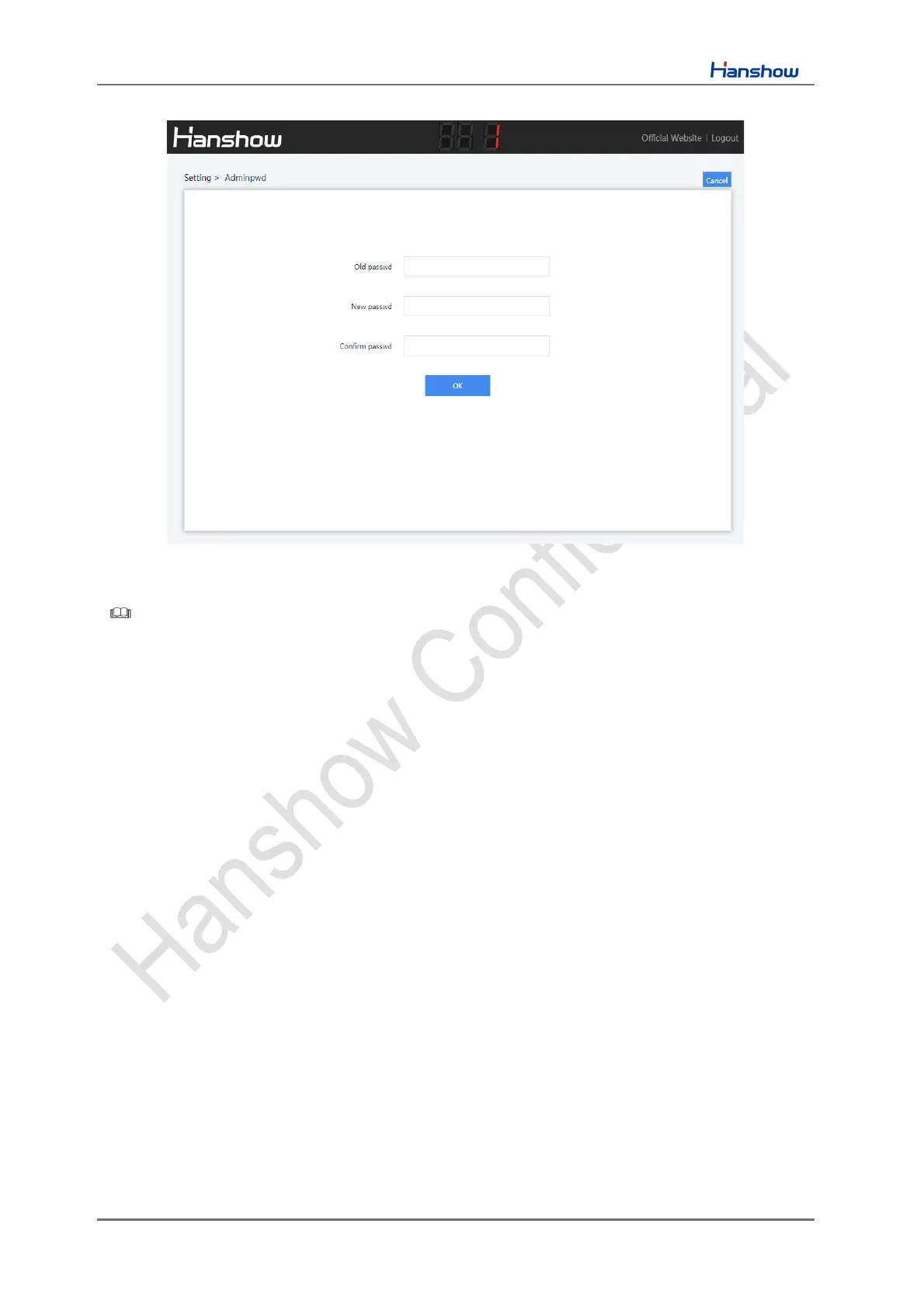
Figure 4-2 Password setting
Note:
➢ Both of Chinese and English are supported, switch the language you want in
upper-right corner.
➢ If the password does not meet the security rules or is set incorrectly, a prompt
message appears; if the password strength is not strong enough, a pop-up
prompts to reset your password.



 To Next Page