Hanshow ESL Controller HS_C09978 Product Manual
19 Hanshow Copyright Reserved ©
Hanshow Technology Co., Ltd.
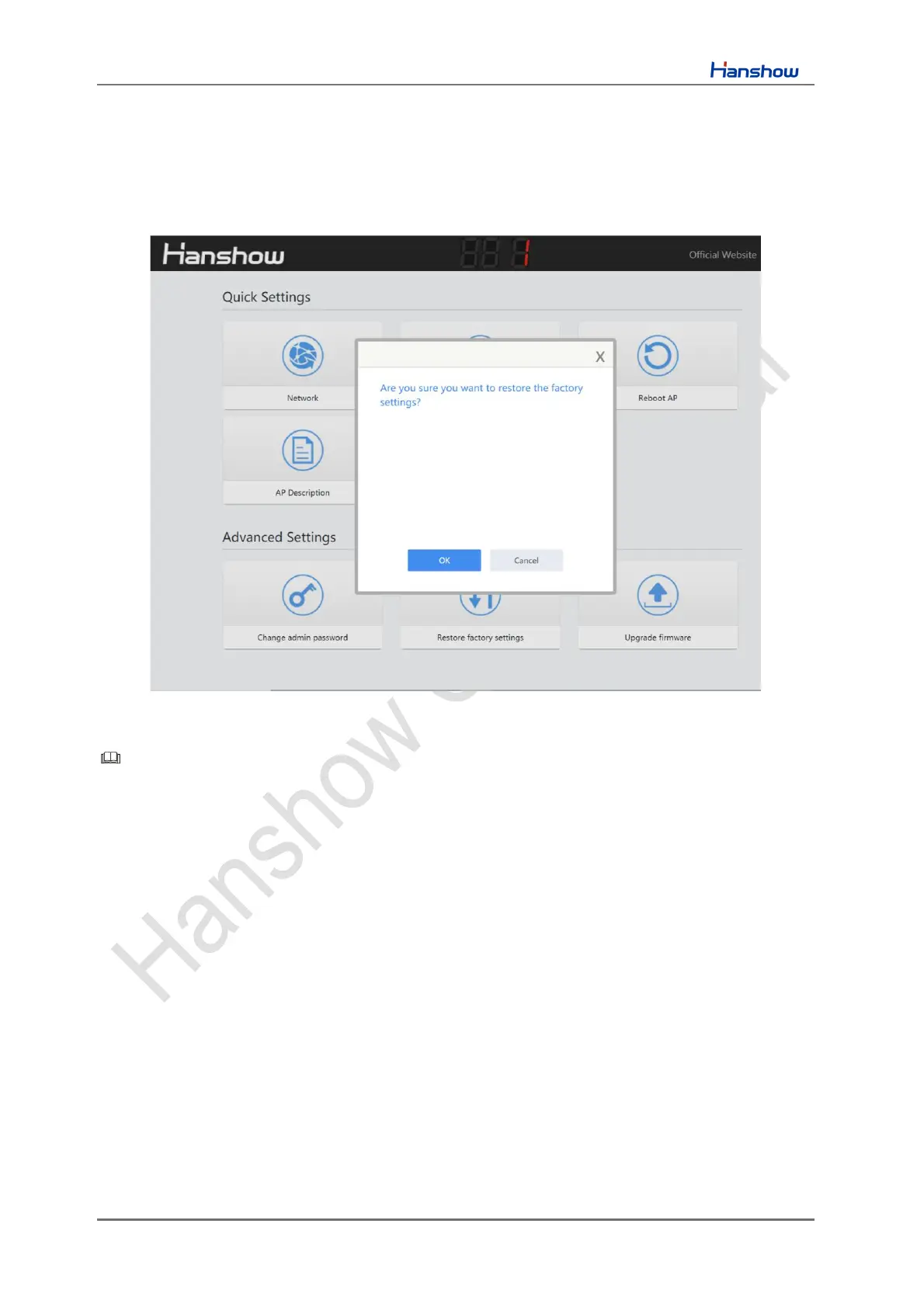
4.2.9 Restore factory settings
Click Restore factory settings, click OK on pop-up box, the device will restore factory
settings and reboot. Restore factory settings takes about 1min, as shown in Figure 4-11.
Figure 4-11 Restore factory settings
Note:
➢ The effect is the same as the key action.
➢ Don’t cut off the power during the process, otherwise the device will be
damaged.



 To Next Page