14
1) uto (AUTO) Output 2) Manual (MAN) Output
1) Menu displayed on LCD screen consists of groups and sub-groups as blow:
●
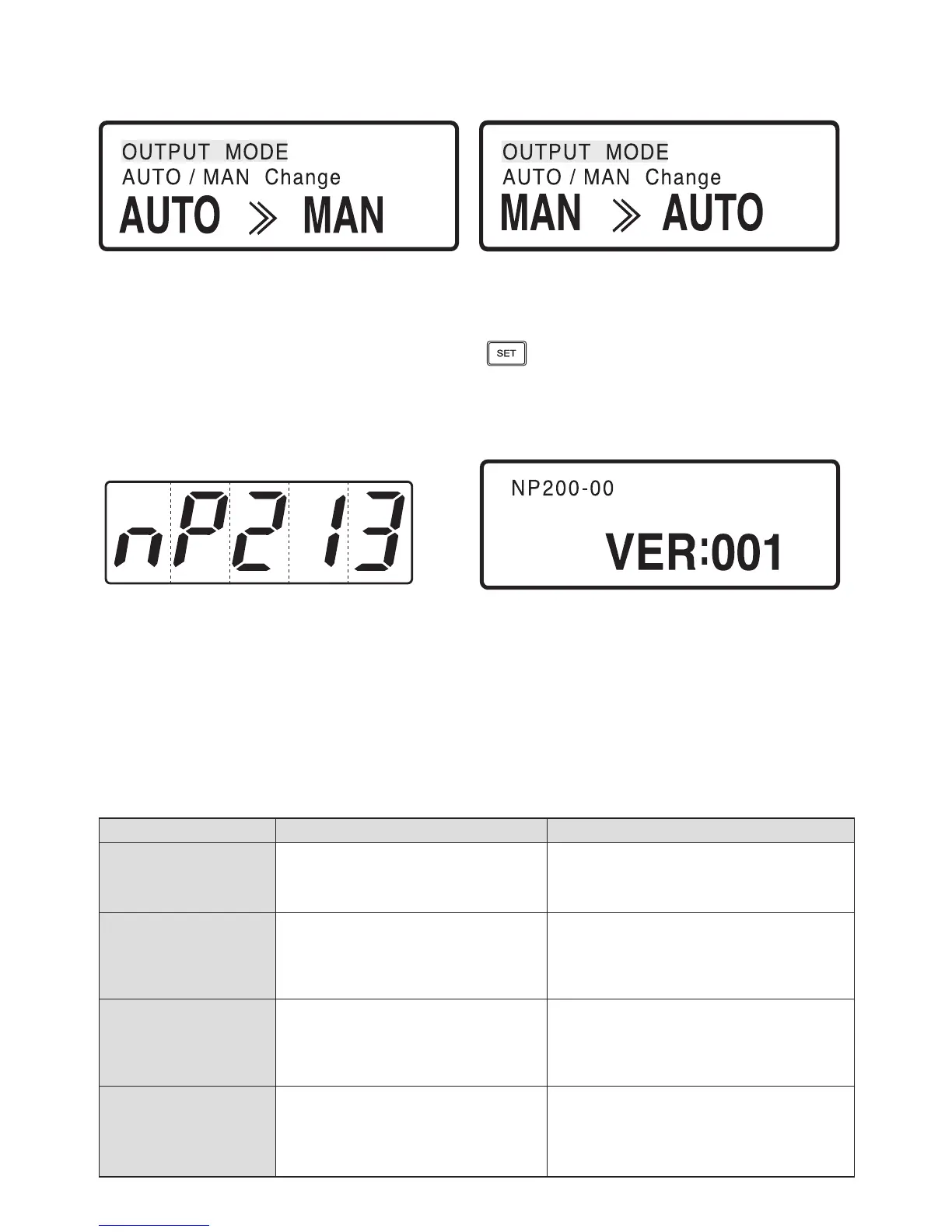
Auto & Manual Display
●
Power-On Display
●
Menu Display
① AUTO » MAN indicates that the current output mode is AUTO, MAN » AUTO indicates that the current
output mode is MANUAL.
② If AUTO/MAN is locked, this display is inactive .
※ For instance, if current output mode is AUTO and pressing key will change from output mode to MANUAL
and MAN » AUTO will be displayed.
1) PV Display
D1 D2 D3 D4 D5
2) SV Display
① Characters shown in D1 ~ D3 indicate NP200 model.
② Character show in D4 indicates temperature controller
type (0: Heating; 1: Heating/Cooling)
③ Character show in D5 indicates additional
information of temperature controller
(0: none, 1: Communication,2 : Four Digital Inputs,
3: Communication/Four Digital Inputs)
① Characters in top-left indicate NP200 model,
controller type and additional information.
② Character in bottom indicates Version number.
Menu Group Sub-group
PROG (Program)
G.PRG (Program Group)
G.FILE (File Group)
G.QUICK (Quick Menu Group)
INFORM (Pattern/Segment Information)
PT.EDIT (Pattern Edit)
SEG.EDIT (Segment Edit)
OPER (Operation)
G.AT (Auto-Tuning Group)
G.PID (PID Group)
G.SV (Set-up Group)
G.CONTROL (Control Group)
-
FUNC (Function)
G.IS (Inner Signal)
G.ALARM (Alarm Group)
G.UO (User Output Group)
G.TRANS (Transfer Group)
-
STUP (Set-up)
G.COMM (Communication group)
G.OUT (Output group)
G.IN (Input Group)
G.LOCK (Locking group)
-


 To Next Page
 Loading...






