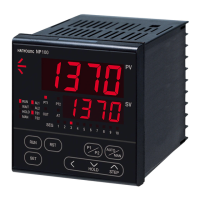
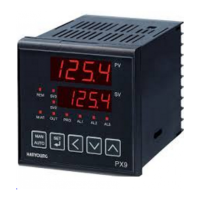
This controller has 3 different levels of setting, thereby restricting operator access if so desired.
Signal Name D e s c r i p t i o n C o n d i t i o n I n i t i a l
Control group display
Zone selection 1
Fuzzy function
Initial increasing temperature
Initial decreasing temperature
Time unit
Set speed of transmission
Z o m e
Set a control mode
OFF / ON
OFF / ON
Always
Except ON/OFF
A l w a y s
A l w a y s
A l w a y s
A l w a y s
Always
A l w a y s
O F F
O F F
O F F
O F F
H O U R
6 0
O F F
OFF / ON
24 ~ 900 mm/hour
16
GROUP SETTING
1 0
OFF / EUS (0~100 %)
OFF / EUS (0~100 %)
HOUR / MIN
Signal Display Name D i s c r i p t i o n C o n d i t i o n I n i t i a l
Display level setting
Divide display levels into
3 stages (1~3)
3A l w a y s
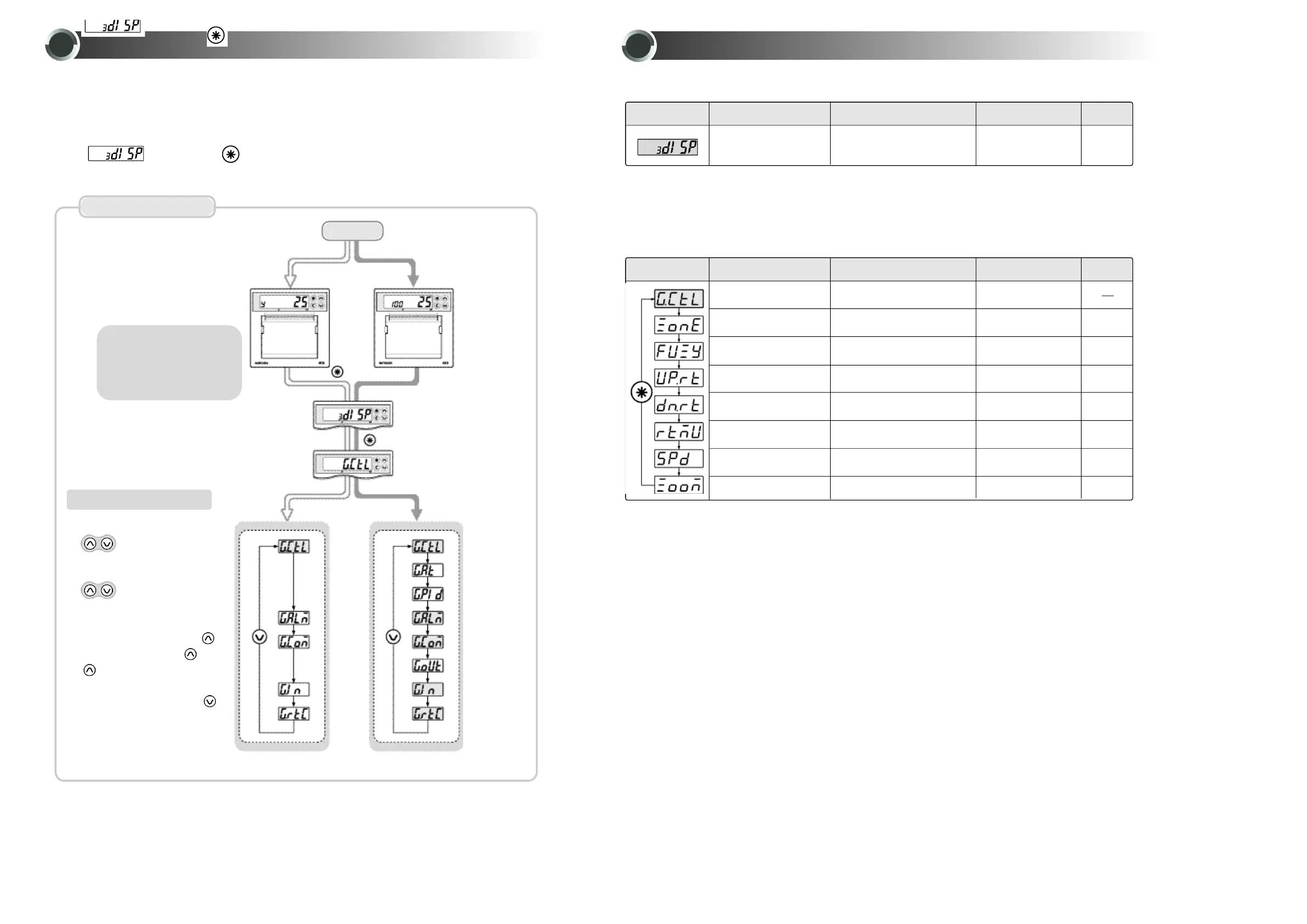
●After completion of wiring, apply power ON.
(1)Management version indicated as below and then present PV and SV will be indicated.
(Record exclusiue use : Input type and PV will be indicated)
(2)For setting a level, press button for 3 sec. to enter setting mode.(Initial value : 3 )
(3)In the condition, press button to enter group control.
SETTING METHOD
15
9
For 3 sec
Group C o n t r o l
Group Auto tuning
Group PID
Group Alarm
Group
C o m m u n i c a t i o n
Group Output
Group Inputl
Group
Time setting
Group
C o n t r o l
Group
A l a r m
Group
C o m m u
n i c a t i o n
Group
I n p u t l
Group
Time setting
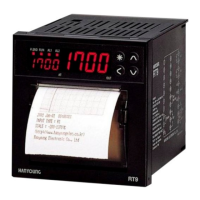
●R e c o r d e r
( M o d e l : R T 9 - 0 )
●R e c o r d e r
& Controller
( M o d e l : R T 9 - 1 )
● Parameter shift
Power ON
How to operate RECORDER
① R U N
buttons simultaneously
(RUN lamp will be ON)
② Stop
buttons simultaneously
(RUN lamp will be OFF)
③ Graphic or Word selection
In condition of printing, press
button for 3 sec.(Graphic →W o r d
→G r a p h i c→. . . )
④ List printing
In condition of printing, press
button for 3 sec.
1)
Control group setting
※
Display level setting
·Recorder:Displays input
type and PV
·Recorder & controller:
Displays SV and PV


 To Next Page
 Loading...