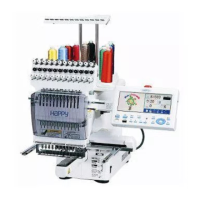
Training Workbook: HAPPY HCD-1501 Operation and Maintenance
Education Department
Chapter 2: Machine Setup & Orientation
22
Machine Setup
Control Panel 2
Design Transfer
Control Panel 2
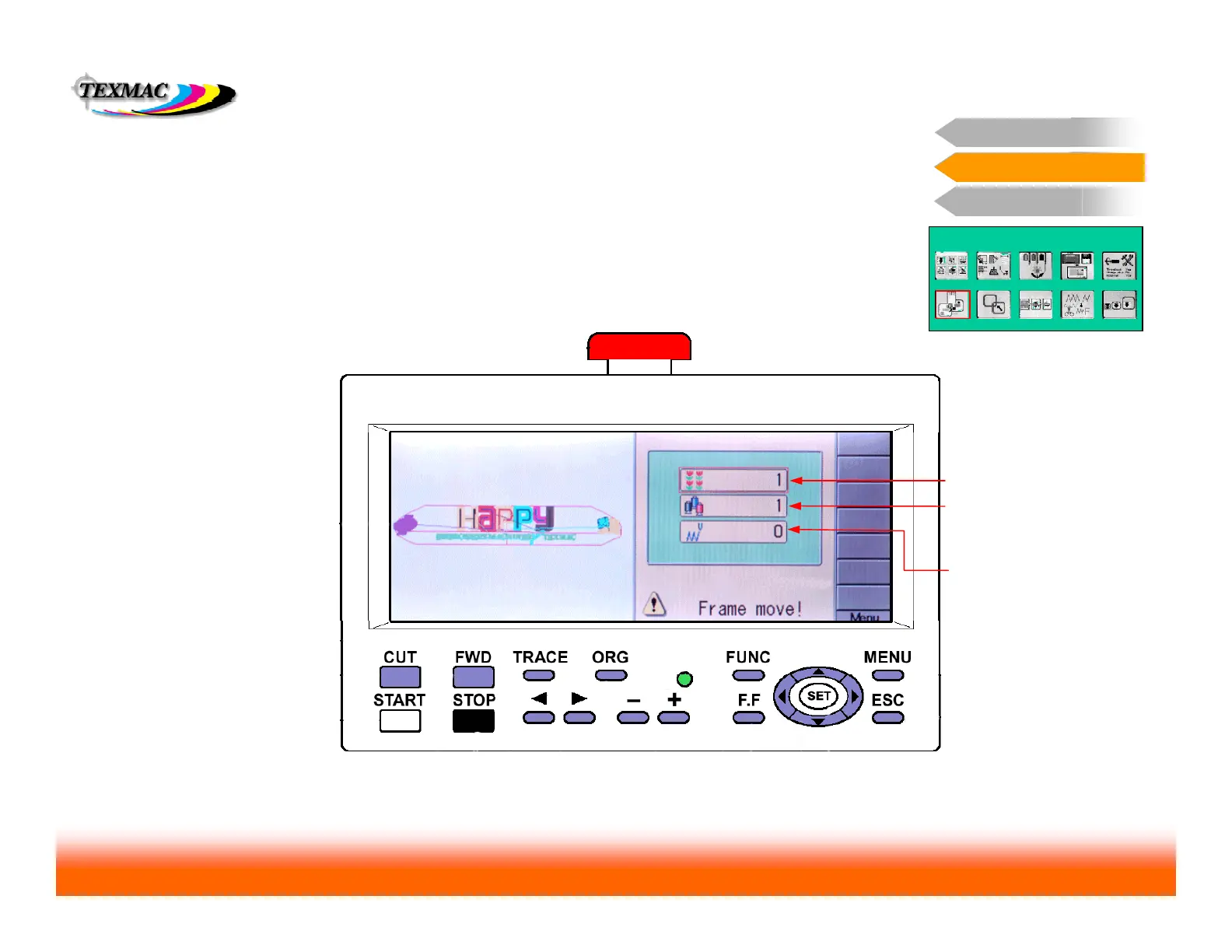
Important Main Menu Screens: Position
POSITION
Set sewing positon by
repeat # (if repeat function
is used
Set sewing position by
color block # - This is
used most commonly.
Set sewing position by
stitch# - Useful if you
remember the exact stitch
# where the machine left
off sewing
Use the Position function if you wish to start sewing a design at any point other than
the beginning. Note that this is not used to return to position after a power fail recovery
or sewing interruption: in those cases, use the Position option accessed from the FUNC
key (when in the main “drive” screen)
NEXT: THE FRAME FUNCTION


 To Next Page