EasyManua.ls Logo

Harbor Breeze 40048 - User Manual

Harbor Breeze 40048
18 pages
Print Icon
To Next Page IconTo Next Page
Loading...
Questions, problems, missing parts? Before returning to your retailer, call our customer
service department at 1-800-643-0067, 8 a.m. - 6 p.m., EST, Monday - Thursday, 8 a.m. - 5 p.m.,
EST, Friday.
1
Harbor Breeze® is a registered trademark
of LF, LLC. All Rights Reserved.
ATTACH YOUR RECEIPT HERE
Purchase Date _________________________
Español p. 19
EB16263
ITEM #0609448
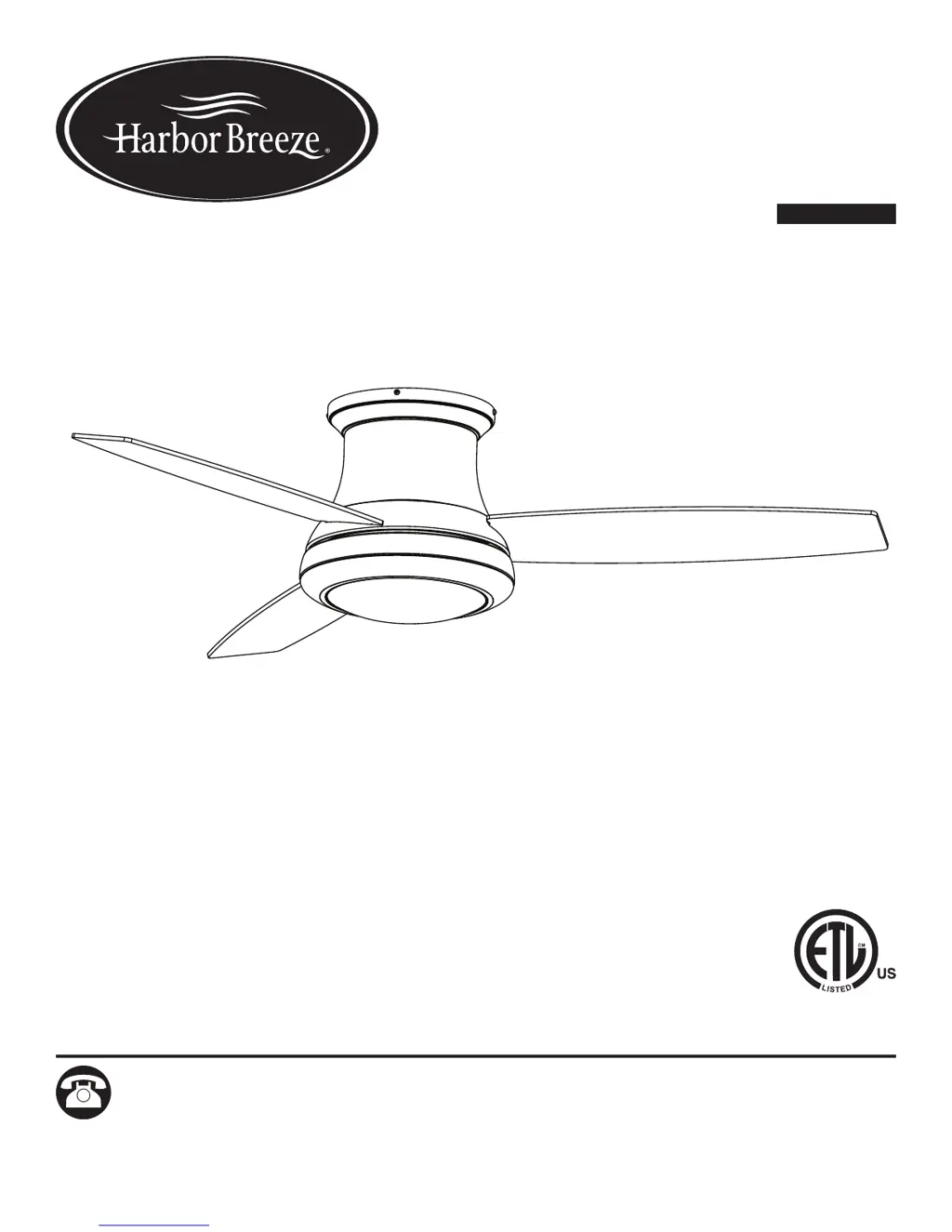
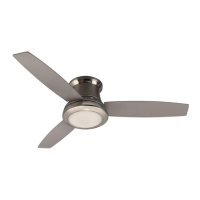
SAIL STREAM
CEILING FAN
MODEL #40048

Questions and Answers

  • J
    Jeanette DoyleAug 3, 2025
    Why is my Harbor Breeze Fan remote control not working?
    • B
      Barbara SmithAug 3, 2025
      If the remote control for your Harbor Breeze Fan isn't working, a power surge might have cleared its memory. Try switching the power off and on again. Then, within 30 seconds, remove the battery from the remote. Press and hold the “LEARN” button in the battery compartment for 5 seconds. The fan should turn on at low speed and the light (if installed) should turn off, confirming the SMART SYNC is active. Also, ensure that the battery is not discharged and properly installed. If there are several fans in close proximity, turn power off to other fans and re-sync the remote.
  • D
    Douglas HuntAug 8, 2025
    What to do if the lights on my Harbor Breeze 40048 are not working?
    • N
      nathaniel91Aug 8, 2025
      If your Harbor Breeze Fan operates correctly but the lights are not working, start by re-installing the bulb(s). Then, ensure the single-pin connectors in the light kit are connected properly. If the issue persists, turn the power off and check all connections at the ceiling outlet box.
  • C
    Cassandra HernandezAug 15, 2025
    How to fix excessive wobbling in my Harbor Breeze 40048 Fan?
    • K
      Kelly EstesAug 15, 2025
      If your Harbor Breeze Fan is excessively wobbling, make sure all screws that hold the fan blades to the blade arms and the blade arms to the motor are tightened. If that doesn't solve the issue, try switching one blade with a blade from the opposite side. You can also balance the fan using the blade balancing kit (P). Also, turn off the power and check that the upper mounting bracket is securely attached to the electrical outlet box.
  • C
    Cheryl CollinsAug 21, 2025
    What to do if my Harbor Breeze Fan does not move?
    • A
      April BarberAug 21, 2025
      If your Harbor Breeze Fan isn't moving, first, ensure that the power is on and the fuse is not blown. Then, turn the power off, loosen the canopy, and check all wire connections. Also, check that the connectors from the light kit and fan are properly connected. Finally, make sure the reverse switch is fully engaged by pushing the seasonal slide switch completely to the left or right.
  • B
    Brianna FinleyAug 27, 2025
    Why is my Harbor Breeze 40048 Fan so noisy?
    • P
      parkerjeffreyAug 27, 2025
      If your Harbor Breeze Fan is noisy, check and tighten all screws that hold the fan blades to the blade arms and the motor. Inspect the blades for cracks and replace any cracked blade. Also, ensure the ceiling outlet box and mounting bracket are securely attached to the building structure and outlet box, respectively, and that the screws are tight.

Summary

Package Contents

Hardware Contents

Safety Information

Preparation

Initial Installation

Installation Type and Clearance Requirements

Specifies the approved flushmount installation and required ceiling clearances.

Wiring

Electrical Connections and Safety

Details how to connect the fan's wires to the house supply, with safety warnings.

Final Installation

Attaching Blades and Light Pan

Guides on securely attaching the fan blades and installing the light pan assembly.

Mounting Switch Housing and Bulb

Details on mounting the switch housing and safely installing the bulb.

Securing Bowl Assembly

Instructions for attaching the bowl housing and locking ring securely.

Remote Control Installation and Setup

Explains how to install the remote wall bracket and set up the remote.

Operating Instructions

Remote Control Functions and Modes

Details the operation of speed, light, delay, and seasonal slide switch via remote.

Remote Settings and Pairing

Explains D/CFL switch settings and syncing the remote to the fan receiver.

Care and Maintenance

Troubleshooting

Fan Operation and Wobbling Issues

Solutions for problems like the fan not moving, excessive wobbling, and lights not working.

Noise and Remote Control Issues

Addresses fan noise problems and troubleshooting for the remote control.

Lifetime Limited Warranty

Replacement Parts List

Harbor Breeze 40048 Specifications

General IconGeneral
BrandHarbor Breeze
Model40048
TypeCeiling fan
Blade Span52 inches
Fan Width (Inches)52
Number of Blades5
Motor TypeAC
Motor Speeds3
Reversible MotorYes
Mounting OptionsDownrod
FinishBrushed nickel
Blade ColorWalnut
StyleTraditional

Related product manuals