EasyManua.ls Logo

Harbor Breeze 40094 - User Manual

Harbor Breeze 40094
48 pages
Print Icon
To Next Page IconTo Next Page
Loading...
Harbor Breeze® is a registered trademark
of LF, LLC. All Rights Reserved.
Questions, problems, missing parts? Before returning to your retailer, call our customer
service department at 1-800-643-0067, 8 a.m. - 6 p.m., EST, Monday - Thursday, 8 a.m. - 5 p.m.,
EST, Friday.
1
ATTACH YOUR RECEIPT HERE
Serial Number _________________________ Purchase Date _________________________
Lowes.com/harborbreeze
XXXXX
ITEM #0080443
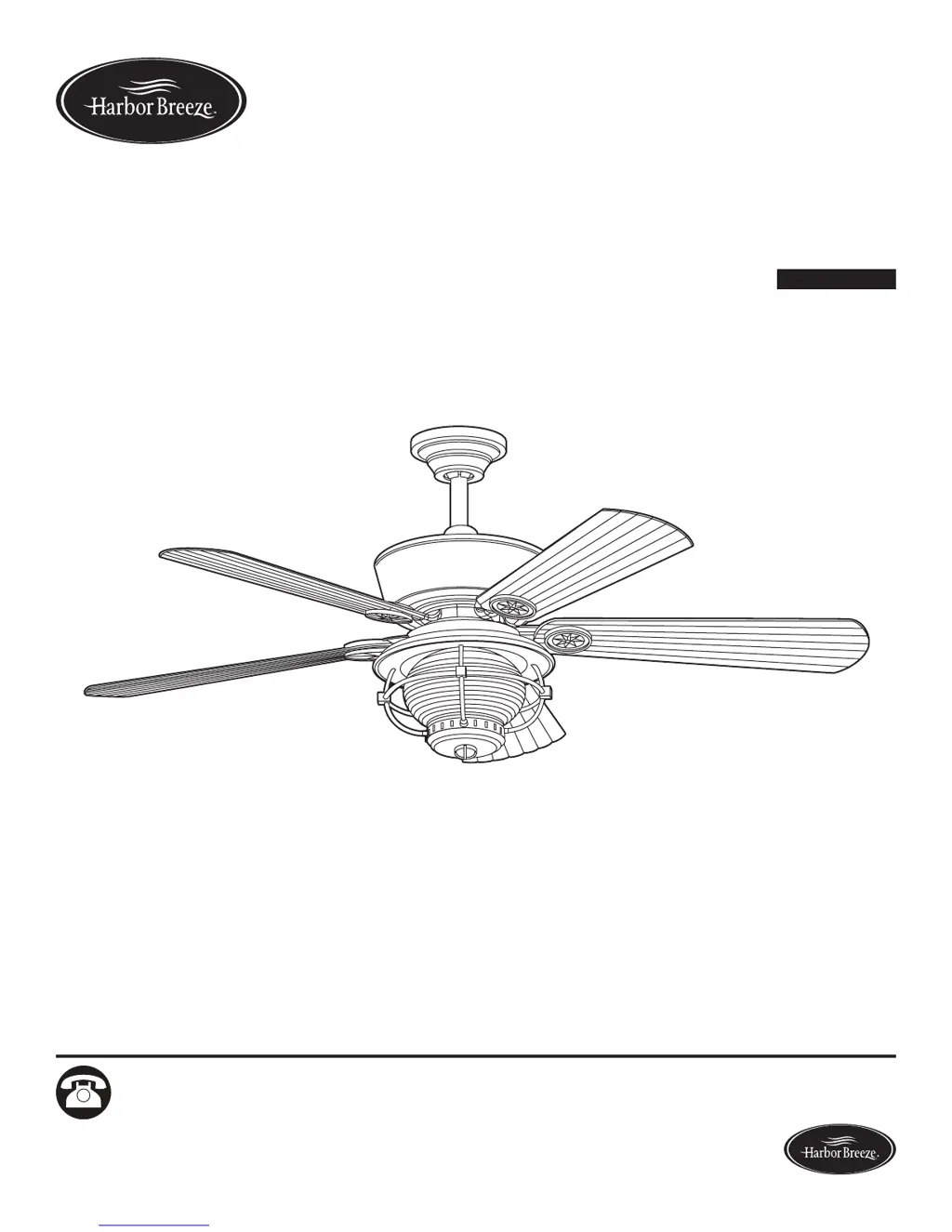
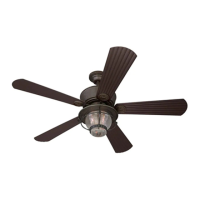
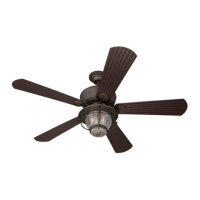
52" MERRIMACK CEILING
FAN
MODEL #40094
Español p. 25

Questions and Answers

  • M
    Molly BrownAug 1, 2025
    Why is my Harbor Breeze 40094 not moving?
    • N
      Nathan WheelerAug 1, 2025
      There are several reasons why your Harbor Breeze fan might not be moving. First, ensure the reverse switch is fully engaged by firmly pushing it to the left or right. Second, check that the wall switch is turned on. Third, verify that the power is on and the fuse or breaker hasn't blown. Fourth, with the power off, inspect all wire connections at the ceiling outlet box. Fifth, replace the remote control battery. Finally, check the dip switch settings in the remote control by referring to the operating instructions.
  • B
    Briana HolderAug 9, 2025
    What to do if lights are not working on Harbor Breeze 40094 Fan?
    • M
      Michael WilliamsAug 9, 2025
      If your Harbor Breeze fan is working but the lights are not, start by re-installing the bulb(s). Then, check the light kit wire plugs to ensure they are properly connected. With the power off, check all wire connections at the ceiling outlet box. Finally, the fan comes with a 190 W limiter. If the total power of the lights exceeds 190 W, the lights will not work. Replace the bulbs with lower-wattage bulbs.
  • T
    theresa87Aug 17, 2025
    How to fix excessive wobbling in Harbor Breeze Fan?
    • J
      john33Aug 17, 2025
      Several factors can cause a Harbor Breeze fan to wobble excessively. Start by checking and tightening all screws that secure the fan blades to the blade arms and the blade arms to the motor. If that doesn't resolve the issue, try switching one blade with a blade from the opposite side or use a balancing kit. Also, make sure the fan mounting is secure to the electrical outlet box, and the bracket is flush without movement against the outlet box. Confirm that the fan isn't too close to a vaulted ceiling; if it is, use a longer downrod or move the fan. Check the set screw on the motor housing yoke and tighten it until secure. Finally, verify that the blade arms are correctly attached to the blades, and reinstall them if necessary.
  • P
    Patricia MaynardAug 23, 2025
    Why is my Harbor Breeze 40094 Fan so noisy?
    • S
      sherry70Aug 23, 2025
      A noisy Harbor Breeze fan can be caused by several issues. Begin by checking and tightening all screws that hold the fan blades to the blade arms and the motor. If the noise persists, inspect the blades for cracks and replace any cracked blades. Ensure you are not using a full range dimmer switch to control the fan speed. It may also be that the fan needs a “break-in” period; run it continuously for 24-48 hours on medium or high speed. Check that the outlet box and mounting bracket are securely attached to the building structure and outlet box, respectively. Finally, if you're using a speed control device, ensure it's an approved remote control; if not, replace it.

Summary

Package Contents

Hardware Contents

Safety Information

General Safety Precautions

Read and understand all safety information before assembly, operation, or installation.

Preparation

Pre-Assembly Checks and Tools

Ensure all parts are present and identify required tools before starting assembly.

Assembly Instructions

Standard or Angle Mounting Instructions

Closemount Instructions

Wiring

Final Installation

Operating Instructions

Care and Maintenance

Troubleshooting

Lifetime Limited Warranty

Replacement Parts List

Harbor Breeze 40094 Specifications

General IconGeneral
BrandHarbor Breeze
Model40094
CategoryFan
LanguageEnglish

Related product manuals