EasyManua.ls Logo

Harbor Breeze 40105 - User Manual

Harbor Breeze 40105
44 pages
Print Icon
To Next Page IconTo Next Page
Loading...
1
Lowes.com/harborbreeze
Serial Number _________________________ Purchase Date _________________________
ATTACH YOUR RECEIPT HERE
EB13356
ITEM #0464470
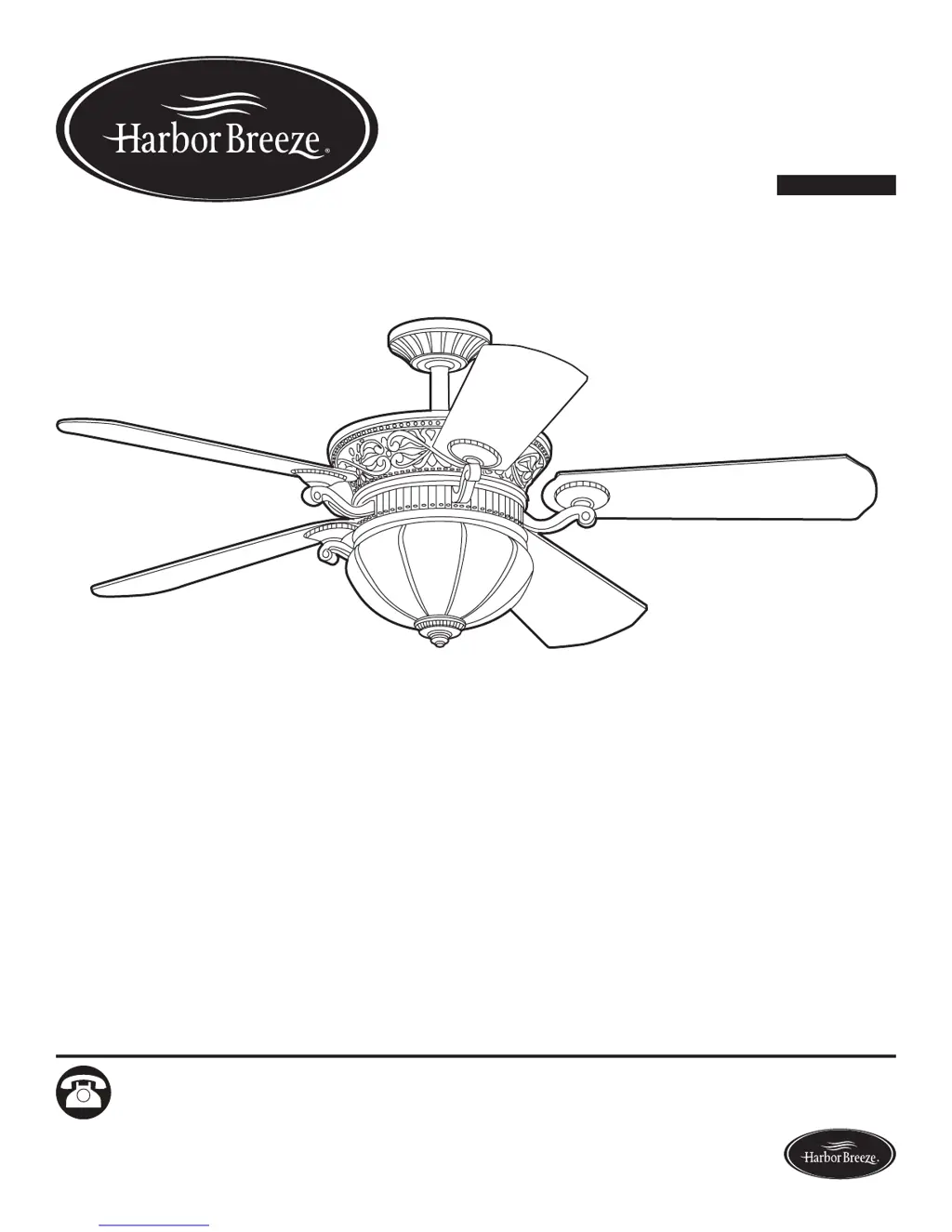
WAKEFIELD CEILING FAN
MODEL #40105
Español p. 23
1
Questions, problems, missing parts? Before returning to your retailer, call our customer
service department at 1-800-643-0067, 8 a.m. - 6 p.m., EST, Monday - Thursday, 8 a.m. - 5 p.m.,
EST, Friday.
Harbor Breeze® is a registered trademark
of LF, LLC. All Rights Reserved.

Questions and Answers

  • J
    Jeffrey WeaverAug 2, 2025
    Why is my Harbor Breeze 40105 Fan not working?
    • J
      James MooreAug 2, 2025
      If your Harbor Breeze fan isn't moving, there are several possible reasons: * The season slide switch might not be engaged. Try firmly pushing it to the left or right. * The wall switch might be off. Ensure it's turned on. * The power might be off, or a fuse (breaker) might be blown. Check the power supply and the fuse (breaker). * There could be a faulty wire connection. Turn off the power and inspect all connections at the ceiling outlet box.
  • M
    Michael JordanAug 8, 2025
    What to do if the lights on my Harbor Breeze Fan are not working?
    • J
      Jonathan AguirreAug 8, 2025
      If the lights on your Harbor Breeze fan aren't working, here's what to check: * Bulb Installation: Make sure the bulbs are correctly installed. * Wire-Pin Connectors: Ensure the wire-pin connectors in the light kit fitter are properly connected. * Wiring: Turn off the power and check all connections at the ceiling outlet box. * Wattage Limit: The fan has a 190W limiter. If the total wattage of the lights exceeds 190W, the lights won't work. Replace the bulbs with lower wattage bulbs.
  • B
    blopezAug 19, 2025
    How to troubleshoot a Harbor Breeze Fan remote control that is not working?
    • M
      Michael RiosAug 20, 2025
      If the remote control for your Harbor Breeze fan isn't working, try the following: * Power: Ensure the power to the fan is on and the fuse is not blown. * Resync: A power surge may have cleared the memory. Turn the fan power off and back on, then press the LEARN button on the back of the remote within 30 seconds. * Battery: Replace the battery in the remote control with a new 12V battery. * Interference: If you have multiple remotes, slide the dip switch to '1' inside the battery compartment, turn the fan power OFF and then ON. You should hear two musical sounds. Within 30 seconds, press the 'LEARN' key. The light (if installed) will blink 3 times and remain ON, and the fan will rotate on HIGH speed.
  • D
    Dale GillespieAug 26, 2025
    Why is my Harbor Breeze 40105 so noisy?
    • A
      Anthony RodriguezAug 26, 2025
      If your Harbor Breeze fan is making noise, consider these potential causes: * Loose Blades: Check and tighten all screws that hold the fan blades to the blade arms and the motor. * Cracked Blade: Replace any cracked blades. * Incompatible Wall Control: Avoid using a full range dimmer switch to control the fan speed. * Break-In Period: Run the fan continuously for 24 - 48 hours on medium or high speed for a 'break in' period. * Insecure Outlet Box: Ensure the outlet box is securely attached to the building structure. * Insecure Mounting Bracket: Make sure the mounting bracket is securely attached to the outlet box and that the screws are tight.
  • K
    Kimberly StanleyNov 12, 2025
    How to fix excessive wobbling in my Harbor Breeze 40105 Fan?
    • J
      Janet LittleNov 12, 2025
      If your Harbor Breeze fan is excessively wobbling, here's what you can check: 1. Loose Blades: Tighten all screws that secure the fan blades to the blade arms and the blade arms to the motor. 2. Unbalanced Blades: Try switching one blade with a blade from the opposite side. You can also use a balancing kit (not supplied). 3. Insecure Mounting: Turn off the power, loosen the canopy, and verify that the mounting bracket is securely attached to the electrical outlet box. The bracket should be flush against the outlet box without any movement. 4. Fan Too Close to Ceiling: If the fan is too close to a vaulted ceiling, use a longer downrod or move the fan to a different location. 5. Loose Set Screw: Lift up the yoke cover and tighten the set screw on the motor housing yoke until it is secu...

Summary

Safety Information

Preparation

Assembly Instructions

Initial Setup and Safety

Disconnect power, select mounting method, and check clearance requirements.

Electrical Wiring

Connecting the fan's wires to the house supply wires securely.

Operating Instructions

Remote Control Functions

Explains speed control, light operation, breeze modes, and timer functions.

Troubleshooting

Fan Operation Issues

Resolving problems like the fan not moving or making noise.

Lifetime Limited Warranty

Harbor Breeze 40105 Specifications

General IconGeneral
Model Number40105
BrandHarbor Breeze
Product TypeCeiling Fan
Number of Blades5
Motor TypeAC
Reversible MotorYes
Blade MaterialMDF
ControlsPull chain
Number of Speeds3
Blade Span52 inches

Related product manuals